1
BitDefender Total Security 2010
Toolbox
Burn to CD/DVD
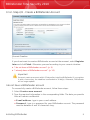
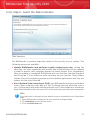
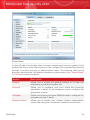
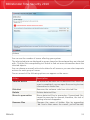
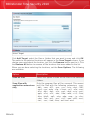
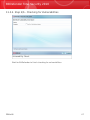
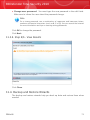
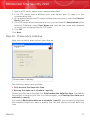
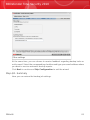
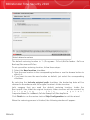
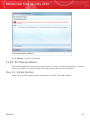
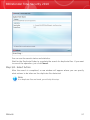
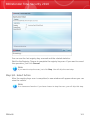
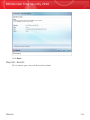
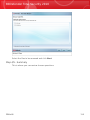
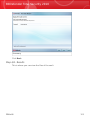
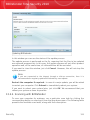
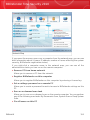
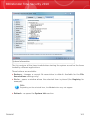
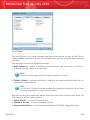
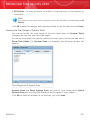
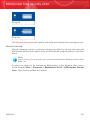
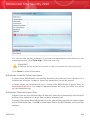
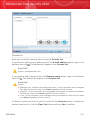
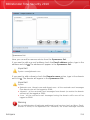
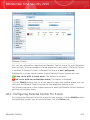
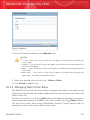
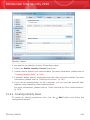
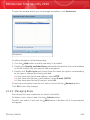
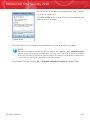
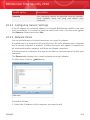
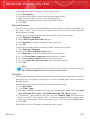
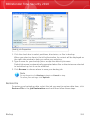
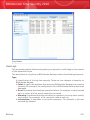
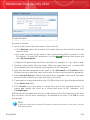
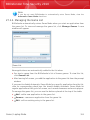
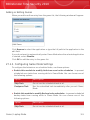
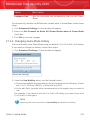
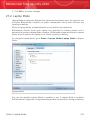
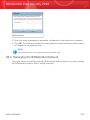
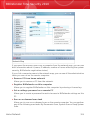
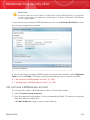
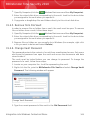
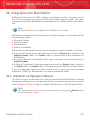
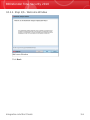
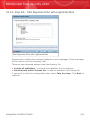
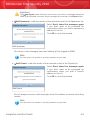
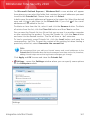
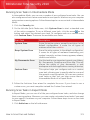
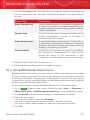
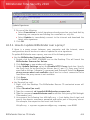
To burn data to a CD/DVD manually, follow these steps:
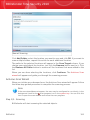
1. Click Burn data to CD/DVD.
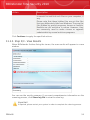
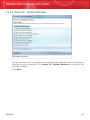
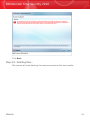
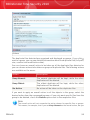
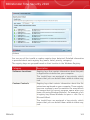
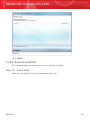
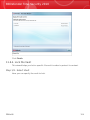
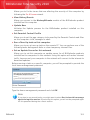
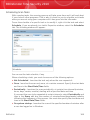
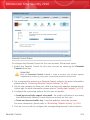
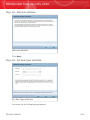
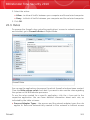
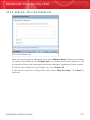
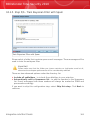
2. Click Erase if you want to reuse a rewritable disk. If you want to erase it quickly,
click Fast. If you need to erase the information track record completely, click
Complete, but this will take some time.
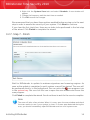
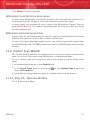
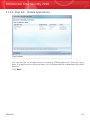
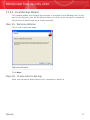
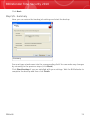
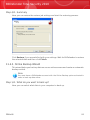
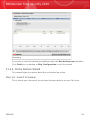
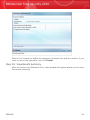
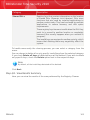
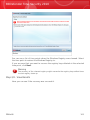
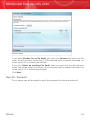
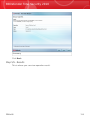
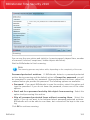
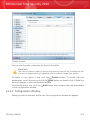
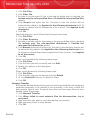
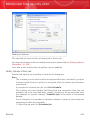
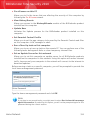
3. Click Burn with Dialog.
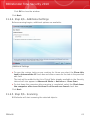
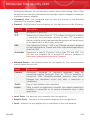
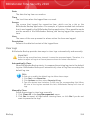
This is where you can set the disk to be ejected after burn, finalized (if you plan
to share it with others) or written on using the Joliet file system (less filename
restrictions).
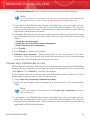
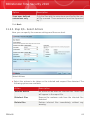
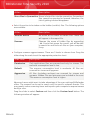
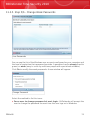
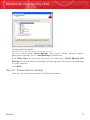
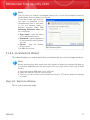
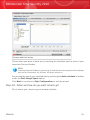
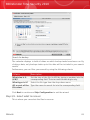
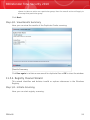
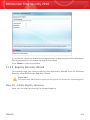
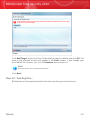
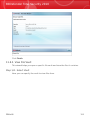
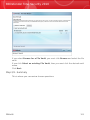
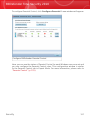
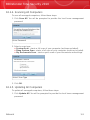
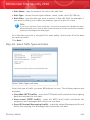
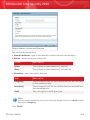
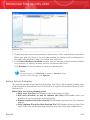
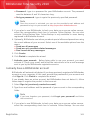
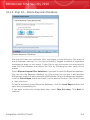
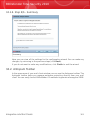
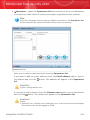
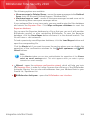
4. Click File or Directory in the pop-up dialog box to add data you want to burn.
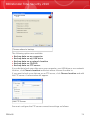
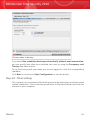
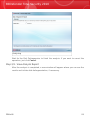
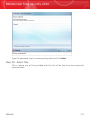
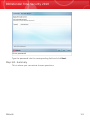
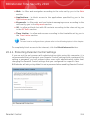
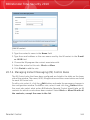
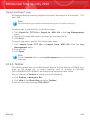
5. After the data has been added, select burner and the input disc name to burn
the data on, and then click Burn.
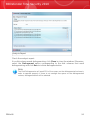
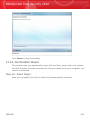
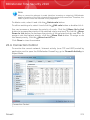
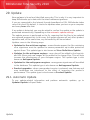
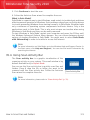
Burn ISO Image File to CD/DVD
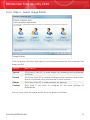
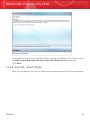
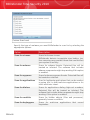
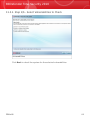
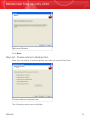
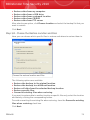
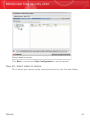
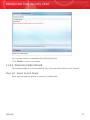
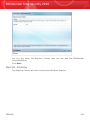
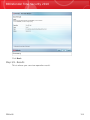
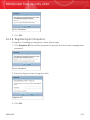
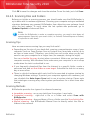
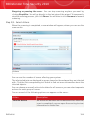
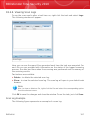
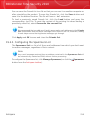
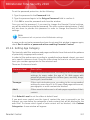
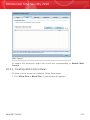
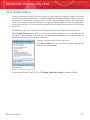
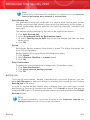
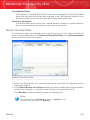
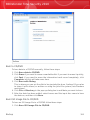
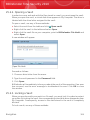
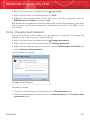
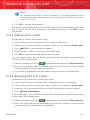
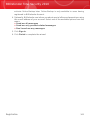
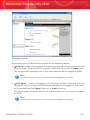
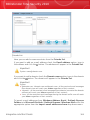
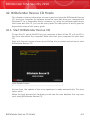
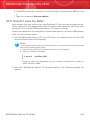
To burn an ISO Image file to a CD/DVD follow these steps:
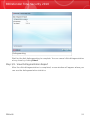
1. Click Burn ISO Image File to CD/DVD.
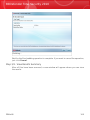
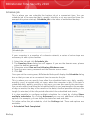
Backup
300