1
BitDefender Total Security 2010
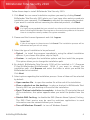
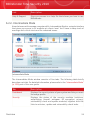
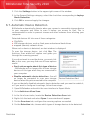
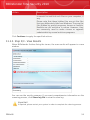
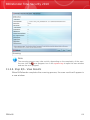
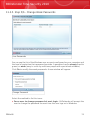
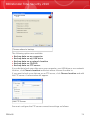
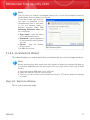
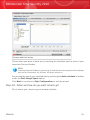
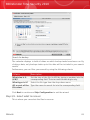
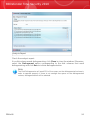
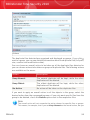
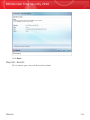
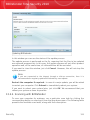
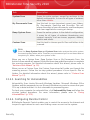
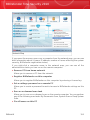
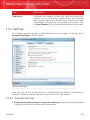
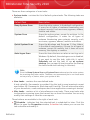
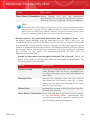
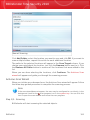
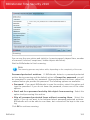
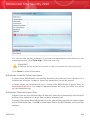
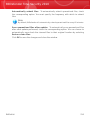
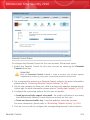
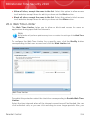
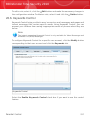
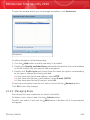
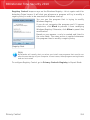
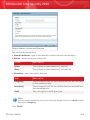
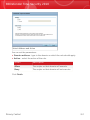
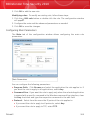
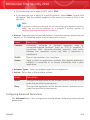
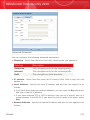
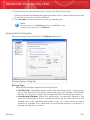
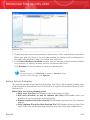
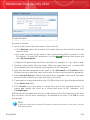
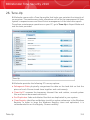
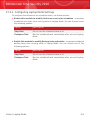
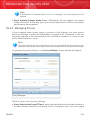
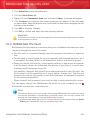
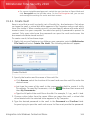
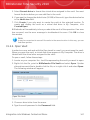
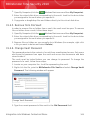
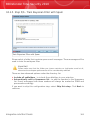
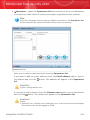
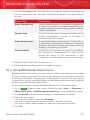
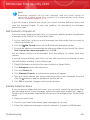
Automatically submit files. To automatically submit quarantined files, check
the corresponding option. You must specify the frequency with which to submit
files.
Note
By default, BitDefender will automatically submit quarantined files every 60 minutes.
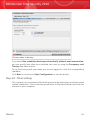
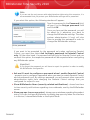
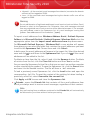
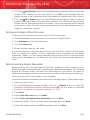
Scan quarantined files after update. To automatically scan quarantined files
after each update performed, check the corresponding option. You can choose to
automatically move back the cleaned files to their original location by selecting
Restore clean files.
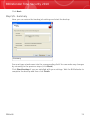
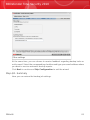
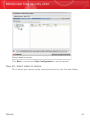
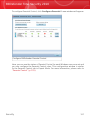
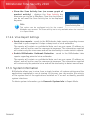
Click OK to save the changes and close the window.
Antivirus
210