1
BitDefender Total Security 2010
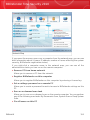
Instant Messaging Encryption
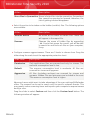
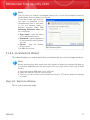
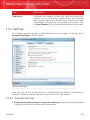
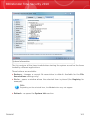
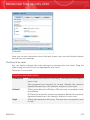
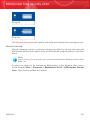
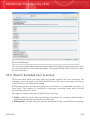
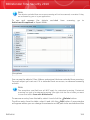
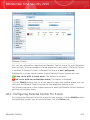
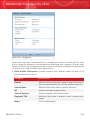
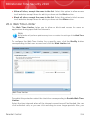
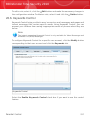
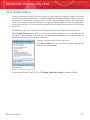
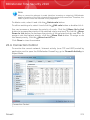
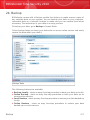
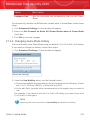
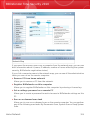
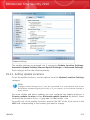
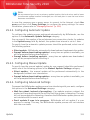
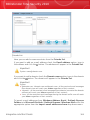
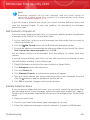
By default, IM Encryption is enabled for both Yahoo Messenger and Windows Live
(MSN) Messenger. You can choose to disable IM Encryption for a specific chat
application only or completely.
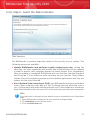
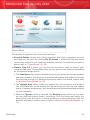
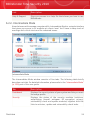
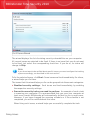
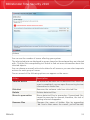
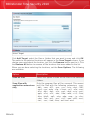
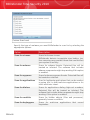
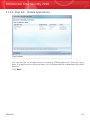
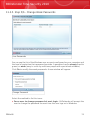
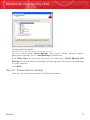
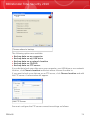
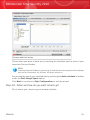
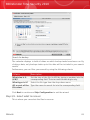
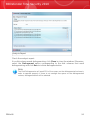
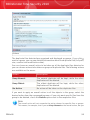
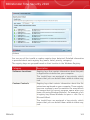
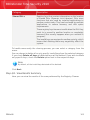
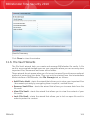
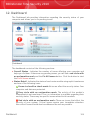
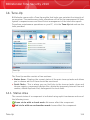
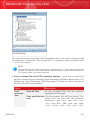
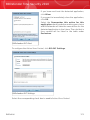
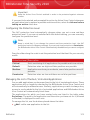
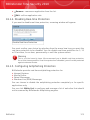
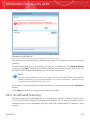
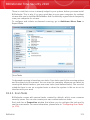
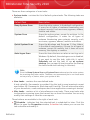
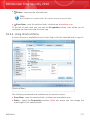
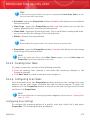
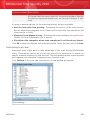
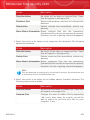
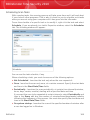
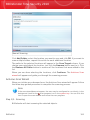
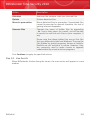
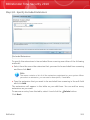
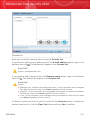
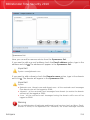
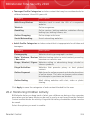
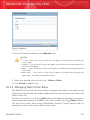
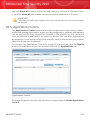
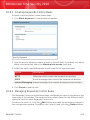
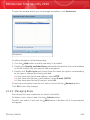
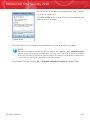
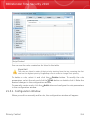
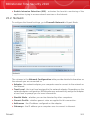
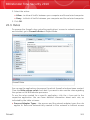
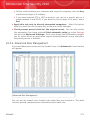
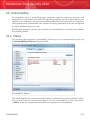
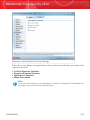
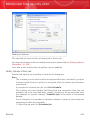
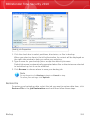
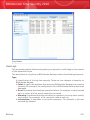
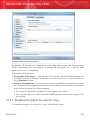
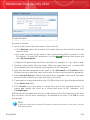
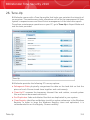
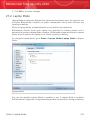
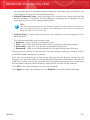
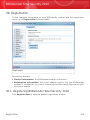
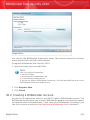
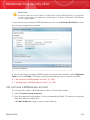
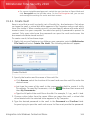
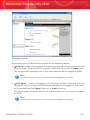
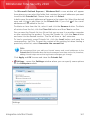
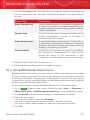
Two tables are displayed:
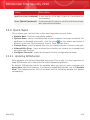
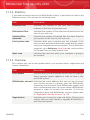
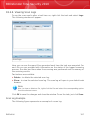
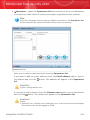
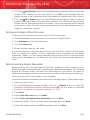
⚫ Encryption Exclusions - lists the user IDs and the associated IM program for
which encryption is disabled. To remove a contact from the list, select it and click
the Remove button.
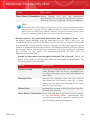
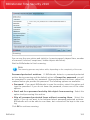
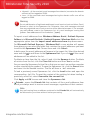
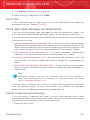
⚫ Current Connections - lists the current instant messaging connections (user ID
and associated IM program) and whether or not they are encrypted. A connection
may not be encrypted for these reasons:
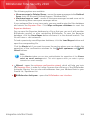
▸ You explicitly disabled encryption for the respective contact.
▸ Your contact does not have installed a BitDefender version that supports IM
encryption.
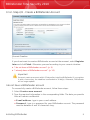
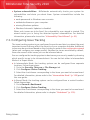
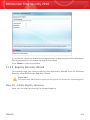
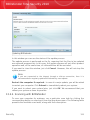
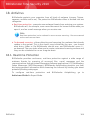
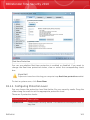
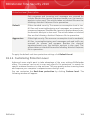
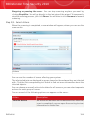
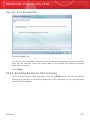
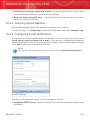
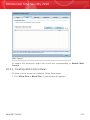
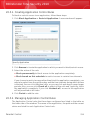
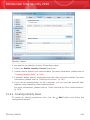
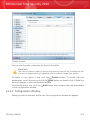
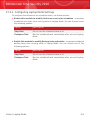
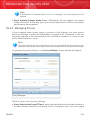
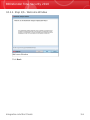
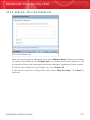
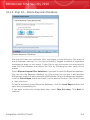
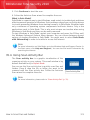
25.1.1. Disabling Encryption for Specific Users
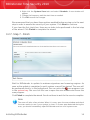
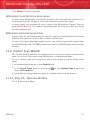
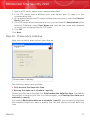
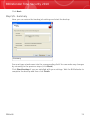
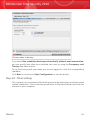
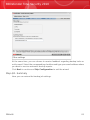
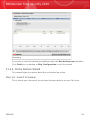
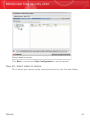
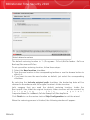
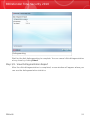
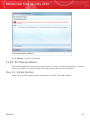
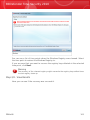
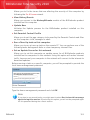
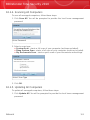
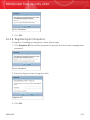
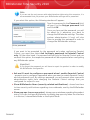
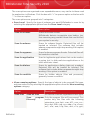
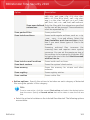
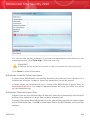
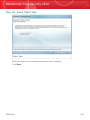
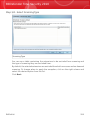
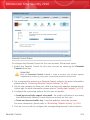
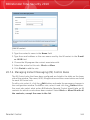
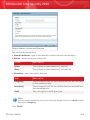
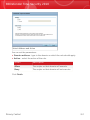
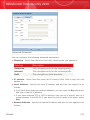
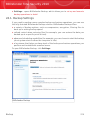
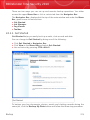
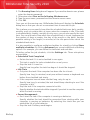
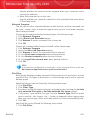
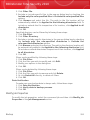
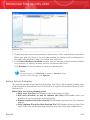
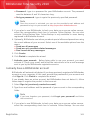
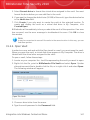
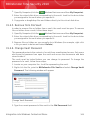
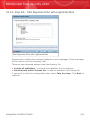
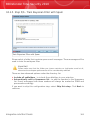
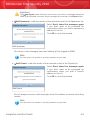
To disable encryption for a specific user, follow these steps:
Encryption
305