1
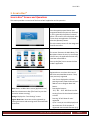
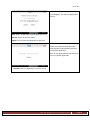
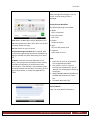
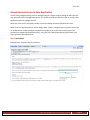
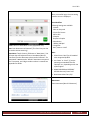
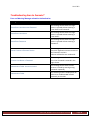
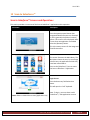
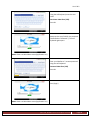
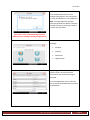
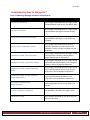
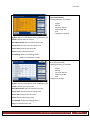
Ver 1.20.2 22.7.2.3 Understanding and Monitoring Usage The Integrated Cloud Environment is able to monitor the user’s scanning and printing activities at the Multi-Function Printer (MFP) to provide audit trail data. The activities which can be tracked are as follows: Scanning from the MFP: Printing from the MFP: 1. Login Failure/Success 1. Download Failure 2. OCR Failure/Success 2. Invalid Release Code 3. OCR File Upload Failure/Success 3. Other Error 4. Scan File Upload Failure/Success 4. Print Success 22.7.3 Ensuring Data is Secured The Integrated Cloud Environment servers only store scanning and printing data for a temporary period in order to successfully transfer the data to its specified destination or to be downloaded to the MFP. The MFP local data is purged immediately after the transfer is complete. All customer data used to manage their Integrated Cloud Environment license/accounts, such as: customer name, email address and admin name, is securely maintained and backed-up as detailed below. 22.7.3.1 Physical Security The Integrated Cloud Environment is hosted at a secure purpose built data center located in Piscataway, New Jersey. The data center provides unsurpassed security, and availability (uptime) for the application. The date center’s security features include: Non-descript, purpose built data center with numerous prevention and detection technologies integrated into its architecture, including 24-hour security monitoring and control. Redundant fire detection and suppression with FM200 gas suppression and/or dry pipe sprinkler system. VESDA, Smoke, Heat, and Water detection system are also provided. Proximity protection provided by 24-hour security guards, video surveillance, access card with biometric hand scanning identification, and infrared intrusion detection system. Environmental Control provided by redundant CRAC cooling system with monitored temperature humidity controls designed with n+1 reliability. Ricoh Americas Corporation Page 148