1
Ver 1.20.2
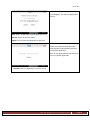
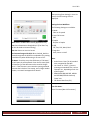
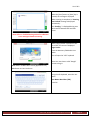
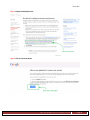
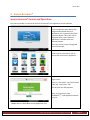
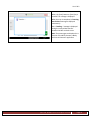
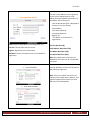
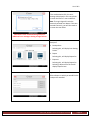
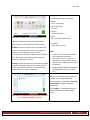
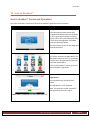
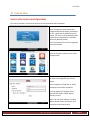
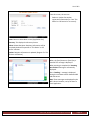
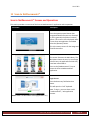
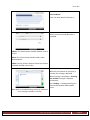
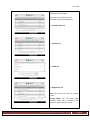
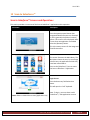
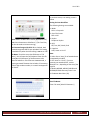
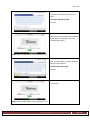
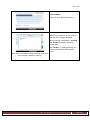
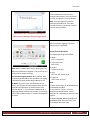
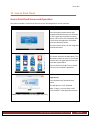
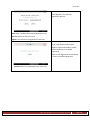
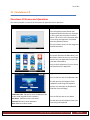
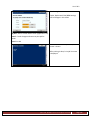
Using the soft keyboard, enter the user
name.
User Name: Max Chars (256).
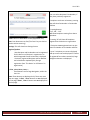
Press OK.
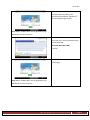
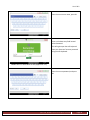
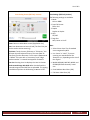
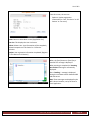
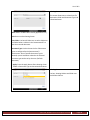
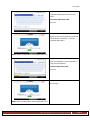
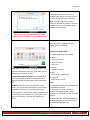
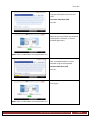
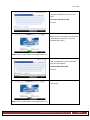
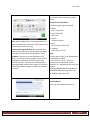
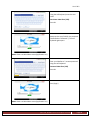
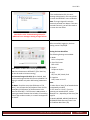
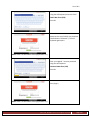
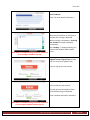
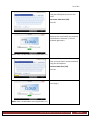
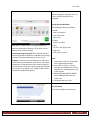
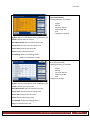
Now press the entry field for the Mobile
Pin (located below “Mobile Pin:”). The soft
keyboard again opens.
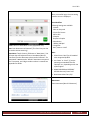
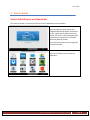
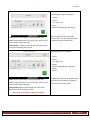
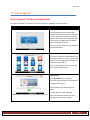
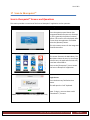
Home: Return to Main Menu screen [Application List].
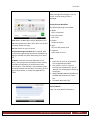
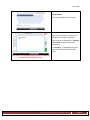
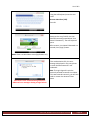
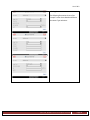
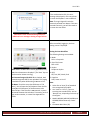
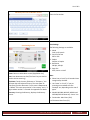
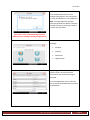
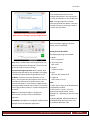
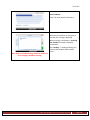
Enter your Concur™ account Mobile Pin
using the soft keyboard.
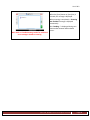
Password: Max Chars (256)
Press OK.
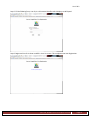
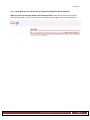
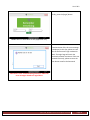
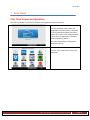
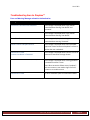
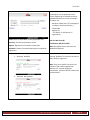
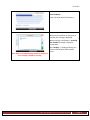
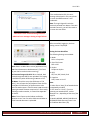
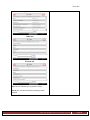
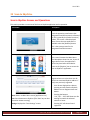
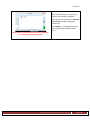
Press [Login].
Home: Return to Main Menu screen [Application List].
Ricoh Americas Corporation
Page 50