1
Paper and Other Media
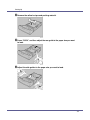
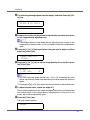
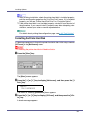
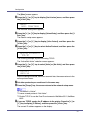
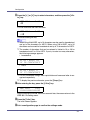
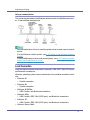
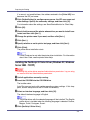
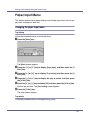
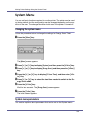
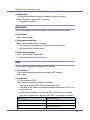
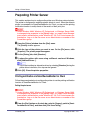
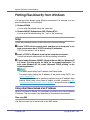
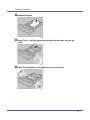
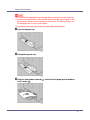
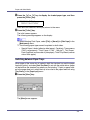
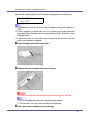
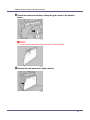
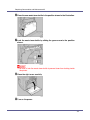
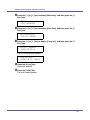
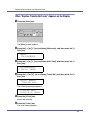
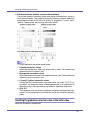
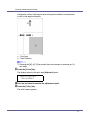
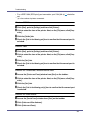
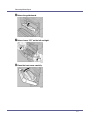
H Press the {U} or {T} key to display the size and orientation of the paper
in the bypass tray.
Bypass Size:
*8 x 13
After about two seconds, the display returns to the menu.
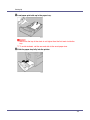
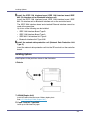
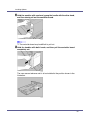
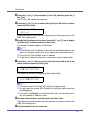
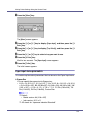
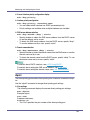
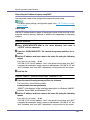
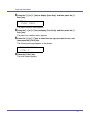
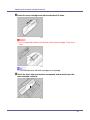
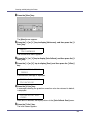
I Press the {Online} key.
The initial screen appears.
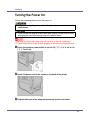
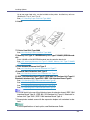
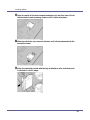
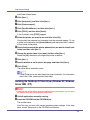
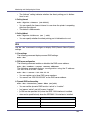
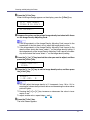
❒ To load thick paper, OHP transparencies, or envelopes, make settings for
thick paper or OHP transparencies using the control panel and printer driver.
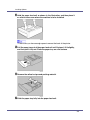
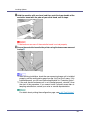
❒ The number of pages that can be loaded in the bypass tray differs depending on paper type. Make sure paper is not stacked above the paper guides
inside the bypass tray.
For details about control panel settings for custom size paper or special paper, see p.23 “Specifying custom size paper for the Bypass Tray”.
To select custom size paper (148 - 356 mm in length, 90 - 216 mm in
width), see p.23 “Specifying custom size paper for the Bypass Tray”.
For control panel settings when using thick paper, OHP transparencies, or
post cards, see p.25 “Specifying a paper type for the Bypass Tray”.
Specifying custom size paper for the Bypass Tray
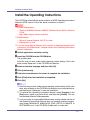
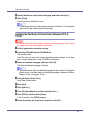
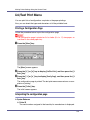
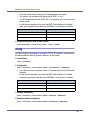
❒ When loading custom size or special paper, specify the paper size using the
control panel and printer driver.
❒ Paper sizes between 148 - 356 in length and 90 - 216 mm in width can be
loaded in the bypass tray.
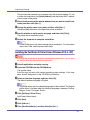
❒ The custom paper size selected using the printer driver overrides that selected using the control panel. Do not configure settings using the control panel if
you have already made settings using the printer driver. However, when printing with a printer driver other than the RPCS printer driver, you must configure
the settings using the control panel.
❒ You cannot print on custom size paper with an application that does not support the custom size setting.
23