1
Monitoring and Configuring the Printer
Configuring the Energy Saver Mode
Follow the procedure below to configure Energy Saver mode.
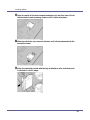
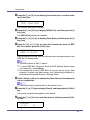
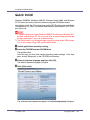
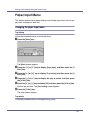
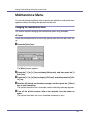
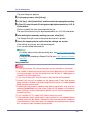
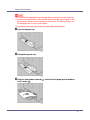
A Start SmartDeviceMonitor for Admin.
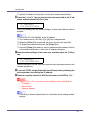
B On the [Group] menu, point to [Search Device],
and then click [TCP/IP],
[IPX/SPX] or [TCP/IP(SNMPv3)].
A list of printers using the selected protocol appears.
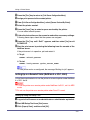
❒ Select the protocol of the printer whose configuration you want to change.
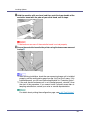
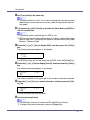
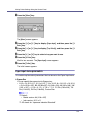
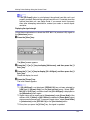
C Select the printer whose settings you want to make.
To make settings for all printers in the selected group, select no printer.
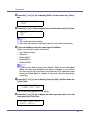
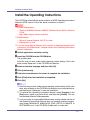
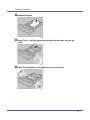
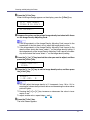
D On the [Group] menu, point to [Energy Save Mode], point to [Set Individually] to
make the settings for only the selected printer or point to [Set By Group]
to make the settings for all printers in the selected group, and then click
[On] or [Off].
E Quit SmartDeviceMonitor for Admin.
For details about the setting value for Energy Saver mode, see SmartDeviceMonitor for Admin Help.
Setting a Password
Follow the procedure below to set a password.
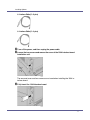
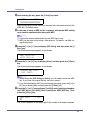
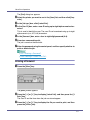
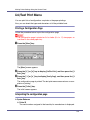
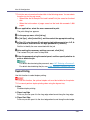
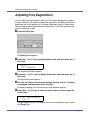
A Start SmartDeviceMonitor for Admin.
B On the [Group] menu, point to [Search Device],
and then click [TCP/IP],
[IPX/SPX] or [TCP/IP(SNMPv3)].
A list of printers using the selected protocol appears.
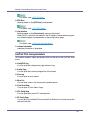
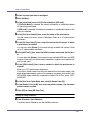
C In the list, select a printer whose configuration you want to change.
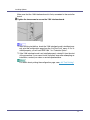
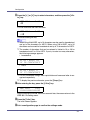
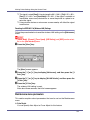
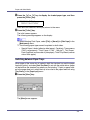
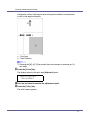
D On the [Tools] menu, click [NIB Setup Tool].
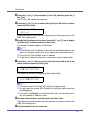
A Web browser opens and the dialog box for entering the password for the
Web Image Monitor administrator appears.
NIB Setup Tool starts when the network interface board is default. Follow the
instruction on the screen.
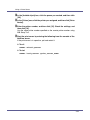
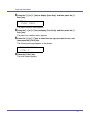
E Enter the user name and password, and then click [OK].
Contact your network administrator for information about the settings.
174