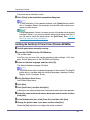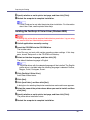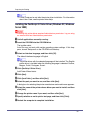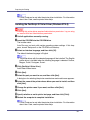
1
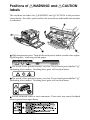
Positions of RWARNING and RCAUTION
labels
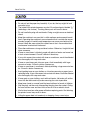
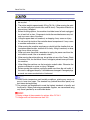
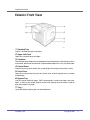
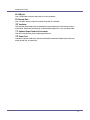
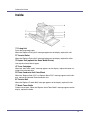
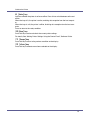
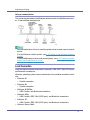
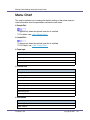
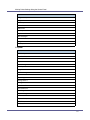
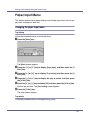
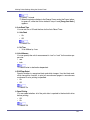
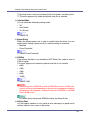
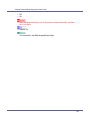
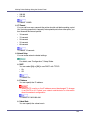
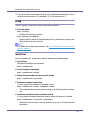
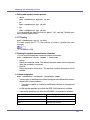
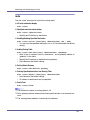
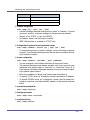
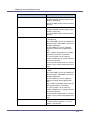
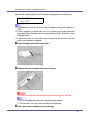
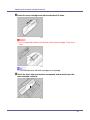
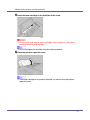
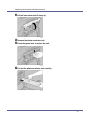
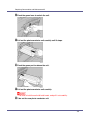
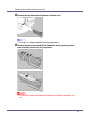
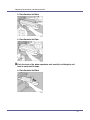
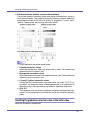
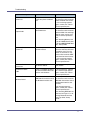
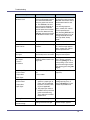
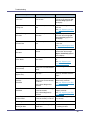
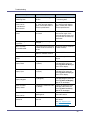
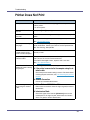
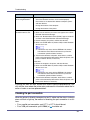
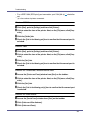
This machine has labels for RWARNING and RCAUTION at the positions
shown below. For safety, please follow the instructions and handle the machine
as indicated.
AJT086S
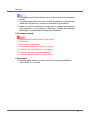
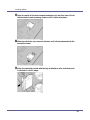
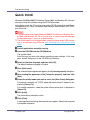
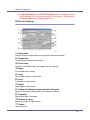
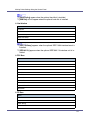
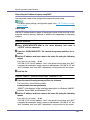
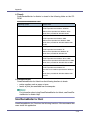
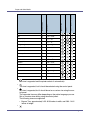
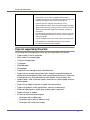
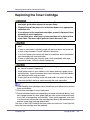
High temperature parts. Turn off the main power and be careful when replacing fusing unit / removing misfed paper.
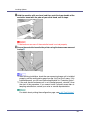
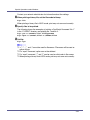
The inside of this printer becomes very hot. Do not touch parts labelled “v”
(indicating a hot surface). Touching these parts will result in burns.
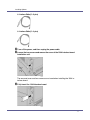
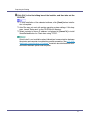
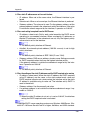
The inside of this printer becomes very hot. Do not touch parts labelled “v”
(indicating a hot surface). Touching these parts will result in burns.
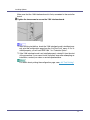
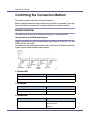
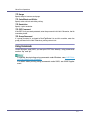
Do not incinerate toner or toner containers. Toner dust may cause flashback
when exposed to an open flame.