1
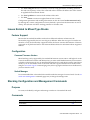
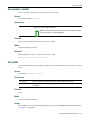
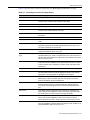
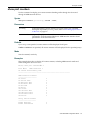
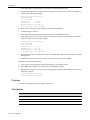
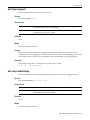
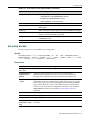
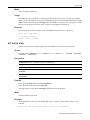
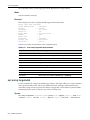
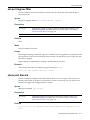
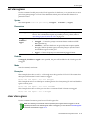
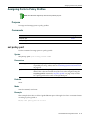
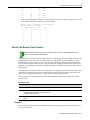
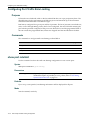
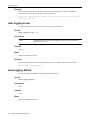
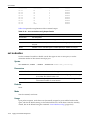
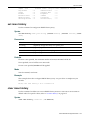
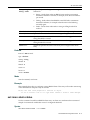
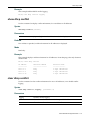
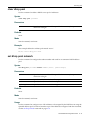
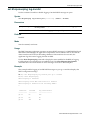
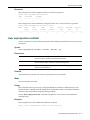
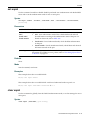
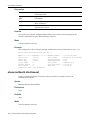
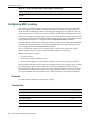
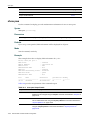
set cos port-resource irl
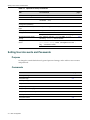
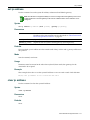
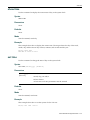
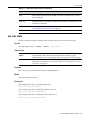
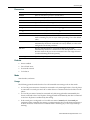
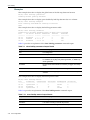
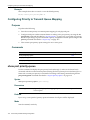
Defaults
None.
Mode
Switch command, read‐write.
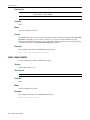
Usage
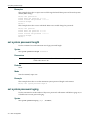
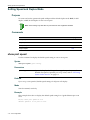
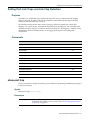
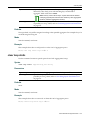
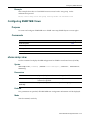
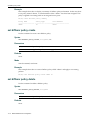
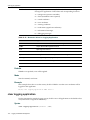
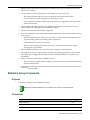
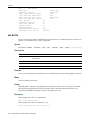
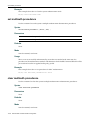
The default port group 0.0 cannot be deleted.
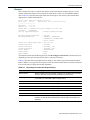
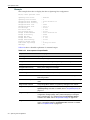
Example
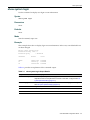
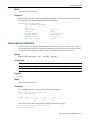
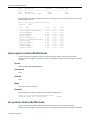
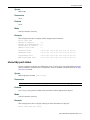
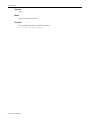
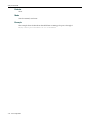
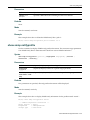
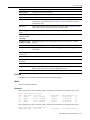
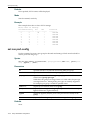
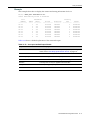
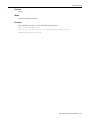
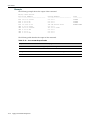
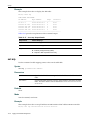
This example deletes all IRL Port Groups except for the Default group 0.0:
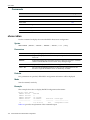
B2(su)->clear cos port-config irl all
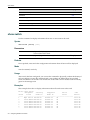
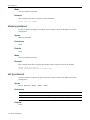
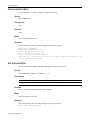
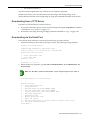
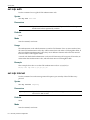
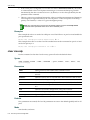
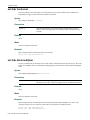
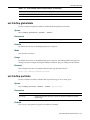
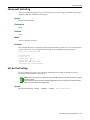
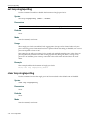
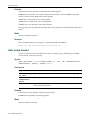
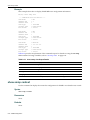
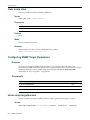
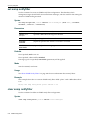
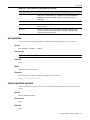
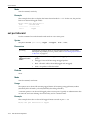
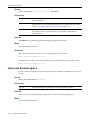
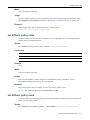
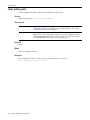
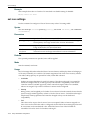
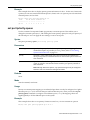
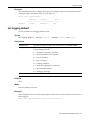
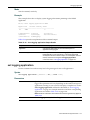
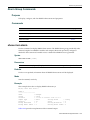
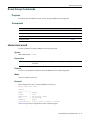
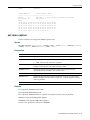
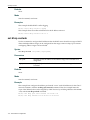
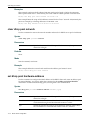
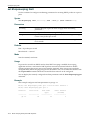
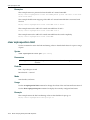
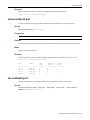
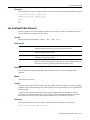
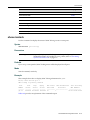
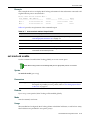
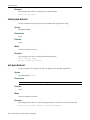
set cos port-resource irl
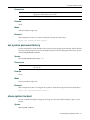
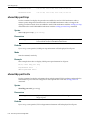
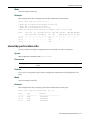
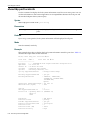
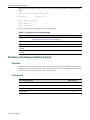
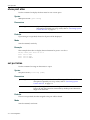
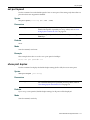
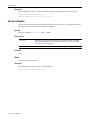
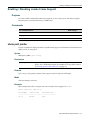
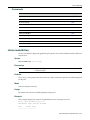
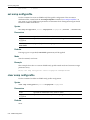
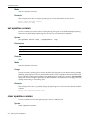
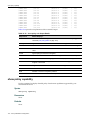
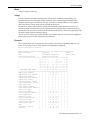
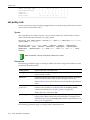
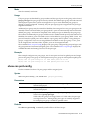
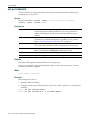
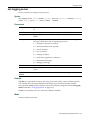
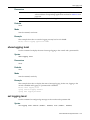
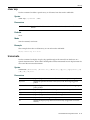
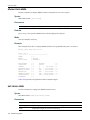
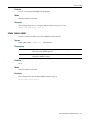
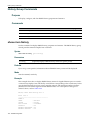
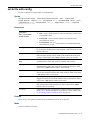
Use this command to set the inbound rate limit parameters for a specific IRL resource for a specific port group.
Syntax
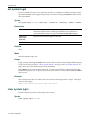
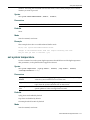
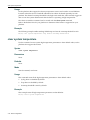
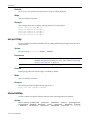
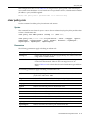
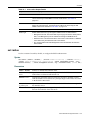
set cos port-resource irl group-type-index irl-index {[unit {kbps}] [rate rate]
[type {drop}]}[syslog enable | disable] [trap enable|disable]
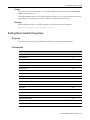
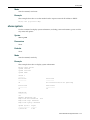
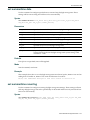
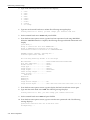
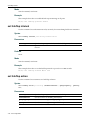
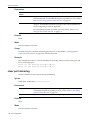
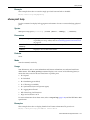
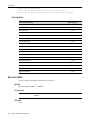
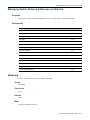
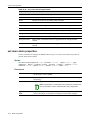
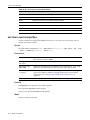
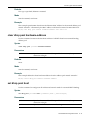
Parameters
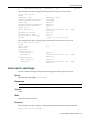
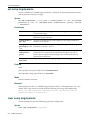
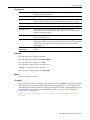
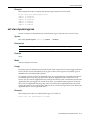
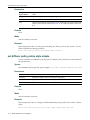
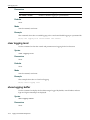
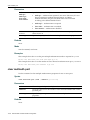
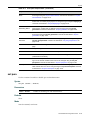
group‐type‐index
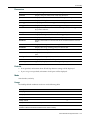
Specifies an inbound rate limiting port group/type index. Valid entries are in the form of group#.port‐type. Valid values for group# can range from 0 to 7. Valid values for port‐type can range from 0 to 1, although only port type 0 is currently supported. For example, port group 3 would be specified as 3.0. irl‐index
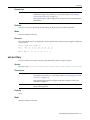
Index number of the inbound rate limiter resource associated with this entry. Valid values range from 0 to 99.
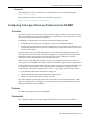
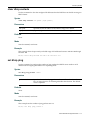
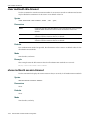
unit
Unit of measure for the inbound rate limiter (only option is Kbps).
kbps
Kilobits per second.
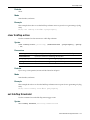
rate rate
Data rate for this inbound rate limiter. This is the actual rate limit. Valid values range from 512 to 1,000,000 Kbps for a Gigabit port.
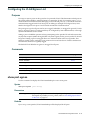
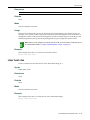
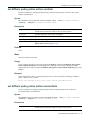
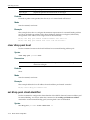
type drop
Action for the rate limiter. The only action option is drop the frame if all limiters are exceeded.
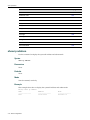
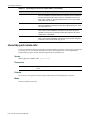
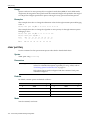
syslog enable|disable
Enable or disable reporting a syslog entry if limiters are exceeded.
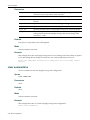
trap enable|disable Enable or disable sending a trap if limiters are exceeded.
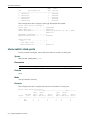
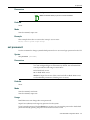
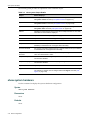
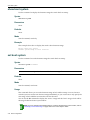
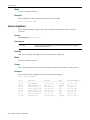
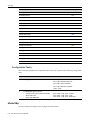
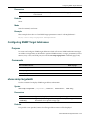
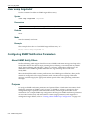
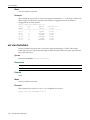
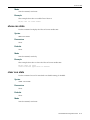
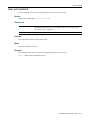
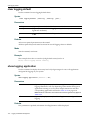
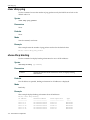
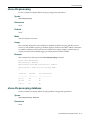
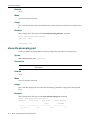
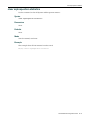
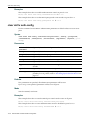
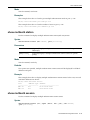
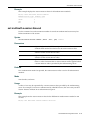
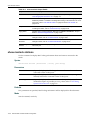
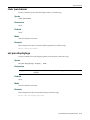
Defaults
None.
Mode
Switch command, read‐write.
SecureStack B2 Configuration Guide
12-27