1
Miscellaneous Planning and Procedures
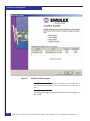
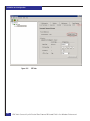
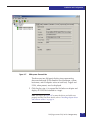
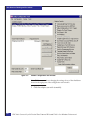
– Windows 2000, Windows 2003:
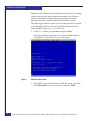
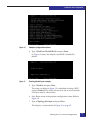
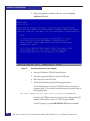
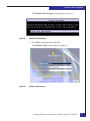
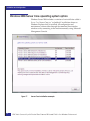
Start> Programs> Emulex Configuration Tool
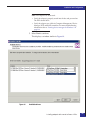
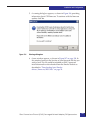
Right-click Emulex Configuration Tool and select
Properties from the pop-up menu.
b. Modify the shortcut as follows:
c:\winnt\system32\elxcfg.exe --emc
(where -- is two dashes).
◆
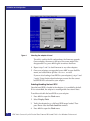
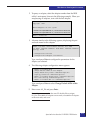
Driver versions 2.20a12 and 2.21a0:
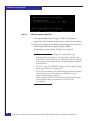
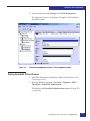
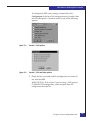
a. From the Windows desktop, follow this path:
– – Windows 2000, Windows 2003:
Start > Programs > ELXCFG
Right-click ELXCFG and select Properties from the
pop-up menu.
b. Modify the shortcut as follows:
"c:\Program Files\HBAnyware\elxcfg.exe" --emc
(where -- is two dashes).
◆
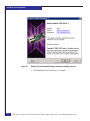
Driver version 2.21a7 — The shortcut created with the 2.21a7
application kit does not allow direct editing, as it is not a shortcut
but rather a Microsoft token reference.
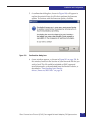
To create the necessary EMC shortcut:
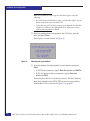
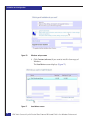
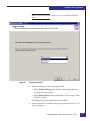
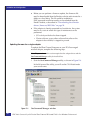
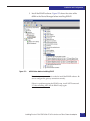
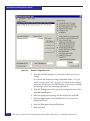
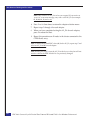
a. Browse to c:\Program Files\HBAnyware\ and right-click the
ELXCFG.EXE icon. Select Create shortcut from the popup
menu.
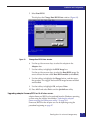
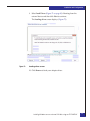
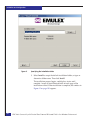
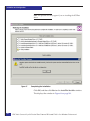
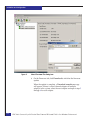
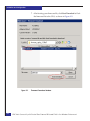
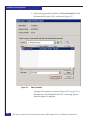
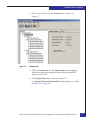
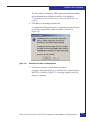
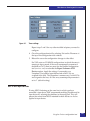
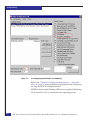
b. Once the shortcut is created, right-click it and select Properties
from the pop-up menu.
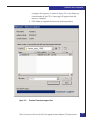
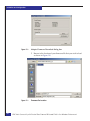
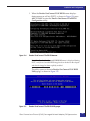
c. Modify the shortcut target as follows:
"c:\Program Files\HBAnyware\elxcfg.exe" --emc
where -- is two dashes
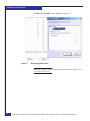
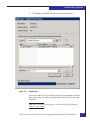
d. Select OK to apply the changes.
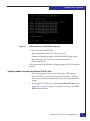
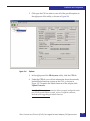
e. Copy this shortcut to the programs menu or to the desktop.
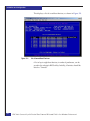
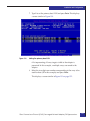
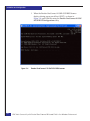
You must use this shortcut when starting the ELXCFG.EXE
configuration tool.
204
EMC Host Connecivity with Emulex Fibre Channel HBAs and CNAs in the Windows Environment