1
Installation and Configuration
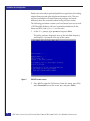
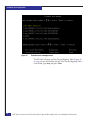
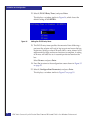
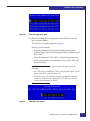
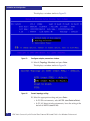
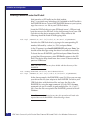
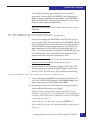
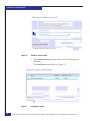
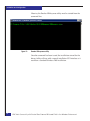
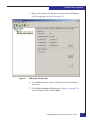
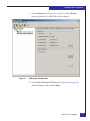
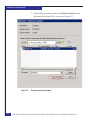
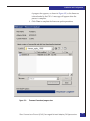
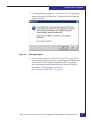
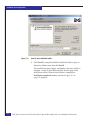
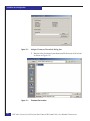
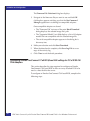
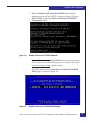
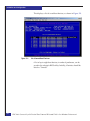
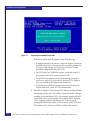
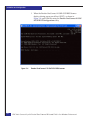
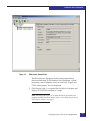
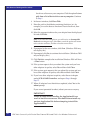
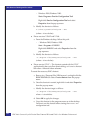
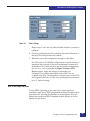
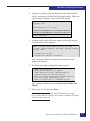
22. Select 3 (PLOGI Retry Timer) and press Enter.
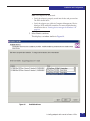
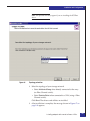
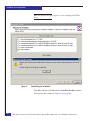
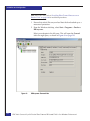
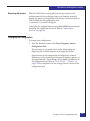
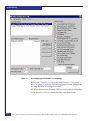
This displays a window similar to Figure 36, which shows the
default setting of NO RETRYs.
Figure 36
Setting the PLOGI retry timer
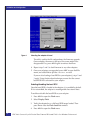
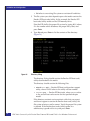
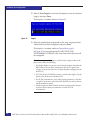
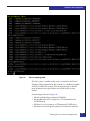
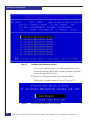
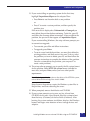
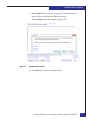
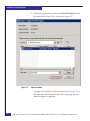
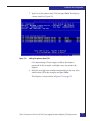
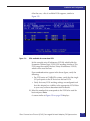
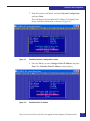
23. The PLOGI retry timer specifies the amount of time following a
port reset the adapter will wait to log in again and rescan the bus
for devices. Setting a value of 50 msec allows a retry interval of 50
milliseconds for login and rescan functions to complete. A setting
of 50 msec will take five to six seconds per device found on the
bus.
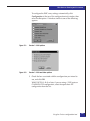
Select 50 msec and press Enter.
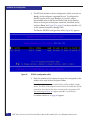
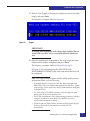
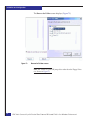
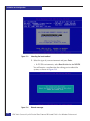
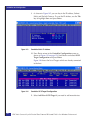
24. Press Esc to return to the configuration screen shown in Figure 32
on page 55.
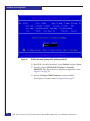
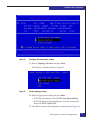
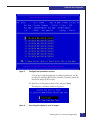
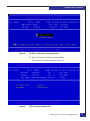
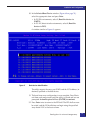
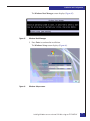
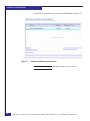
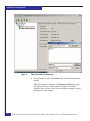
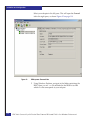
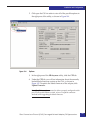
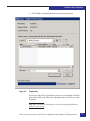
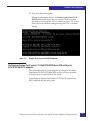
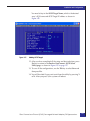
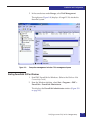
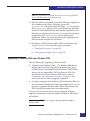
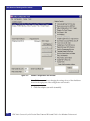
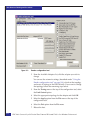
25. Select 3 (Configure Boot Parameters) and press Enter.
This displays a window similar to Figure 37 on page 59.
58
EMC Host Connecivity with Emulex Fibre Channel HBAs and CNAs in the Windows Environment