1
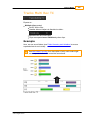
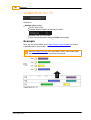
DVO Dust
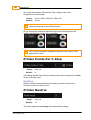
Values :
Default :
259
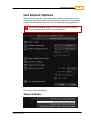
Inside, Across, Bypass
inside
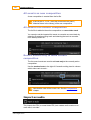
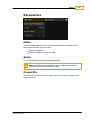
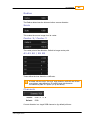
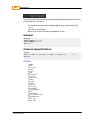
Channels
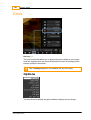
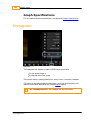
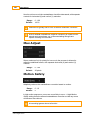
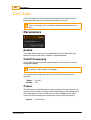
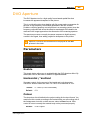
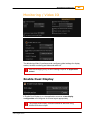
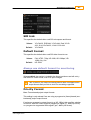
This control is for selecting the channels from which dirt will be
removed.
Normally the processing should be set to all channels, but in some
cases, especially with small dirt, better results can be achieved by
processing only one or two of the channels.
Values :
Default :
Any combination of R,G and B.
R,G,B
Setup
View
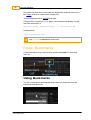
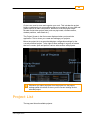
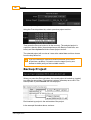
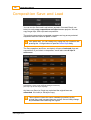
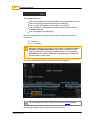
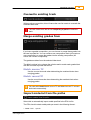
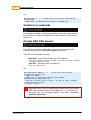
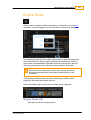
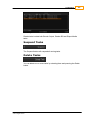
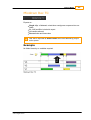
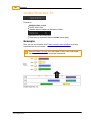
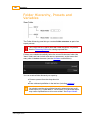
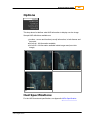
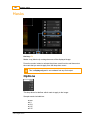
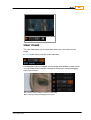
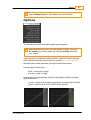
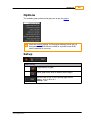
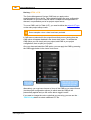
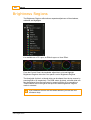
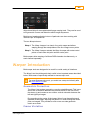
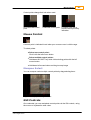
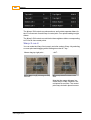
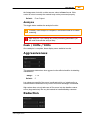
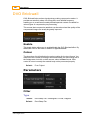
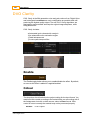
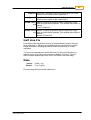
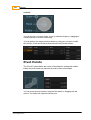
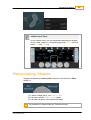
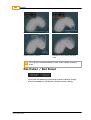
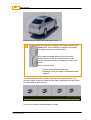
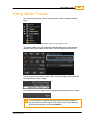
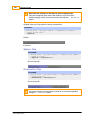
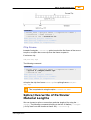
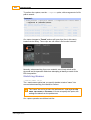
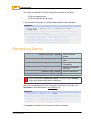
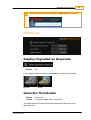
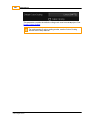
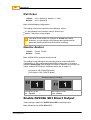
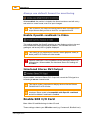
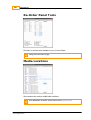
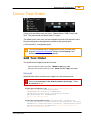
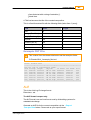
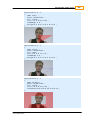
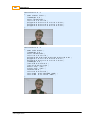
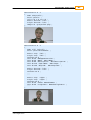
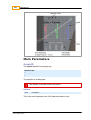
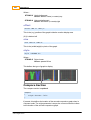
Turning on the Vie w toggle button will provide an overlay/preview showing
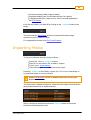
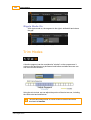
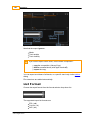
detected dirt. The type of overlay can be selected via the Vie w M ode dropdown list:
Default :
Off
View Mode
© 2014 Digital Vision
UM-2014.1-07