1
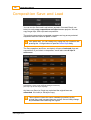
DVO Upscale
329
Advanced mode only
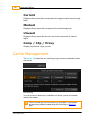
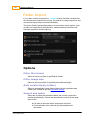
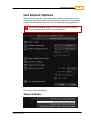
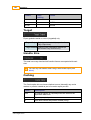
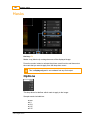
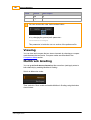
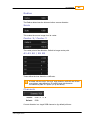
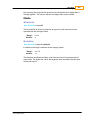
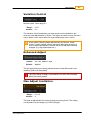
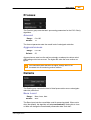
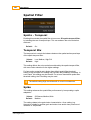
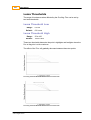
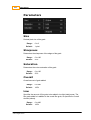
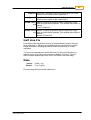
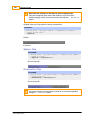
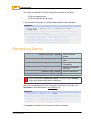
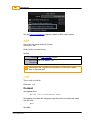
Edge sharpening amount
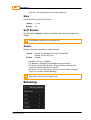
Texture
Values :
Default :
0 - 100
100
Advanced mode only
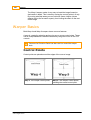
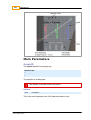
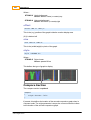
Balances flat area texture and sharpening noise.
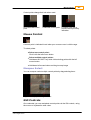
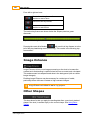
Recommended settings are 100 for normal images and 0 for graphics. If flat
area noise is intrusive a setting lower than 100 will give less noise at the
expense of texture definition.
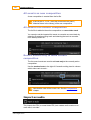
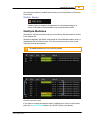
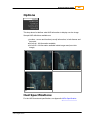
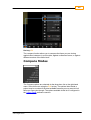
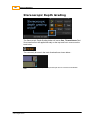
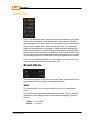
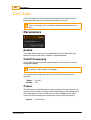
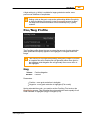
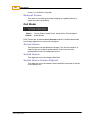
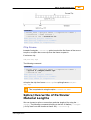
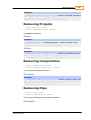
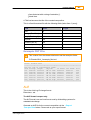
Deinterlace Control
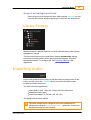
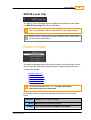
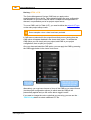
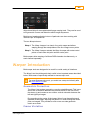
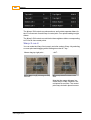
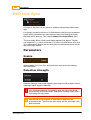
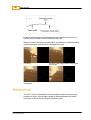
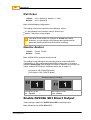
In an analogue video signal there may be a visible half lines (unless removed
when captured) i.e. half the line is blanked and the rest of the line contains
image information. The last half line is usually unwanted when de-interlacing.
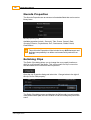
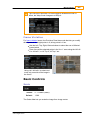
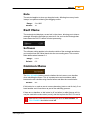
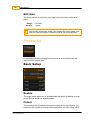
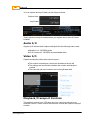
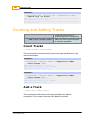
To remove the blanked part, enable Half Line Fix and select the line(s) to
address for top (Top Fix Lines) and bottom (Bottom Fix Lines). This will
ensure that the blanked part of the line is not visible in the final image.
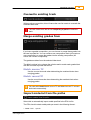
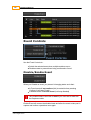
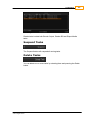
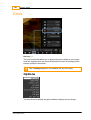
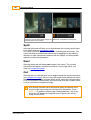
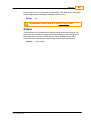
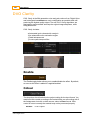
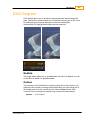
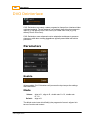
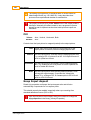
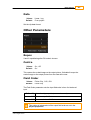
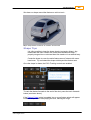
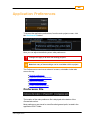
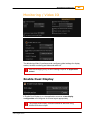
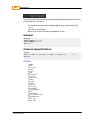
Blanking
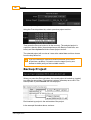
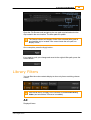
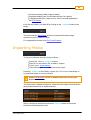
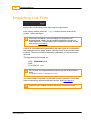
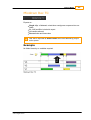
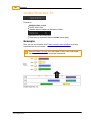
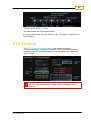
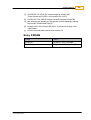
Blanking controls can be used to cover up soft image edges or any other edge
related problem.
© 2014 Digital Vision
UM-2014.1-07