1
364
Video I/O
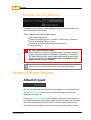
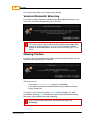
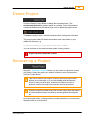
Capture Methods
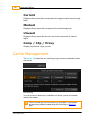
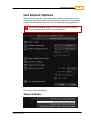
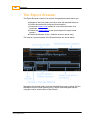
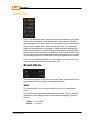
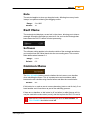
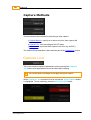
There are three main methods for performing a video capture:
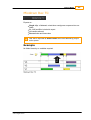
Capture Marked - specify an in and an out point, then capture this
marked region.
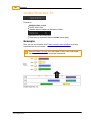
Capture Live - start recording as the VTR plays
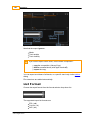
Capture List - import and then capture from a list (e.g. an EDL).
The Capture Single operation is discussed as part of the Capture List section.
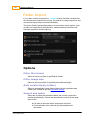
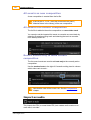
Capture Live
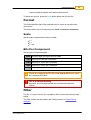
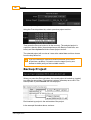
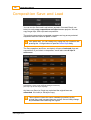
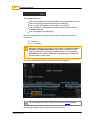
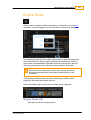
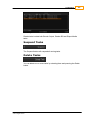
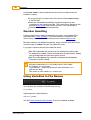
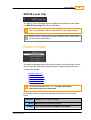
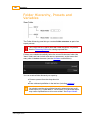
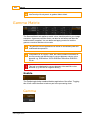
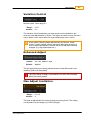
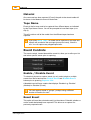
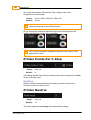
This is the simplest capture method and involves pressing the C apture
L iv e button at an appropriate time as the video tape is playing.
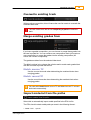
Pre-roll and post-roll settings do not apply during live capture.
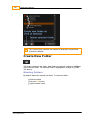
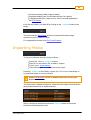
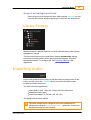
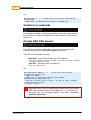
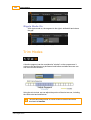
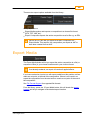
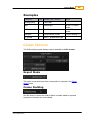
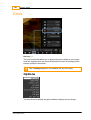
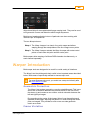
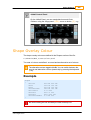
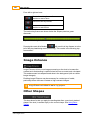
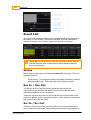
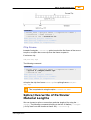
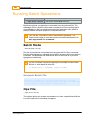
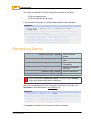
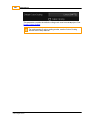
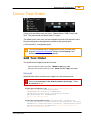
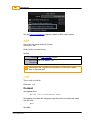
When C apture L iv e is pressed, it turns red and the S top C apture button
is highlighted. To stop capturing, press the S top C apture button.
© 2014 Digital Vision
UM-2014.1-07