1
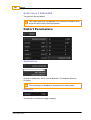
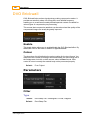
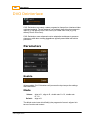
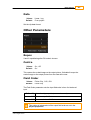
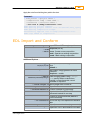
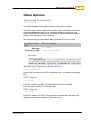
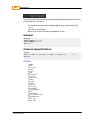
Application Preferences
441
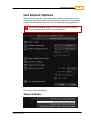
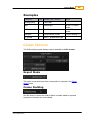
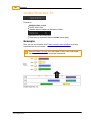
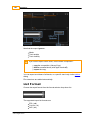
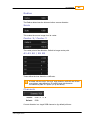
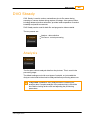
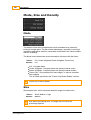
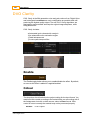
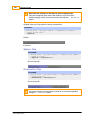
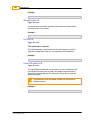
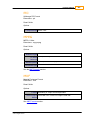
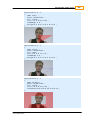
no auto folder
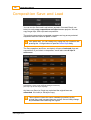
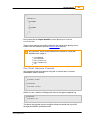
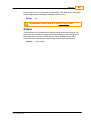
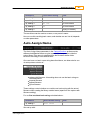
Do not create library folders automatically. Material is imported into current
library folder.
Folder : none created
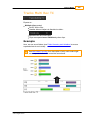
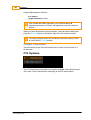
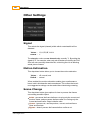
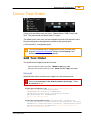
tape name
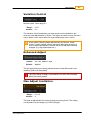
Name the folder from the tapename extracted on import.
The tapename is extracted as per the Conform tape name settings below.
This ignores any basic name file/folder calculations (folder up/
additions).
If the tapename cannot be determined, the folder is named "NOTAPE".
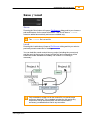
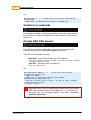
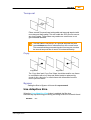
Folder : one (if we take tape name from filename, 1 folder up)
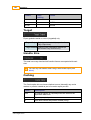
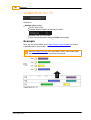
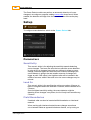
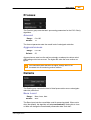
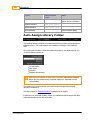
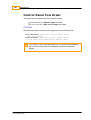
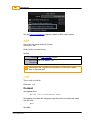
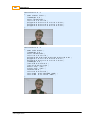
filename
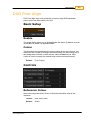
Name the folder from the file structure on disk.
Folder : three two
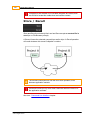
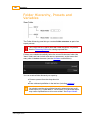
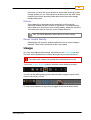
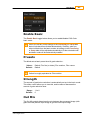
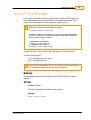
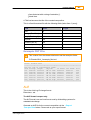
filename hierarchical
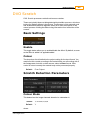
Name the folder from the file structure on disk.
Unlike the filename option, this creates folders/subfolders recursively
(whereas filename is flat).
Folder : three / two (folder one is inside two)
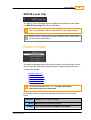
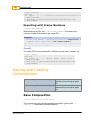
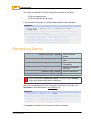
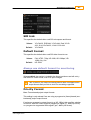
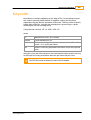
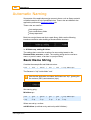
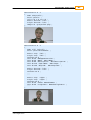
See Appendix Extracting Names for an explanation of the rules.
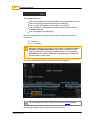
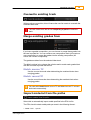
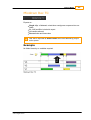
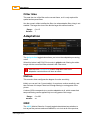
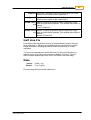
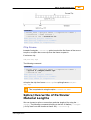
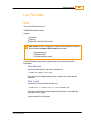
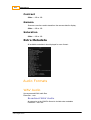
Folder Up
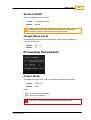
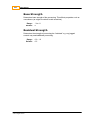
Which folder we start counting from. The folder containing the imported file/
sequence is index 0.
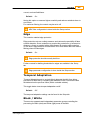
Adding folders
How many file/folder levels do we "add" to create the final name.
© 2014 Digital Vision
UM-2014.1-07