1
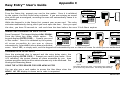
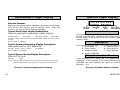
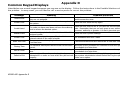
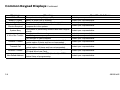
Alarm Silence
Sensor Reset
Silences the alarm bells or sirens during an alarm.
Resets smoke or glassbreak detectors. Also clears Fire/Supervisory
alarm and trouble displays.
Alarm Silence allows you to turn off the alarm bells and sirens
connected to your system during an alarm. Using Alarm Silence does
NOT stop an alarm report from being sent to the central station
and does not reset any alarmed devices. Use the Sensor Reset
function to reset devices such as smoke detectors that have
latched in alarm.
Note: You can also silence an alarm by entering your user code and
pressing COMMAND or by presenting your card to a reader while
the Status List is displaying. Matching areas assigned to your code
are disarmed and a door access occurs.
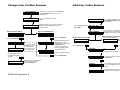
Using the Alarm Silence Function
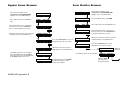
1. Access the User Menu.
2. The keypad displays ALARM SILENCE?.
3. Press any Select key to silence the bells and exit the User
Menu.
XR200-485 User Menu
Sensor Reset is used to reset smoke and glassbreak detectors after
they have been tripped. Once these detectors have tripped, they
must be reset before they can detect any additional alarm
conditions. When Sensor Reset is selected, power to the
detectors is temporarily removed by the system allowing them to
reset.
Make sure all smoke is cleared from around the area of the smoke
detectors before performing a Sensor Reset to prevent the alarm
from occurring again.
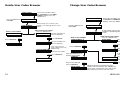
Resetting the Sensors
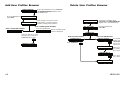
1. Access the User Menu.
2. Press COMMAND until SENSOR RESET displays.
3. The keypad displays SENSORS OFF for five seconds followed by
SENSORS ON.
4. The keypad automatically exits the User Menu.
13