1
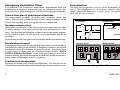
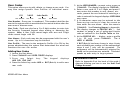
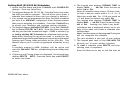
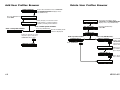
Add User Profiles Browser
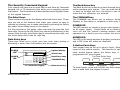
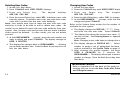
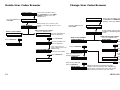
Delete User Profiles Browser
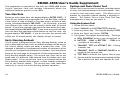
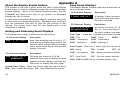
Access the User Menu. Press COMMAND
until USER PROFILES? displays. Press
any SELECT key.
USER PROFILES?
Press the SELECT key ADD DEL CHG
under ADD.
USER PROFILES?
At this prompt, you can enter a new
profile number or scroll through the
available (unused) profile numbers.
PROFILE NO: -
ADD DEL CHG
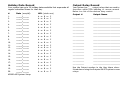
View available profile numbers.
Press any SELECT key.
Enter a new profile number.
PROFILE NO: 12
PROFILE NO: 012
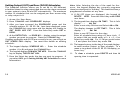
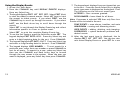
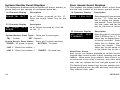
Access the User Menu. Press
COMMAND until USER PROFILES?
displays. Press any SELECT key.
Press the SELECT key
under DEL.
The first available profile
number is displayed.
PROFILE NO: -
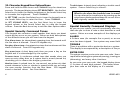
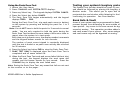
Follow the prompts to select
all profile options and press
COMMAND when done.
COMMAND
Enter a profile number.
Press any SELECT key.
PROFILE NO: 12
SELECT PROFILE . . .
COMMAND
PROFILE 12 ADDED
Press COMMAND.
COMMAND
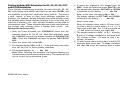
ENGINEERING
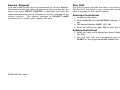
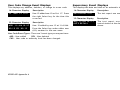
To scroll through the list of
profiles, press the
COMMAND key.
The next used profile
name is displayed.
When you scroll to the profile
you want to delete,
press any SELECT key.
PROFILE NO: 12
COMMAND
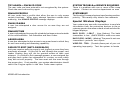
Press the COMMAND
key to delete the profile.
PROFILE 12 DELTD
48
XR200-485 Appendix B