1
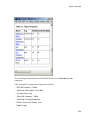
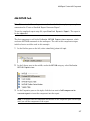
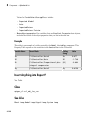
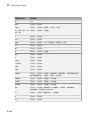
Look-Up Table
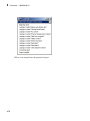
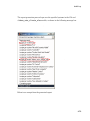
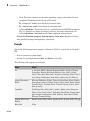
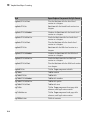
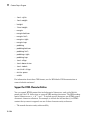
• Black and white encapsulated PostScript2 (TIFF)
• Black and white PostScript
• Black and white PostScript2
• Color encapsulated PostScript
• Color encapsulated PostScript (TIFF)
• Color encapsulated PostScript2
• Color encapsulated PostScript2 (TIFF)
• Color PostScript
• Color PostScript2
• JPEG high quality image
• JPEG medium quality image
• JPEG low quality image
• PNG 24-bit image
• TIFF - compressed
• TIFF - uncompressed
• Windows metafile
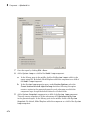
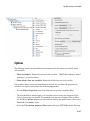
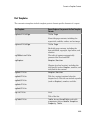
• Paper orientation:
• Landscape
• Portrait
• Rotated
• Use figure orientation: Uses the orientation for the figure, which you set
with the orient command.
• Full page image (PDF only): In PDF reports, scales images to fit the full
page, minimizes page margins, and maximizes the size of the image by using
either a portrait or landscape orientation.
For more information about paper orientation, see the orient command in the
MATLAB documentation.
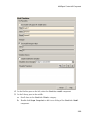
• Image size: Allows you to specify the image size in the report by selecting Use
figure PaperPositionMode setting and setting the PaperPositionMode
property of the Handle Graphics figure.
8-49