1
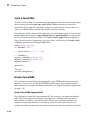
Simulink Automatic Table
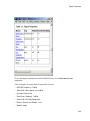
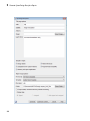
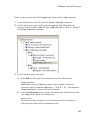
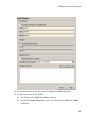
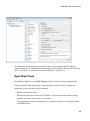
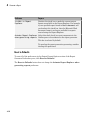
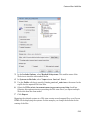
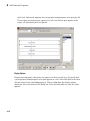
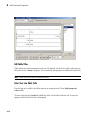
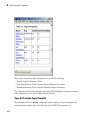
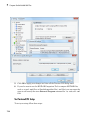
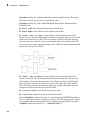
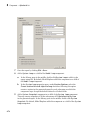
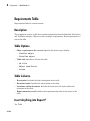
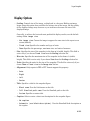
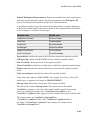
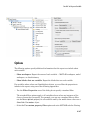
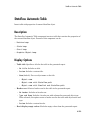
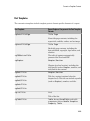
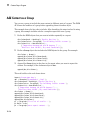
• Name: Automatically generates a title from the parameter.
• Custom: Specifies a custom title.
• No title: Does not include a title.
• Header row: Select a header row for the table in the generated report.
• No header: Includes no header row.
• Type and Name: Includes a header row with columns for name and object type.
• Custom: Includes a custom header.
• Don't display empty values: Excludes empty parameters in the generated report.
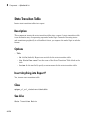
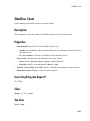
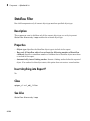
Insert Anything into Report?
Yes. Table.
Class
rptgen_sl.csl_auto_table
See Also
Block Loop, Model Loop, Signal Loop, System Loop
8-119