1
Add Report Content with Components
3
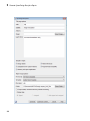
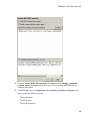
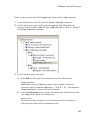
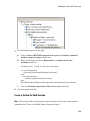
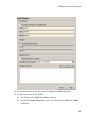
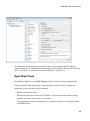
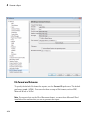
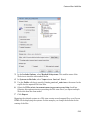
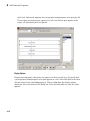
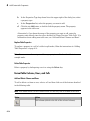
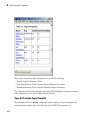
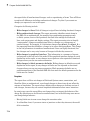
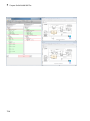
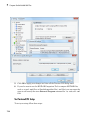
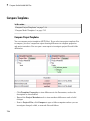
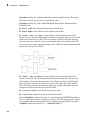
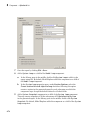
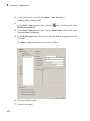
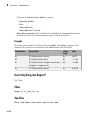
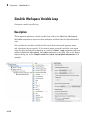
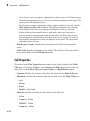
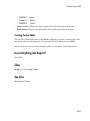
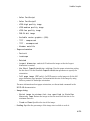
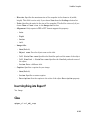
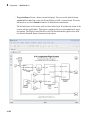
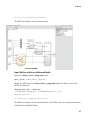
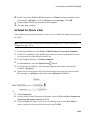
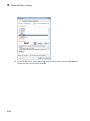
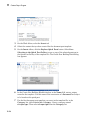
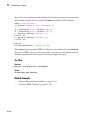
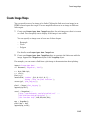
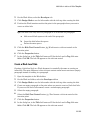
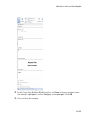
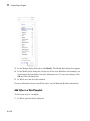
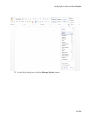
In the Properties pane on the right:
a
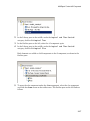
Select the Active check box to process the vdp model.
b
In the Traverse model selection list, select Selected system(s) only to
traverse only the vdp model.
c
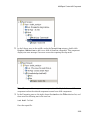
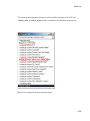
Select Model root from the Starting system(s) selection list.
d
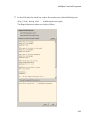
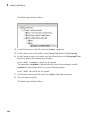
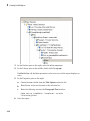
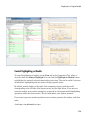
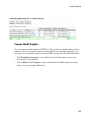
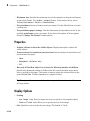
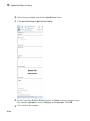
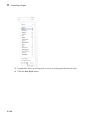
At the bottom of the Properties pane on the left, select the Create section for
each object in loop check box to create a chapter or section for each model.
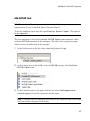
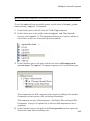
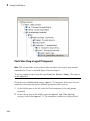
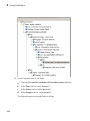
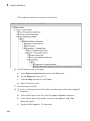
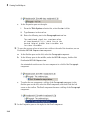
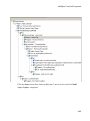
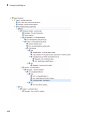
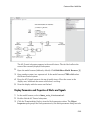
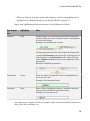
When you select this check box, the component name in the Outline pane on the
left changes to Model Loop Chapter.
3-23