1
Export Models to Web View Files
6
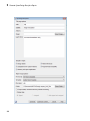
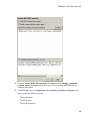
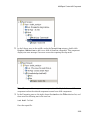
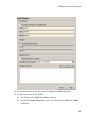
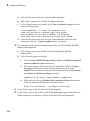
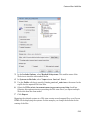
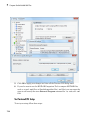
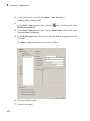
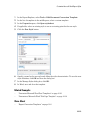
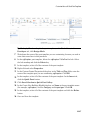
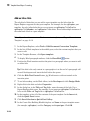
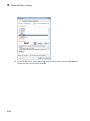
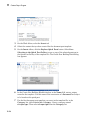
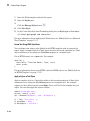
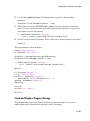
To avoid overwriting existing exported Web view files, select If file exists,
increment name to prevent overwriting.
7
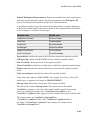
In Package Type, specify whether you want to package the Web view as a zipped
file (the default packaging). In Package name, you can specify a name for the zip
file or for the folder for the Web view files.
8
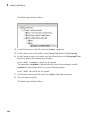
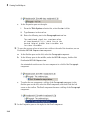
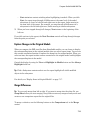
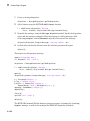
Click Export.
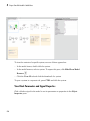
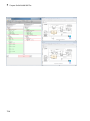
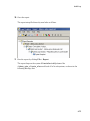
Note: If you use the Web View export option in the Report Explorer Properties pane,
then click Export model. If you change the visible system or chart while the Report
Explorer Web View pane is visible, the pane does not automatically change to show
information about the newly visible system. To update the Web View pane, click
Refresh.
9
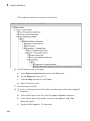
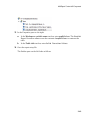
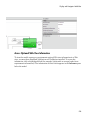
If you have Simulink Verification and Validation installed, you can use the
Optional Views tab to select Model Coverage or Requirements, or both, to
export the associated kind of information.
See Also
Functions
slwebview
Related Examples
•
“Display and Navigate a Web View” on page 5-6
•
“Create and Use a Web View” on page 5-10
More About
•
“Web Views” on page 5-2
•
“Web View Files” on page 5-2
•
“Optional Web Views” on page 5-17
5-5