1
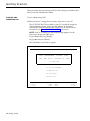
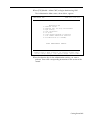
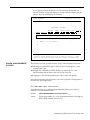
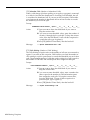
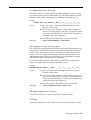
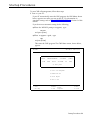
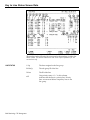
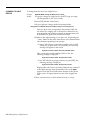
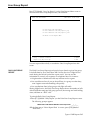
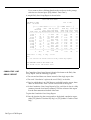
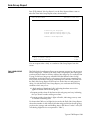
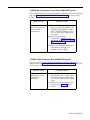
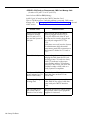
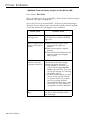
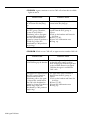
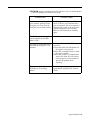
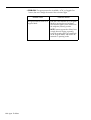
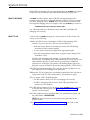
• ERROR--CMS Card Not Found or Faulty. CMS Can’t Manage Calls.
Effect on Call Management: Until this problem is corrected, CMS cannot
manage calls. See “Managing Calls When CMS is Not Running” at the end
of this section.
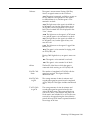
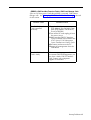
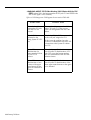
Possible Cause
Corrective Action
The CMS PC Interface
Card is installed
incorrectly.
1 From the Initialization screen, press
[F8] (labeled “Exit Call Mgt”), then
press [F8] (labeled "Exit to DOS")
to exit to MS-DOS.
2 Turn off the PC and unplug it from
the power source.
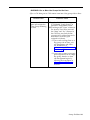
3 Make sure the CMS PC Interface
Card is installed as described in the
AT&T System 25 Call Management
System Installation and Startup Guide.
4 Reconnect and turn on the PC.
5 Restart call management from the
CMS Menu.
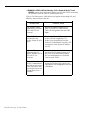
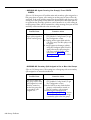
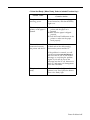
The CMS PC Interface
Card is faulty.
If the same message appears when
you restart CMS call management, you
may have a faulty CMS PC Interface
Card. Contact your equipment
supplier for assistance.
Startup Problems 9-5