1
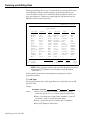
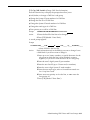
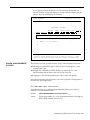
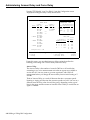
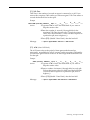
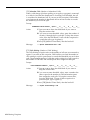
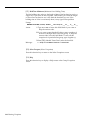
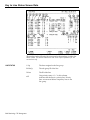
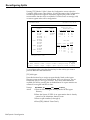
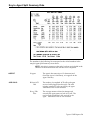
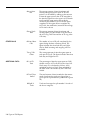
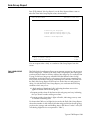
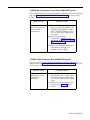
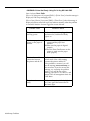
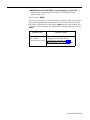
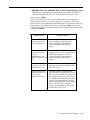
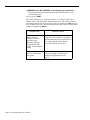
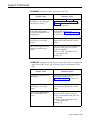
[F3] HoldTime Minimum (Minimum Line Holding Time)
The line holding time refers to the length of time a line has been in use for a
single call. If you turn on this exception, CMS notifies you when the length
of time a line has been in use is less than the threshold you set. If the
holding time of a line is consistently short, it may signal a line problem.
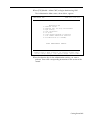
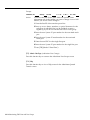
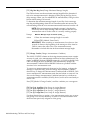
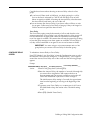
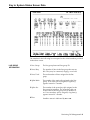
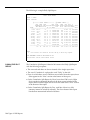
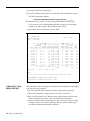
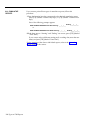
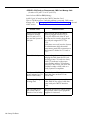
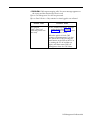
Prompt:
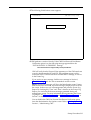
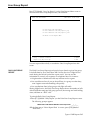
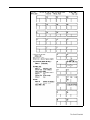
MINIMUM HOLD-TIME (seconds): ON/OFF?___ Line Group A:___ B:___ C:___ D:___
Action:
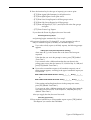
1 Type on or off, or leave this field blank if you want to
keep the current value.
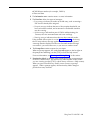
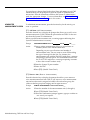
2 If you want to enter threshold values, enter a number of
seconds (1 through 99) for each line group. To keep the
current value, leave the field blank. To turn off this
exception for a particular line group, type a hyphen (-).
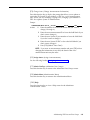
3 Press [F8] (labeled “Enter Data”) after the last field.
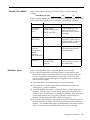
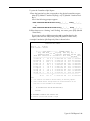
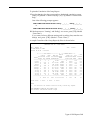
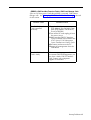
Message:
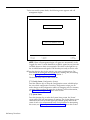
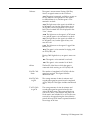
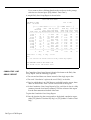
• • • Group X - Line XXXXX - Hold Time < = XX seconds
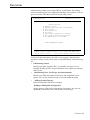
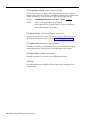
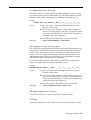
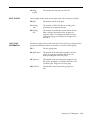
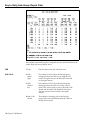
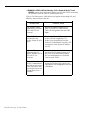
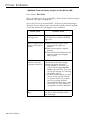
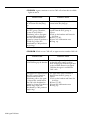
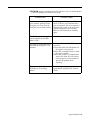
[F8] Select Exceptns (Select Exceptions)
Press this function key to return to the Select Exceptions screen.
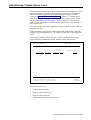
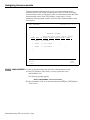
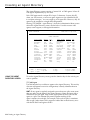
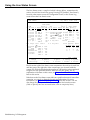
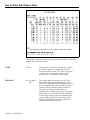
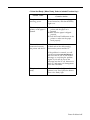
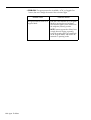
[F10] Help
Press this function key to display a Help screen or the Group Exceptions
screen.
4-62 Selecting Exceptions