1
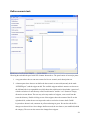
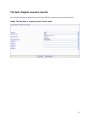
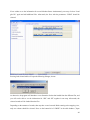
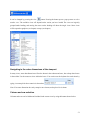
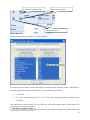
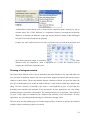
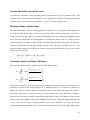
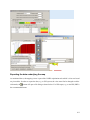
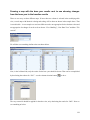
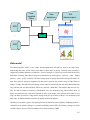
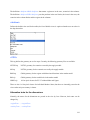
The boxes
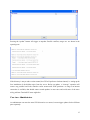
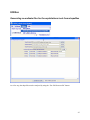
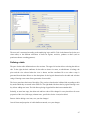
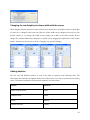
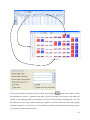
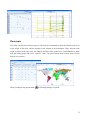
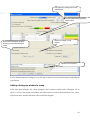
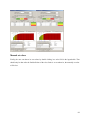
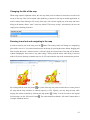
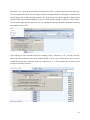
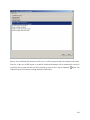
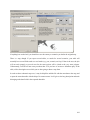
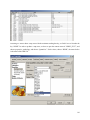
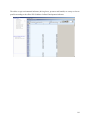
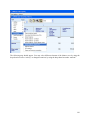
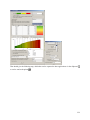
show the data dimension and their lengths. They can be dragged to the
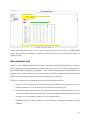
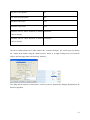
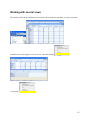
different viewport dimensions as shown in the screen shot above. Assigning several dimensions to the
columns
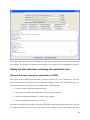
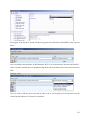
leads to “spanned” dimensions
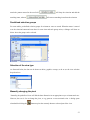
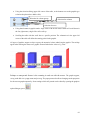
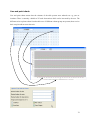
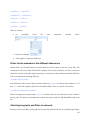
Alternatively, columns and rows can have row block:
.
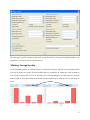
In combination
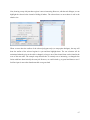
with the selections for columns and rows, and column and row blocks, the view can be adjusted to the
need of the user, e.g. to export the data in a specific ordering to an external file.
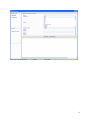
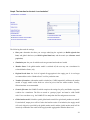
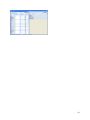
Changing view options
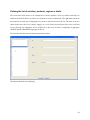
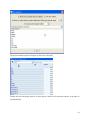
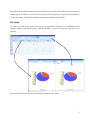
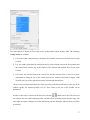
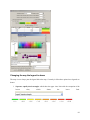
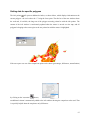
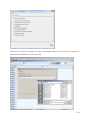
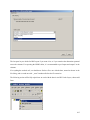
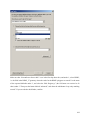
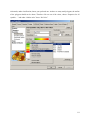
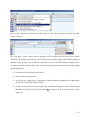
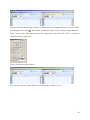
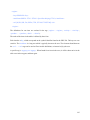
A dialog opens when pressing the
button to change various options of the current view:
54