1
QuickScene2.0
Chapter 3. - Program Features
Templates
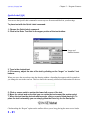
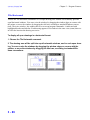
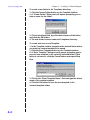
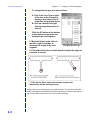
To create a new folder in the Templates directory:
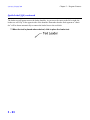
1. Click the Create Folder button on the Template toolbox.
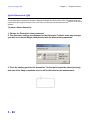
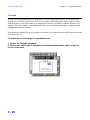
2. A “Create Folder” Dialog box will appear prompting you to enter a name for the
folder.
3. Click in the blank field, type the desired name of the folder, and click the OK button.
4. The new folder is saved under the Templates directory.
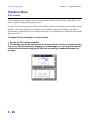
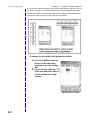
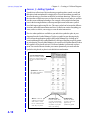
To create and save a new Template:
1. In the Template toolbox navigate to the desired folder where you want the custom
template to be saved.
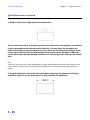
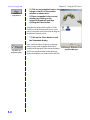
1. Click the Save Template button on the Template toolbox.
2. A “Save Template” dialog box will appear prompting you to save the new template
in the currently selected folder. If this folder is not correct, click the Cancel button and
repeat Step One.
3. Click in the “Enter Template Name” field and type the desire name of the custom
template.
4. Click the OK button to save the new template in the selected template folder.
3 - 59