1
Programmer's Guide
POSjet™ 1000
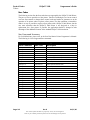
Control Codes
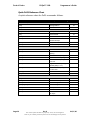
EPOS Command Descriptions
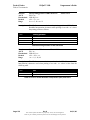
Function
ASCII
Hexadecimal
Decimal
Range
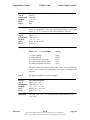
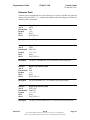
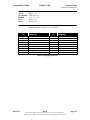
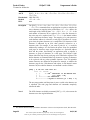
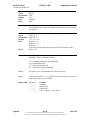
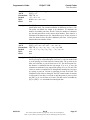
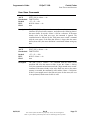
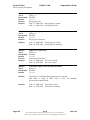
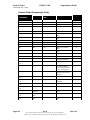
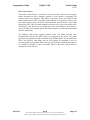
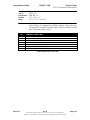
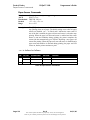
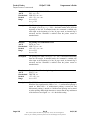
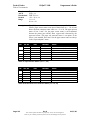
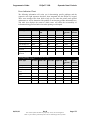
Turn on/off double-strike mode
[ESC] G <n>
1BH 47H <n>
<27> <71> <n>
0 ≤ n ≤ 255
Description
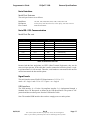
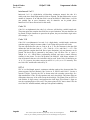
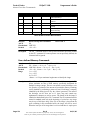
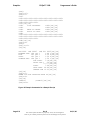
The [ESC] G <n> command turns on or off double-strike mode. When the
least significant bit (LSB) of <n> = 1, double-strike mode is turned on;
when it is 0, double-strike mode is turned off. The default setting is <n> =
0. Double-strike and emphasized printing appear the same.
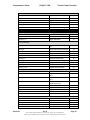
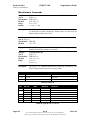
Function
ASCII
Hexadecimal
Decimal
Range
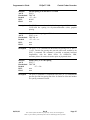
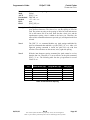
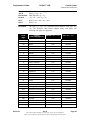
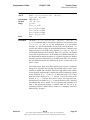
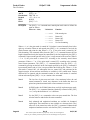
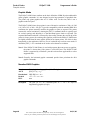
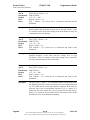
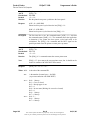
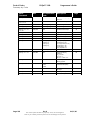
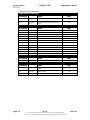
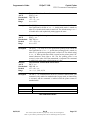
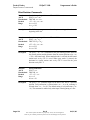
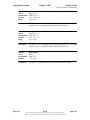
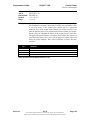
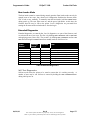
Turn on/off upside-down print mode
[ESC] { <n>
1BH 7BH <n>
<27> <123> <n>
0 ≤ n ≤ 255
Description
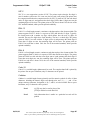
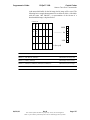
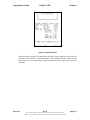
The [ESC] { <n> turns on or off upside-down printing mode. When the
least significant bit of <n> = 1, upside-down printing mode is turned on;
when it is 0, upside-down printing mode is turned off. The default setting
is <n> = 0. When upside-down mode is turned on, the printer prints 180°
rotated characters from right to left. The line printing order is not
reversed, so the order of the data transmitted is important. The command
is enabled only when input at the beginning of a line.
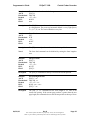
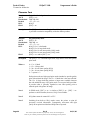
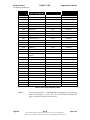
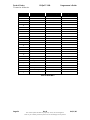
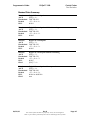
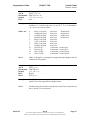
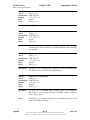
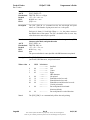
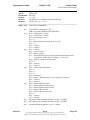
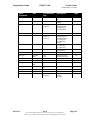
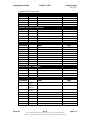
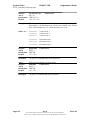
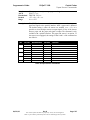
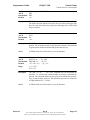
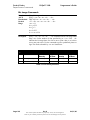
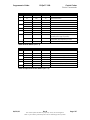
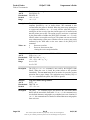
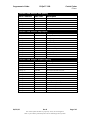
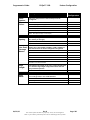
Turn on/off 90° rotation mode EPOS ONLY
ESC V <n>
1BH 56H <n>
<27> <86> <n>
<n> = 0, 1, 2, 48, 49, 50
Function
ASCII
Hexadecimal
Decimal
Range
Description
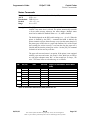
<n>
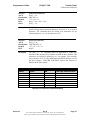
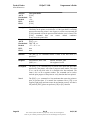
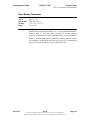
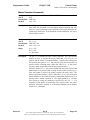
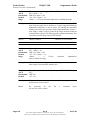
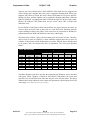
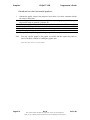
The ESC V <n> command turns on/off 90° clockwise rotation mode. The
command is only enabled in standard mode. In page mode, an internal flag
is activated, and the command is enabled when the printer returns to
standard mode.
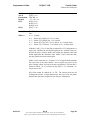
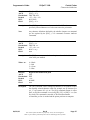
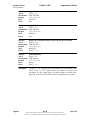
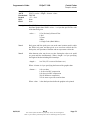
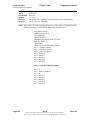
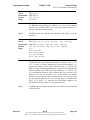
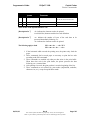
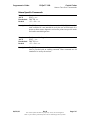
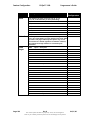
Function
0, 48
Turns off all rotation modes
1, 49
Turns on 90° clockwise rotation mode
2, 50
Turns on 90° counterclockwise rotation mode
Table 28 Rotation Modes
06/01/00
Rev B
The content of this document is proprietary. It may not be divulged in
whole or part without permission from TransAct Technologies Incorporated.
Page 131