1
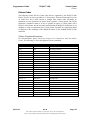
Control Codes
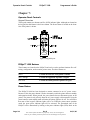
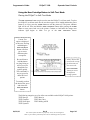
User Store and Macros
POSjet™ 1000
Programmer's Guide
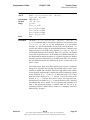
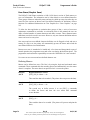
Function
ASCII
Hexadecimal
Decimal
IPCL
EPOS
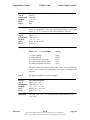
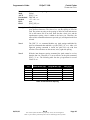
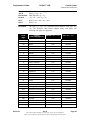
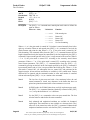
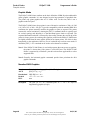
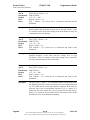
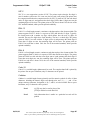
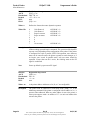
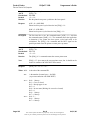
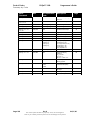
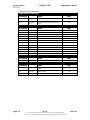
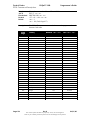
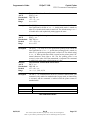
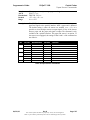
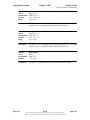
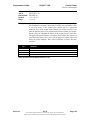
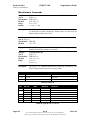
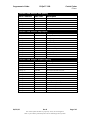
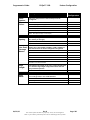
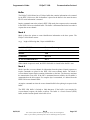
Save macro data in user store
[ESC] [US] m <Name..> <0>
1BH 1FH 6DH
<27> <31> <109>
&%UM <Name..> <0>
[GS] -…<Name..> <0> is from one to 15 characters and must be null
terminated.
Description
The [ESC] [US] m <Name..> <0> command saves the current macro
buffer structure into the flash user-store area. It uses the <Name..> field
as a reference name. If the name already exists in the flash user store, the
command does not store the data.
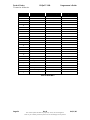
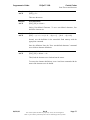
Function
ASCII
Hexadecimal
Decimal
IPCL
EPOS
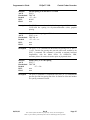
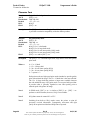
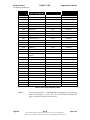
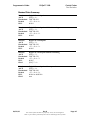
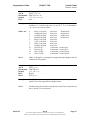
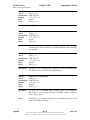
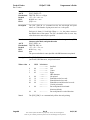
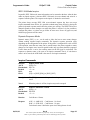
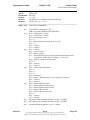
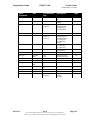
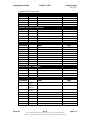
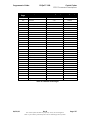
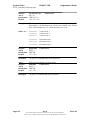
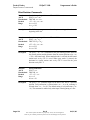
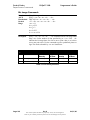
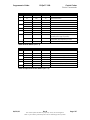
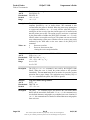
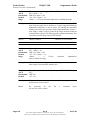
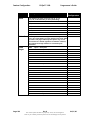
Save user-defined characters
[ESC] [US] c <Name..> <0>
1BH 1FH 63H
<27> <31> <99>
&%UC <Name..><0>
[GS] 6<Name..> <0> is from one to 15 characters and must be null
terminated.
Description
The [ESC] [US] c <Name..> <0> command saves the current user-defined
character structure in the flash user-save storage area. It uses
the<Name..> field as a reference. If the name already exists in the flash
user store, the command will not store the data.
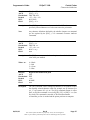
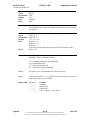
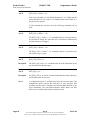
Function
ASCII
Hexadecimal
Decimal
IPCL
EPOS
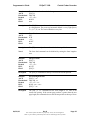
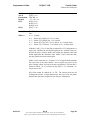
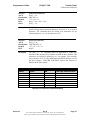
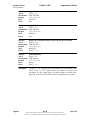
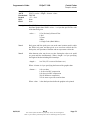
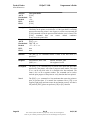
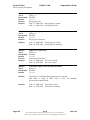
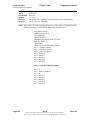
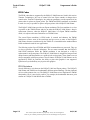
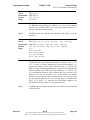
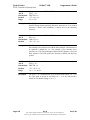
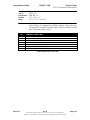
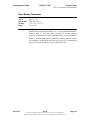
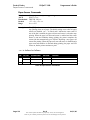
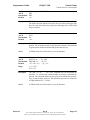
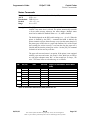
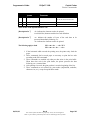
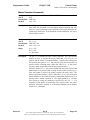
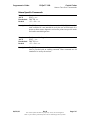
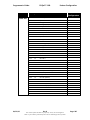
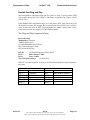
Load item from user store
[ESC] [US] l <Name..> <0>
1BH 1FH 6CH
<27> <31> <108>
&%UL <Name..> <0>
[GS] 0<Name..> <0> is from one to 15 characters and must be null
terminated.
Description
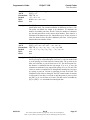
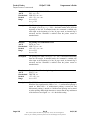
The [ESC] [US] l <Name..> <0> command loads the referenced item into
the appropriate structure. If the item referenced is a user-defined character
set, it is loaded into the current user-character definition, which does not
affect the active state of user-defined characters. If it is a macro, it is
loaded into the macro buffer, but it is not inserted into the data stream.
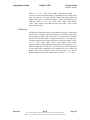
[ESC] g <0> inserts the macro buffer into the data stream. If the named
item does not exist, the command does nothing.
Page 80
Rev B
The content of this document is proprietary. It may not be divulged in
whole or part without permission from TransAct Technologies Incorporated.
06/01/00