1
Chapter 2 Editor
2.9
Displaying the Use Status
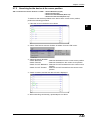
This section describes how to display the list of relays, timers, counters, comparators, data memory and temporary memory used in the program while editing a
ladder diagram.
2.9.1
Displaying a use status list
Displaying the use status
2
Edit ➔ Usage Information
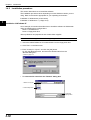
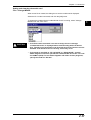
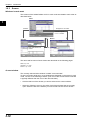
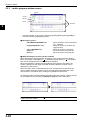
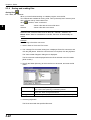
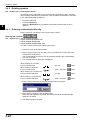
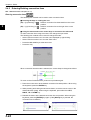
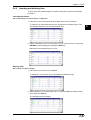
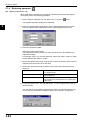
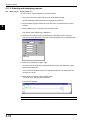
To display lists of relays, timers, counters, comparators, data memory and temporary memory used in the program while editing a ladder diagram, perform the following procedure.
1. Select "Usage Information" from the "Edit" menu, or click the
button.
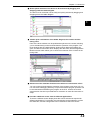
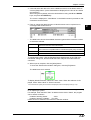
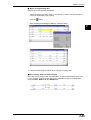
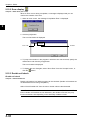
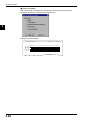
The "Usage Information" dialog box is displayed.
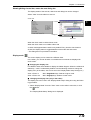
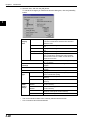
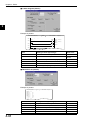
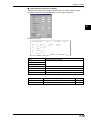
2. Select the item to be checked from "Type". The use status list is then displayed.
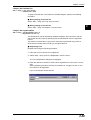
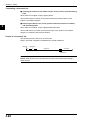
3. You can edit ladder diagrams while checking the use status list on the display. To
reflect the latest use status for the ladder diagram being created, click the
[Update(U)] button.
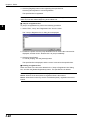
4. To close the use status list, click the [Close(C)] button.
2-70