1
ONLINE SALES ORDERS: SETUP
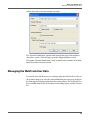
MANAGING THE WEBTRACK USER DATA
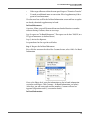
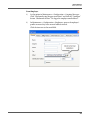
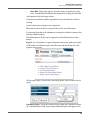
3)
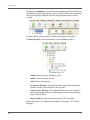
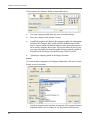
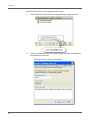
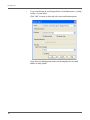
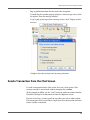
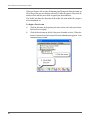
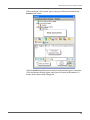
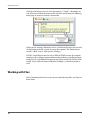
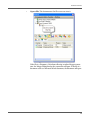
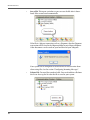
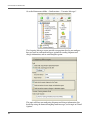
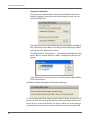
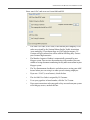
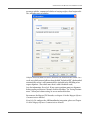
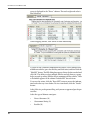
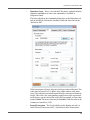
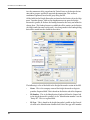
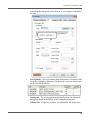
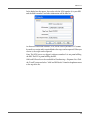
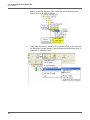
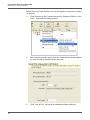
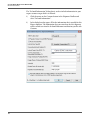
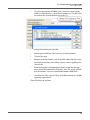
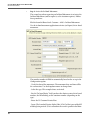
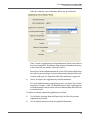
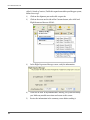
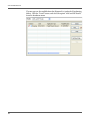
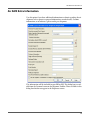
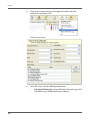
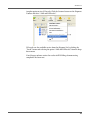
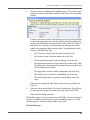
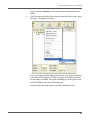
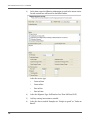
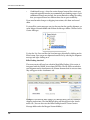
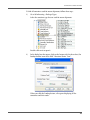
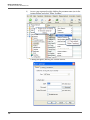
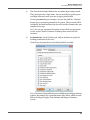
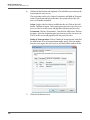
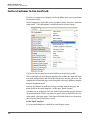
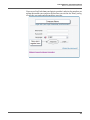
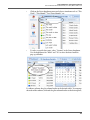
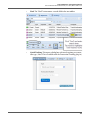
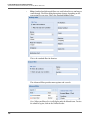
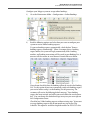
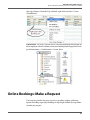
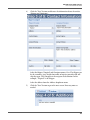
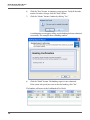
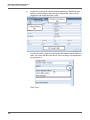
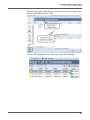
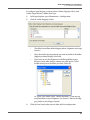
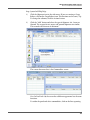
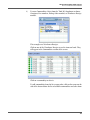
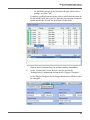
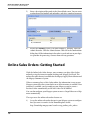
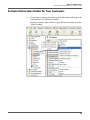
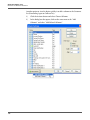
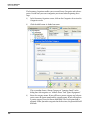
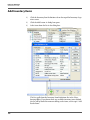
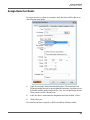
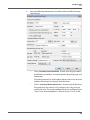
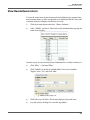
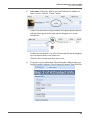
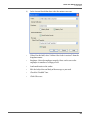
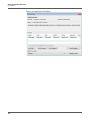
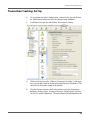
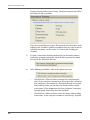
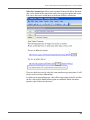
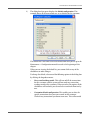
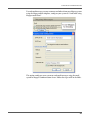
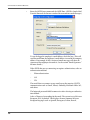
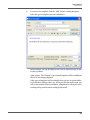
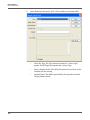
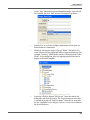
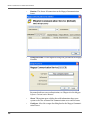
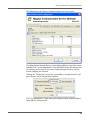
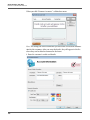
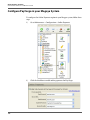
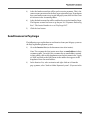
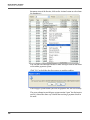
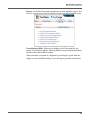
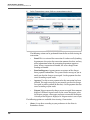
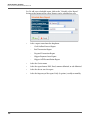
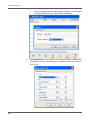
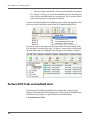
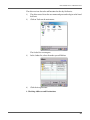
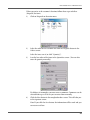
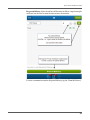
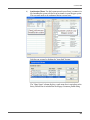
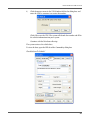
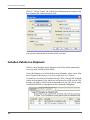
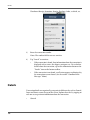
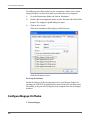
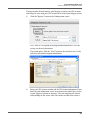
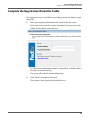
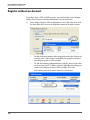
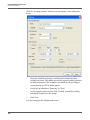
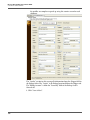
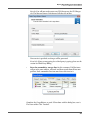
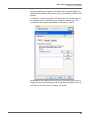
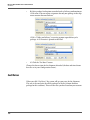
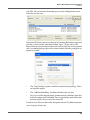
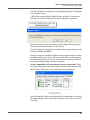
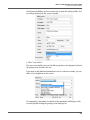
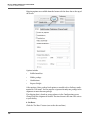
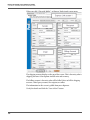
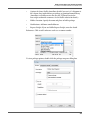
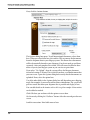
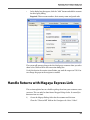
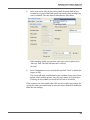
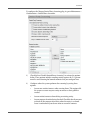
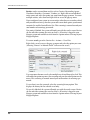
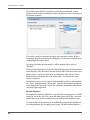
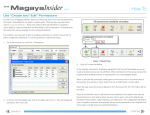
In the dialog box that opens:
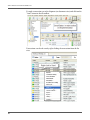
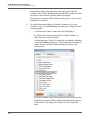
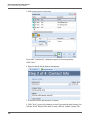
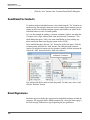
a. Click the Related Elements dropdown list and select “Tracking User”.
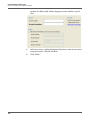
b. Select the element in the list (this will be the column heading).
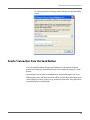
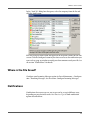
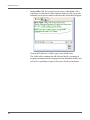
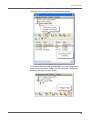
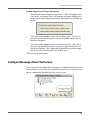
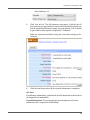
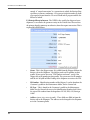
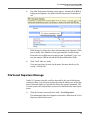
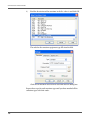
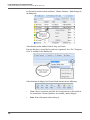
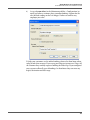
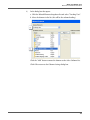
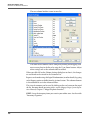
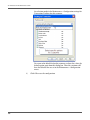
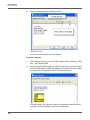
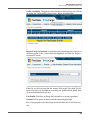
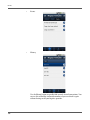
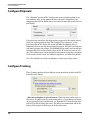
Click the “Add” button to move the element to the Select Columns list.
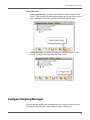
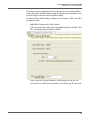
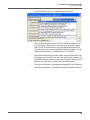
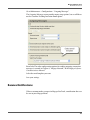
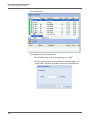
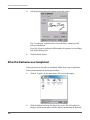
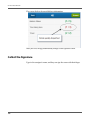
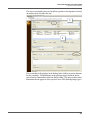
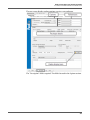
Click OK to return to the Column Settings dialog box.
199