1
FILE AN AIR WAYBILL
File an Air Waybill
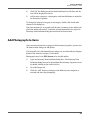
Step-by-Step Procedure to File an Air Waybill:
1)
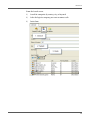
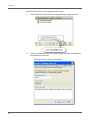
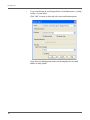
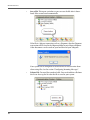
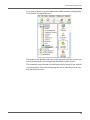
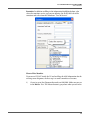
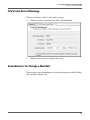
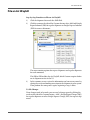
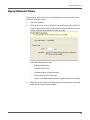
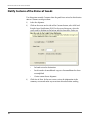
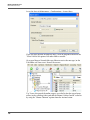
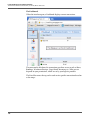
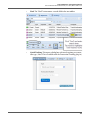
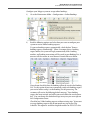
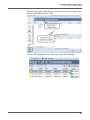
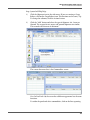
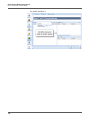
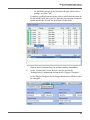
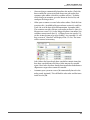
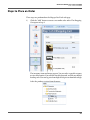
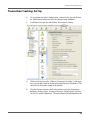
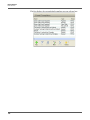
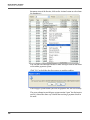
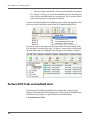
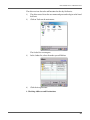
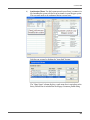
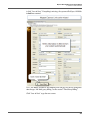
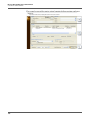
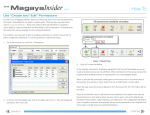
Click the shipment that needs the AWB filed.
2)
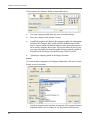
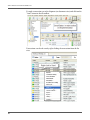
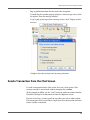
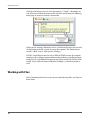
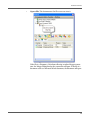
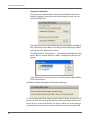
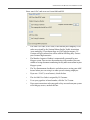
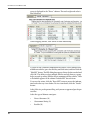
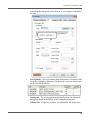
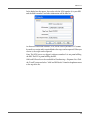
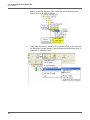
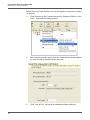
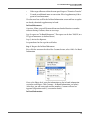
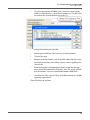
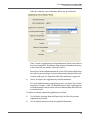
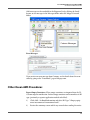
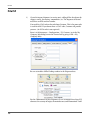
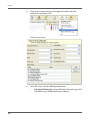
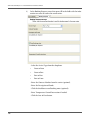
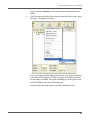
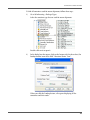
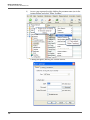
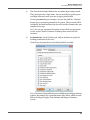
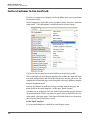
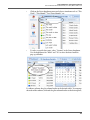
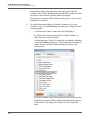
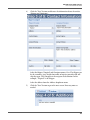
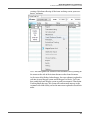
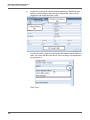
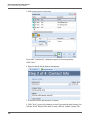
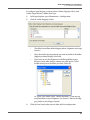
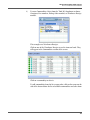
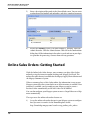
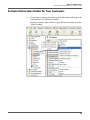
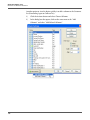
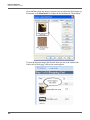
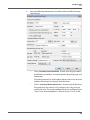
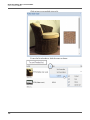
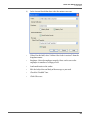
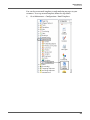
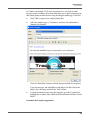
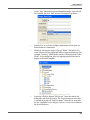
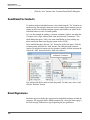
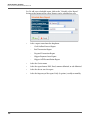
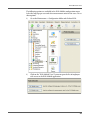
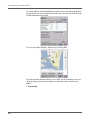
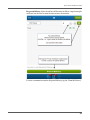
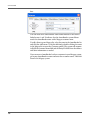
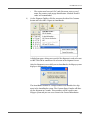
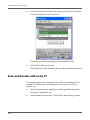
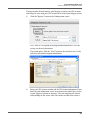
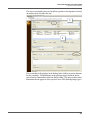
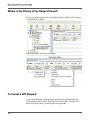
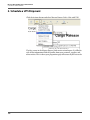
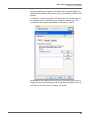
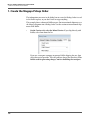
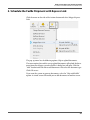
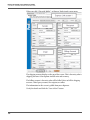
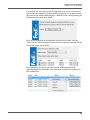
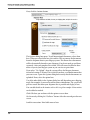
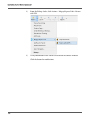
Click the arrow on the side of the Customs button, select AMS and Freight
Report Inbound (FRI) for regular shipments or Freight Express Inbound
(FXI) for express shipments:
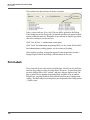
The menu contains options for express shipments and regular shipments
for each command.
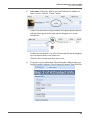
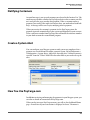
This FRI or FXI includes the Air Waybill, which Customs requires before
an air shipment arrives in the US.
3)
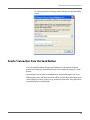
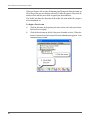
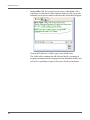
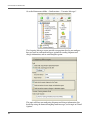
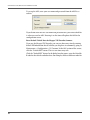
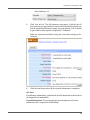
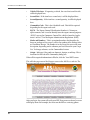
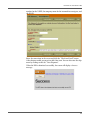
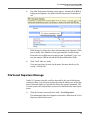
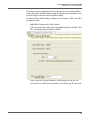
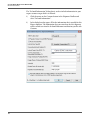
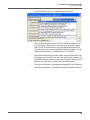
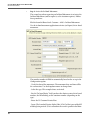
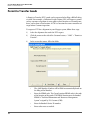
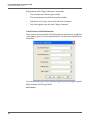
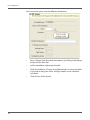
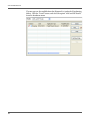
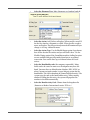
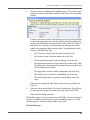
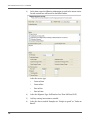
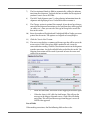
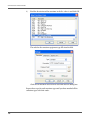
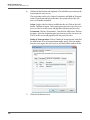
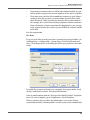
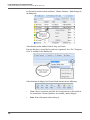
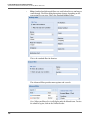
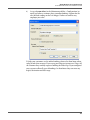
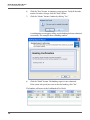
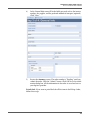
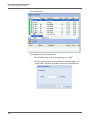
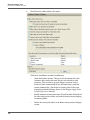
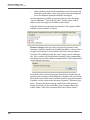
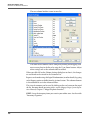
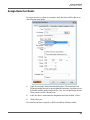
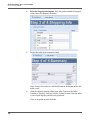
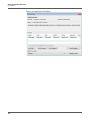
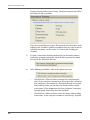
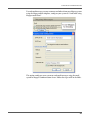
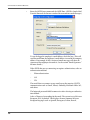
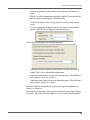
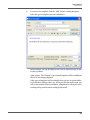
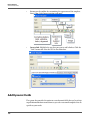
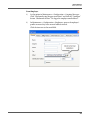
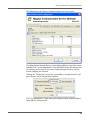
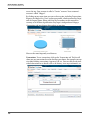
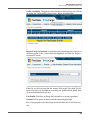
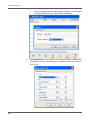
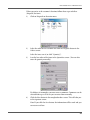
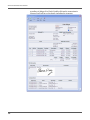
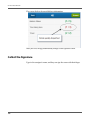
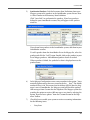
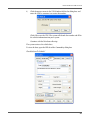
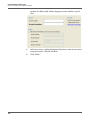
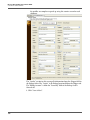
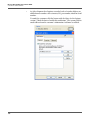
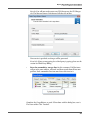
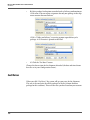
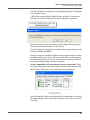
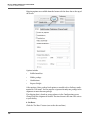
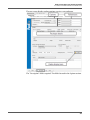
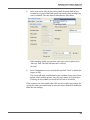
In the summary screen, review the information and correct any errors by
closing the screen and making corrections in the shipment in your system.
Then perform the same process again, beginning at step 1 above.
To File Changes:
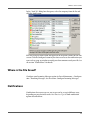
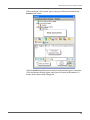
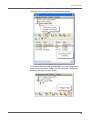
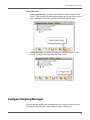
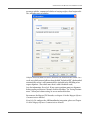
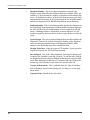
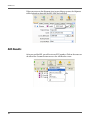
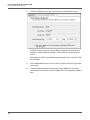
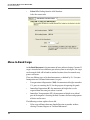
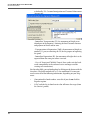
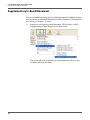
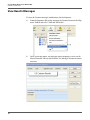
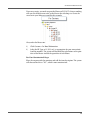
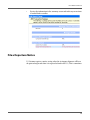
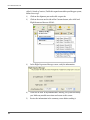
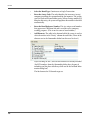
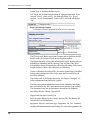
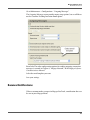
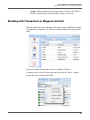
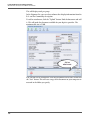
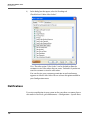
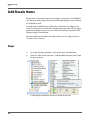
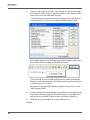
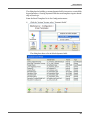
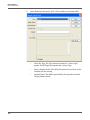
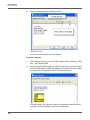
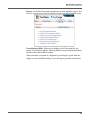
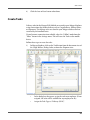
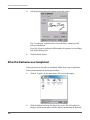
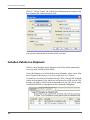
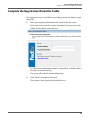
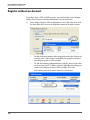
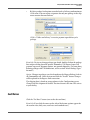
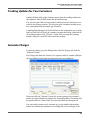
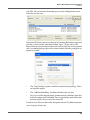
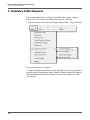
If any changes need to be made, you can send a change report by clicking the
arrow on the side of the Customs button > AMS > Freight Report Change (FRC)
for regular shipments or select Freight Express Change (FXC) for express shipments.
91