1
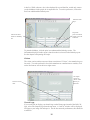
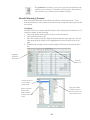
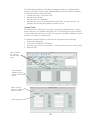
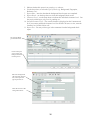
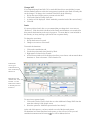
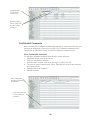
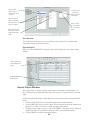
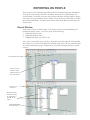
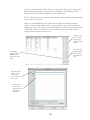
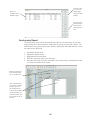
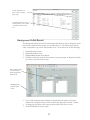
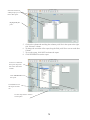
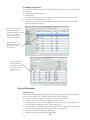
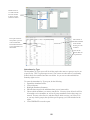
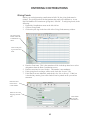
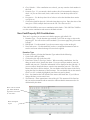
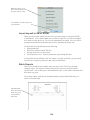
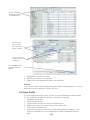
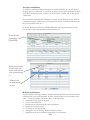
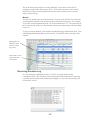
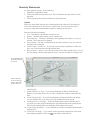
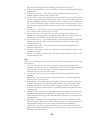
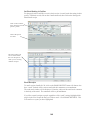
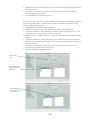
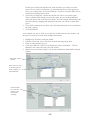
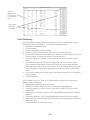
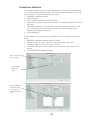
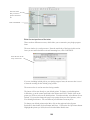
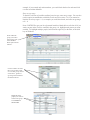
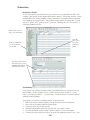
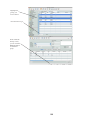
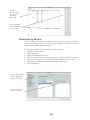
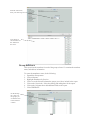
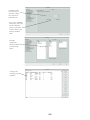
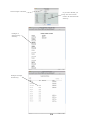
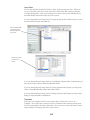
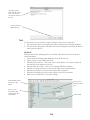
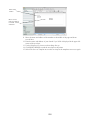
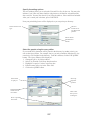
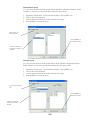
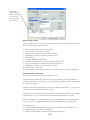
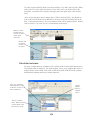
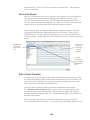
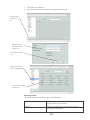
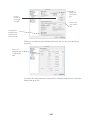
This screen allows you to
review a list of the people
who will be deleted. Anyone with contributions
will be in red.
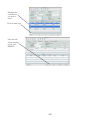
Click to delete all.
A log of all deletions.
Background Checks
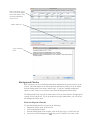
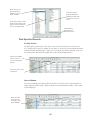
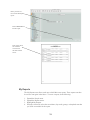
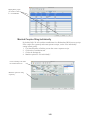
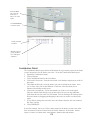
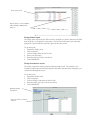
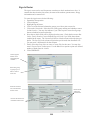
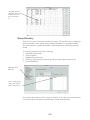
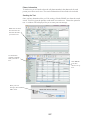
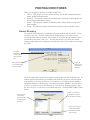
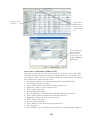
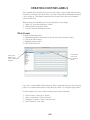
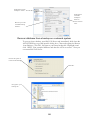
Roll Call allows you to record background check information for people you have in the
system. This information can be entered from an individual’s profile or it can be added
from the Background Check menu, under People. If you have multiple background
checks to enter, it may save you time to enter from the Background Check menu.
The Background Check can only be entered and viewed by users that have the appropriate
security access in Roll Call. If you do not have the proper authorization, you will not see
the Background Check menu.
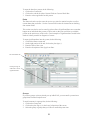
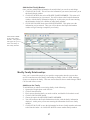
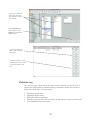
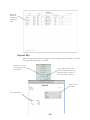
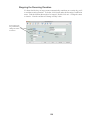
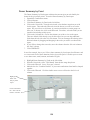
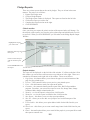
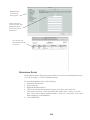
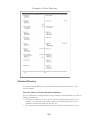
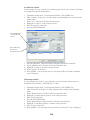
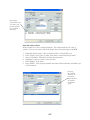
Enter the Request & Results
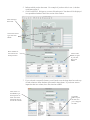
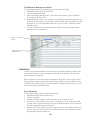
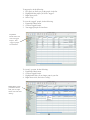
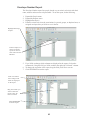
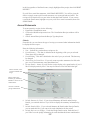
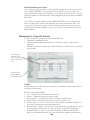
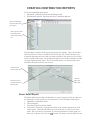
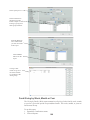
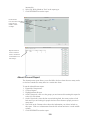
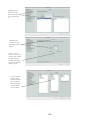
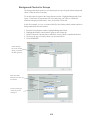
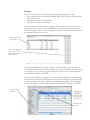
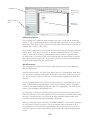
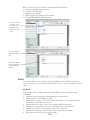
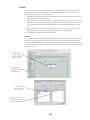
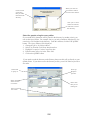
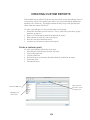
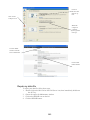
To enter the Background Check report do the following:
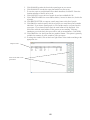
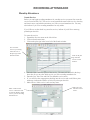
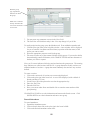
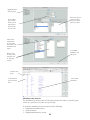
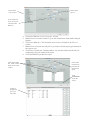
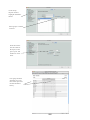
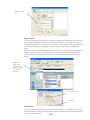
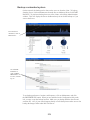
1. Expand the People menu on the left side.
2. Click on Background Check.
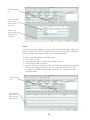
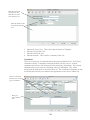
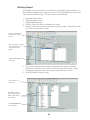
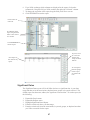
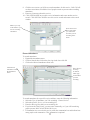
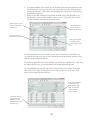
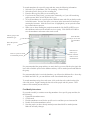
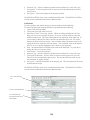
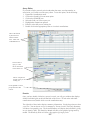
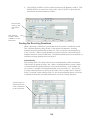
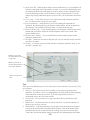
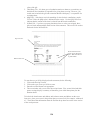
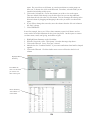
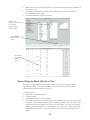
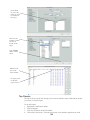
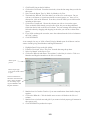
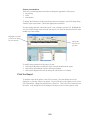
3. From the Background Check window, click on the plus sign (+) in the lower left.
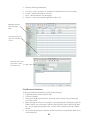
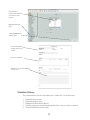
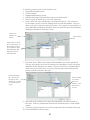
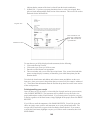
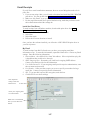
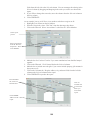
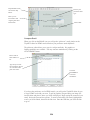
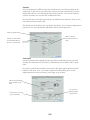
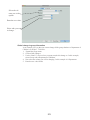
4. You are now in the Background Check entry screen. Enter the Last Name of the
44