1
MDisks by Pool pane
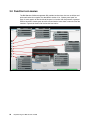
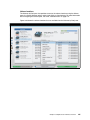
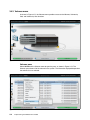
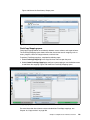
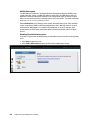
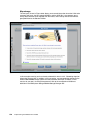
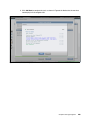
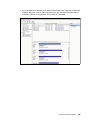
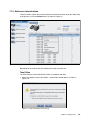
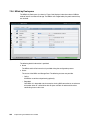
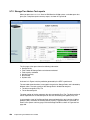
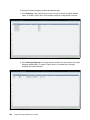
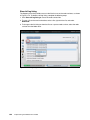
Select MDisks by Pool in the Pools menu to open the MDisks by Pool pane. Using this pane,
it is possible to perform various tasks, such as display MDisks in each pool, create new
storage pools, and delete storage pools.
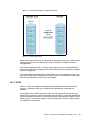
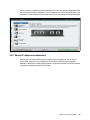
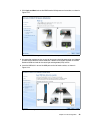
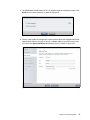
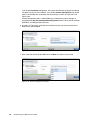
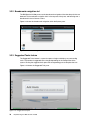
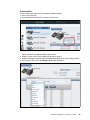
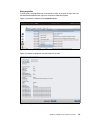
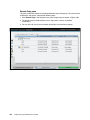
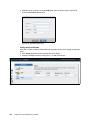
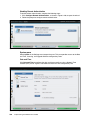
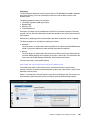
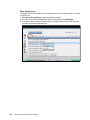
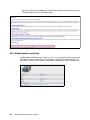
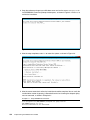
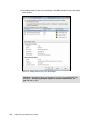
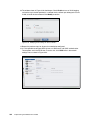
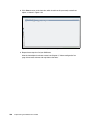
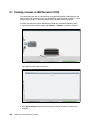
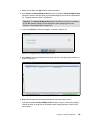
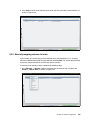
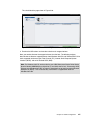
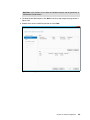
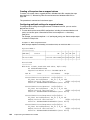
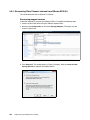
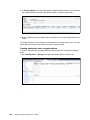
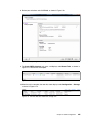
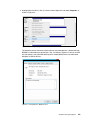
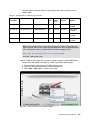
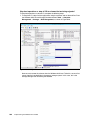
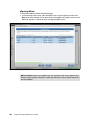
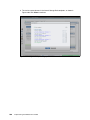
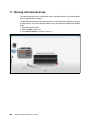
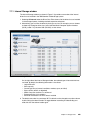
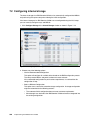
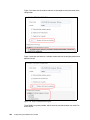
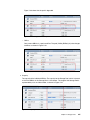
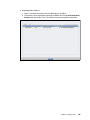
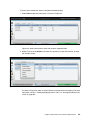
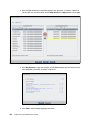
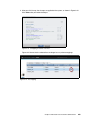
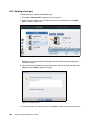
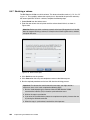
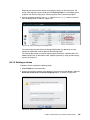
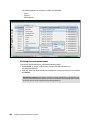
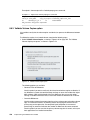
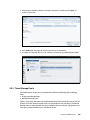
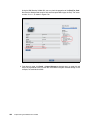
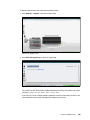
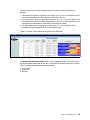
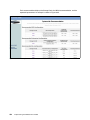
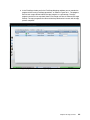
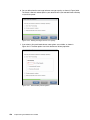
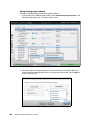
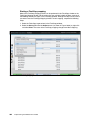
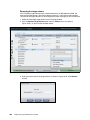
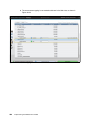
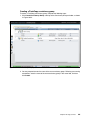
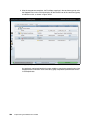
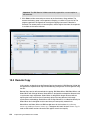
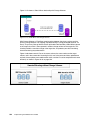
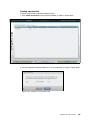
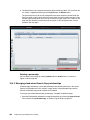
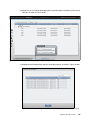
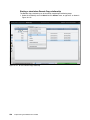
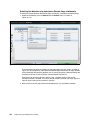
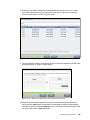
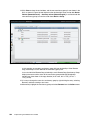
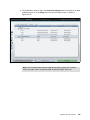
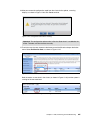
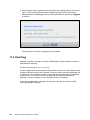
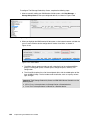
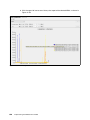
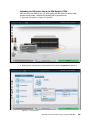
Figure 3-66 shows the MDisks by Pool pane.
Figure 3-66 MDisks by Pools pane
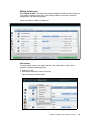
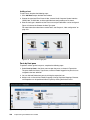
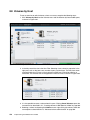
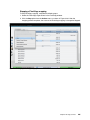
Pool actions
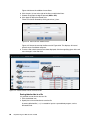
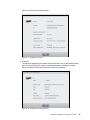
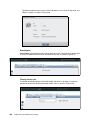
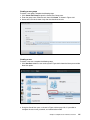
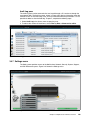
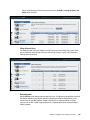
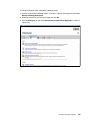
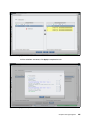
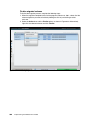
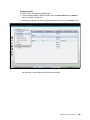
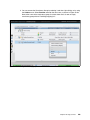
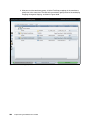
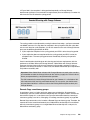
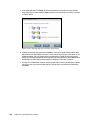
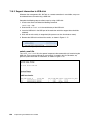
To create, delete, rename, or change a Pool Icon, view a Child Pool, or view a Pool’s
properties, complete the following steps:
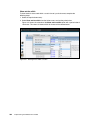
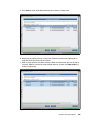
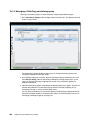
1. Right-click a pool.
2. Alternatively, the Actions menu can be used.
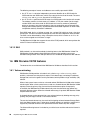
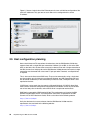
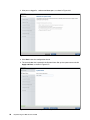
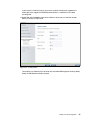
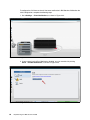
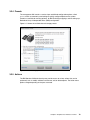
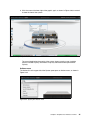
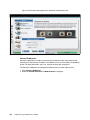
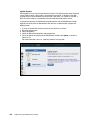
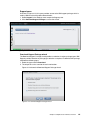
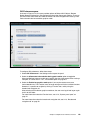
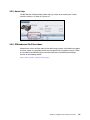
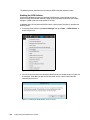
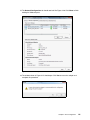
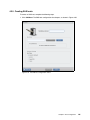
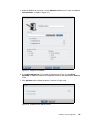
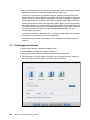
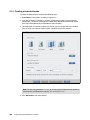
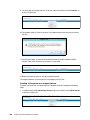
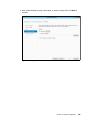
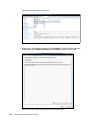
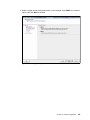
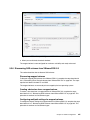
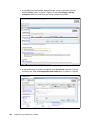
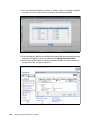
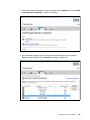
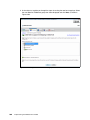
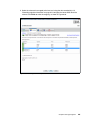
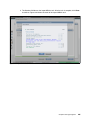
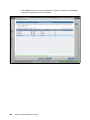
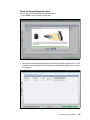
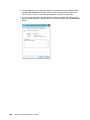
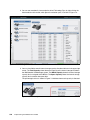
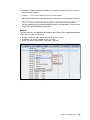
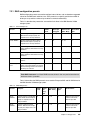
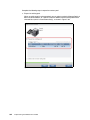
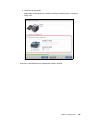
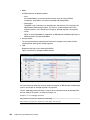
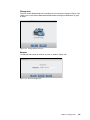
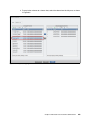
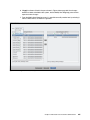
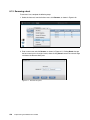
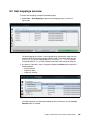
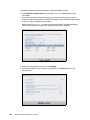
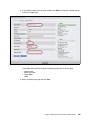
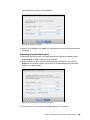
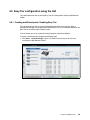
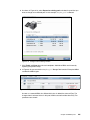
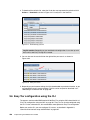
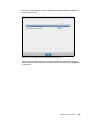
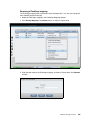
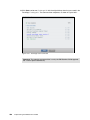
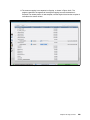
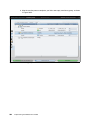
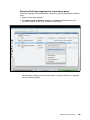
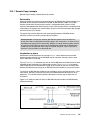
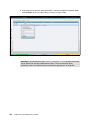
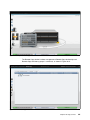
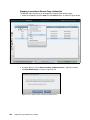
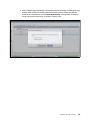
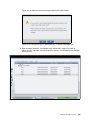
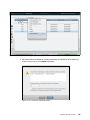
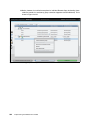
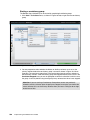
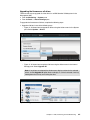
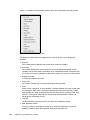
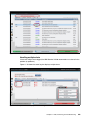
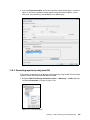
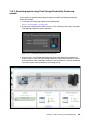
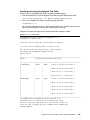
Figure 3-67 shows the pool actions.
Figure 3-67 Pool Actions
Chapter 3. Graphical user interface overview
111