1
FlashCopy pane
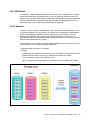
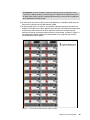
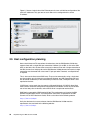
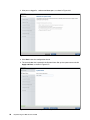
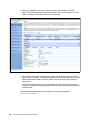
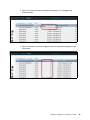
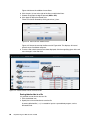
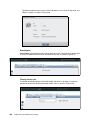
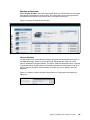
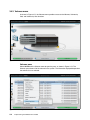
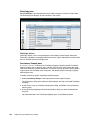
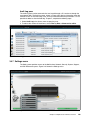
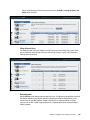
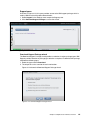
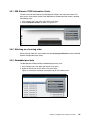
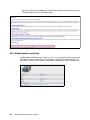
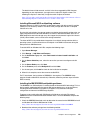
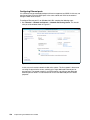
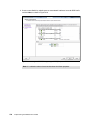
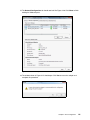
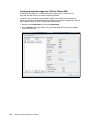
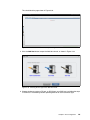
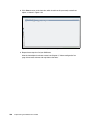
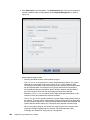
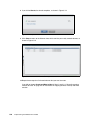
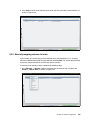
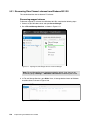
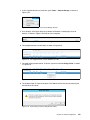
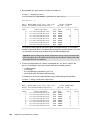
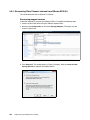
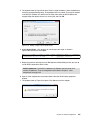
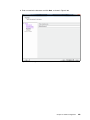
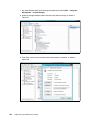
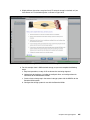
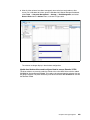
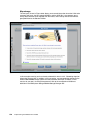
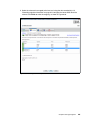
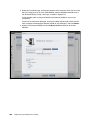
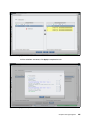
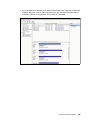
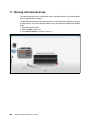
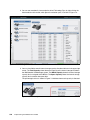
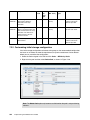
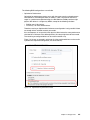
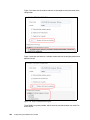
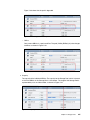
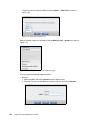
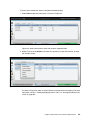
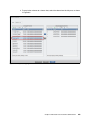
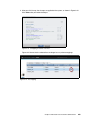
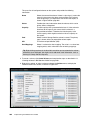
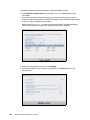
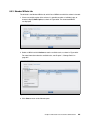
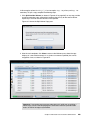
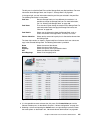
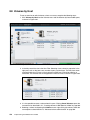
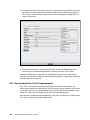
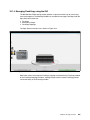
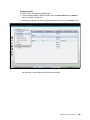
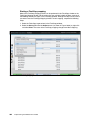
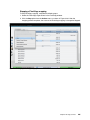
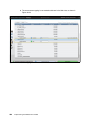
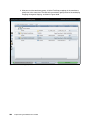
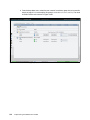
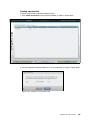
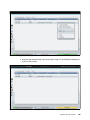
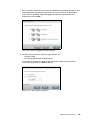
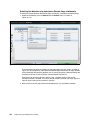
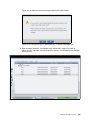
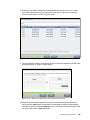
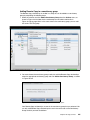
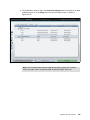
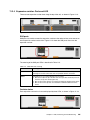
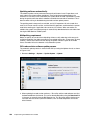
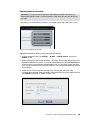
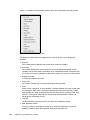
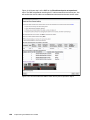
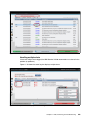
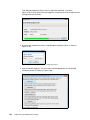
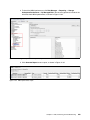
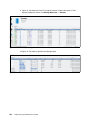
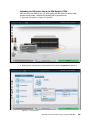
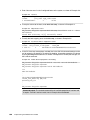
Select FlashCopy in the Copy Services menu to open the pane, as shown in Figure 3-83.
The FlashCopy pane displays all of the volumes in the system.
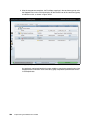
Figure 3-83 FlashCopy pane
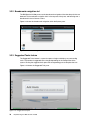
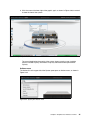
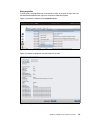
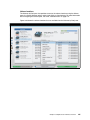
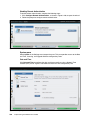
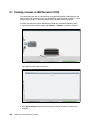
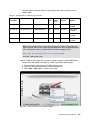
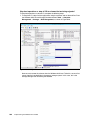
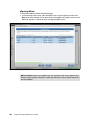
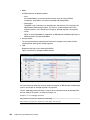
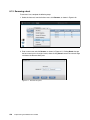
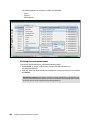
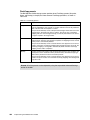
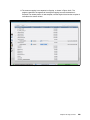
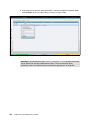
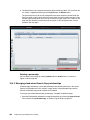
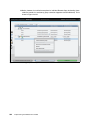
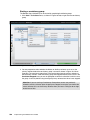
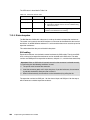
FlashCopy actions
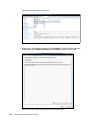
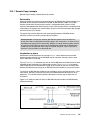
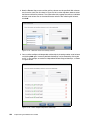
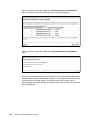
FlashCopy actions, such as Create Snapshot, Create Clone, Create Backup, Advanced
FlashCopy, and Delete, can be performed from this pane. Figure 3-83 shows of all the actions
that are available from the FlashCopy pane.
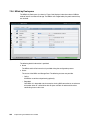
Consistency Groups pane
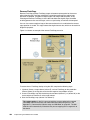
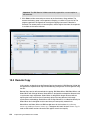
A consistency group is a container for FlashCopy mappings. Grouping enables FlashCopy
mapping actions, such as prepare, start, and stop, to occur at the same time for the group
rather than coordinating actions individually. This feature can help to ensure that the group’s
target volumes are consistent to the same point, and remove several FlashCopy mapping
administration tasks.
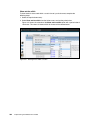
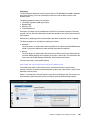
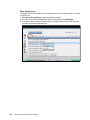
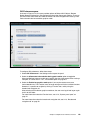
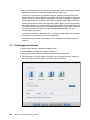
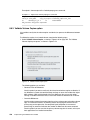
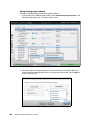
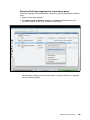
To modify consistency groups, complete the following steps:
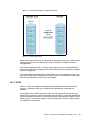
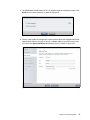
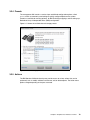
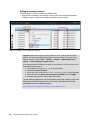
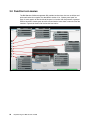
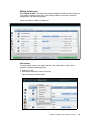
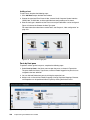
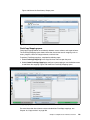
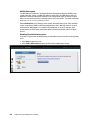
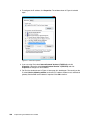
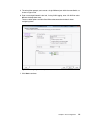
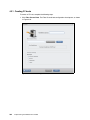
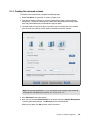
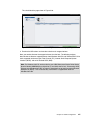
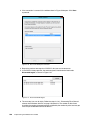
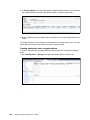
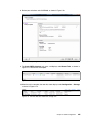
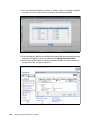
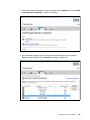
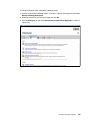
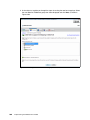
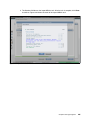
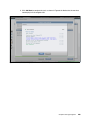
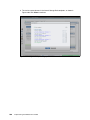
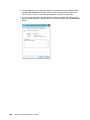
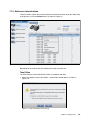
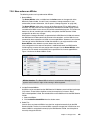
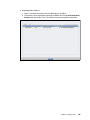
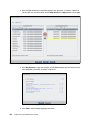
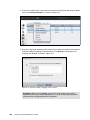
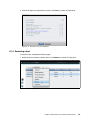
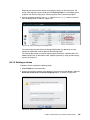
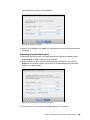
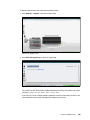
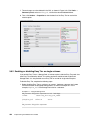
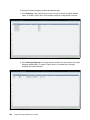
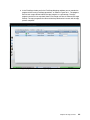
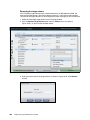
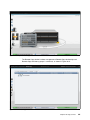
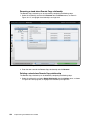
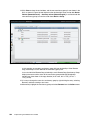
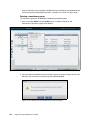
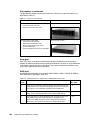
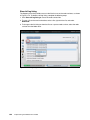
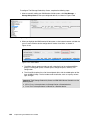
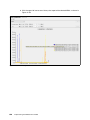
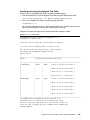
1. Select Consistency Groups in the Copy Services menu to open the pane.
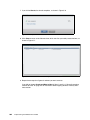
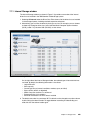
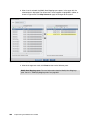
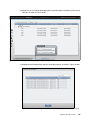
The Consistency Group pane shows the defined groups with their associated FlashCopy
mappings.
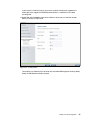
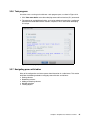
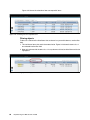
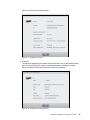
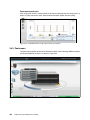
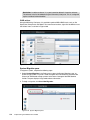
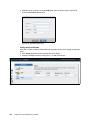
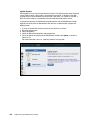
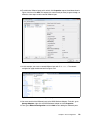
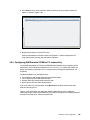
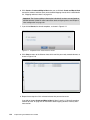
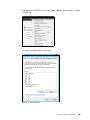
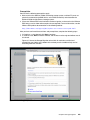
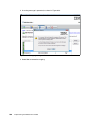
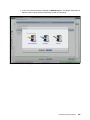
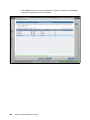
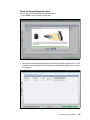
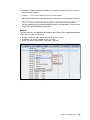
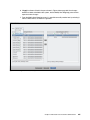
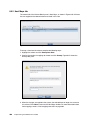
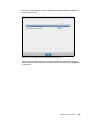
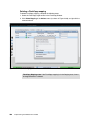
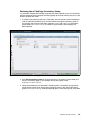
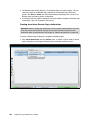
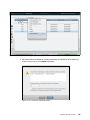
2. Group Actions, such as FlashCopy mapping Start, Stop, and Delete, can be performed
from this pane.
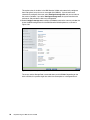
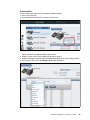
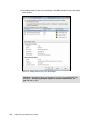
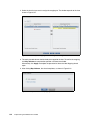
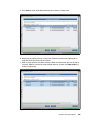
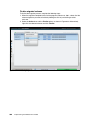
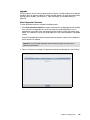
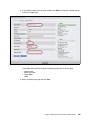
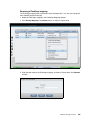
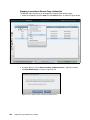
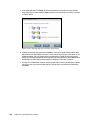
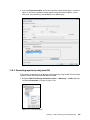
3. Create FlashCopy Mapping and Create Consistency Group can also be selected from
this pane.
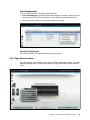
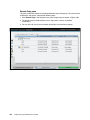
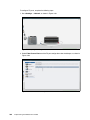
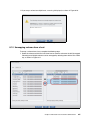
For more information, see “FlashCopy Mappings pane” in the following section.
122
Implementing the IBM Storwize V3700