1
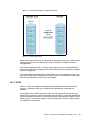
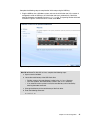
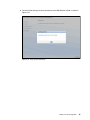
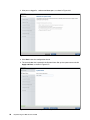
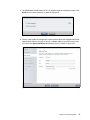
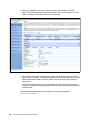
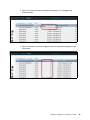
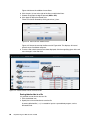
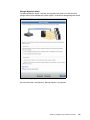
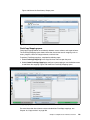
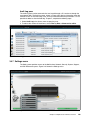
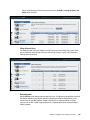
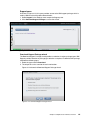
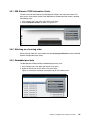
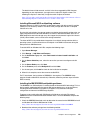
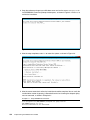
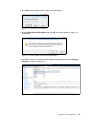
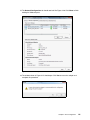
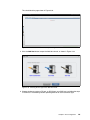
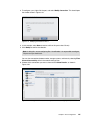
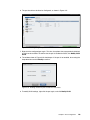
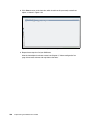
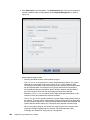
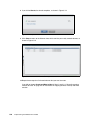
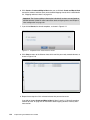
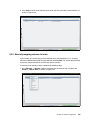
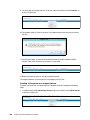
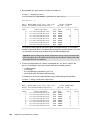
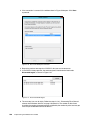
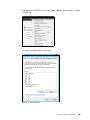
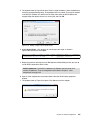
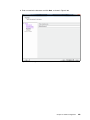
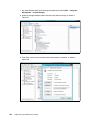
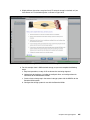
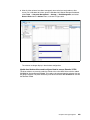
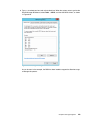
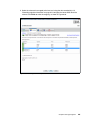
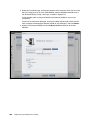
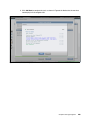
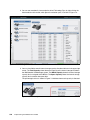
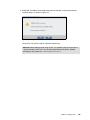
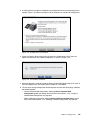
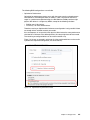
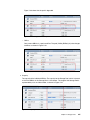
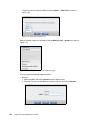
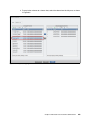
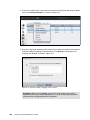
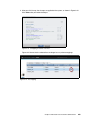
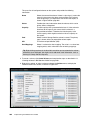
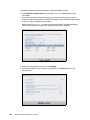
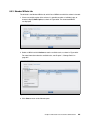
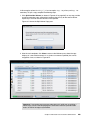
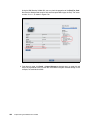
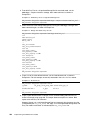
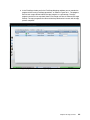
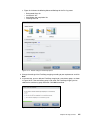
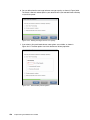
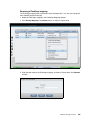
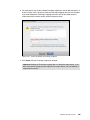
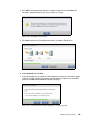
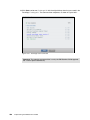
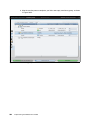
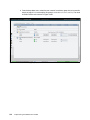
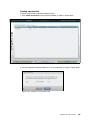
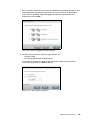
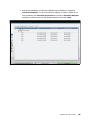
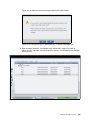
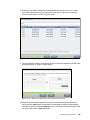
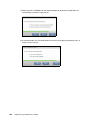
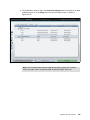
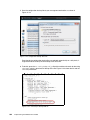
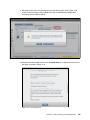
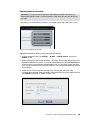
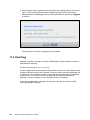
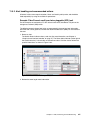
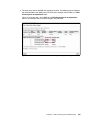
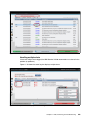
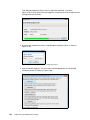
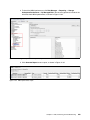
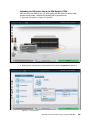
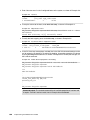
6. After the software has been uploaded, the test utility is automatically run and, if there are
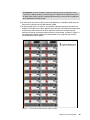
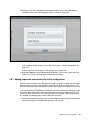
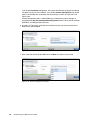
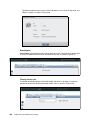
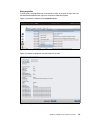
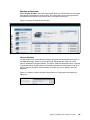
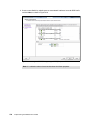
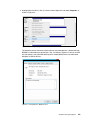
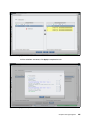
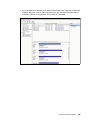
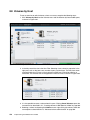
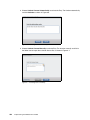
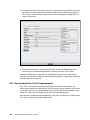
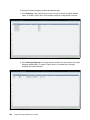
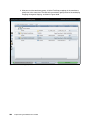
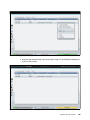
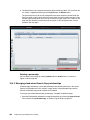
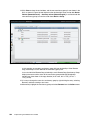
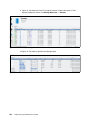
no issues, the system is placed in a Prepared state, as shown in Figure 11-38.
Figure 11-38 Update System status: Prepared state
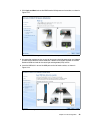
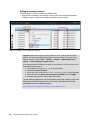
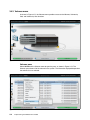
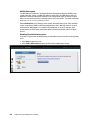
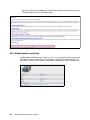
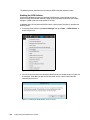
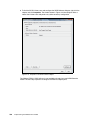
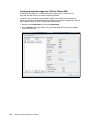
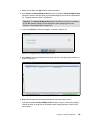
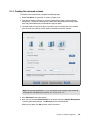
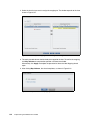
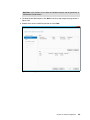
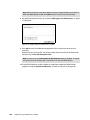
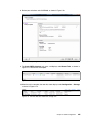
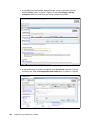
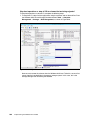
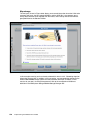
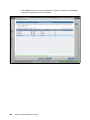
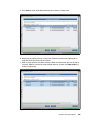
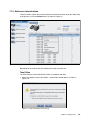
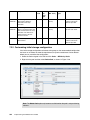
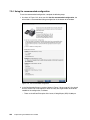
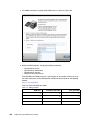
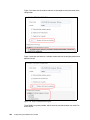
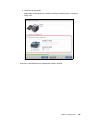
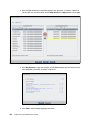
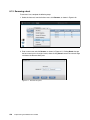
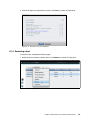
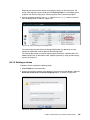
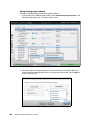
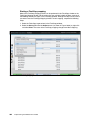
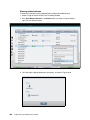
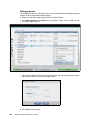
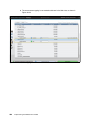
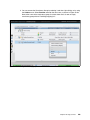
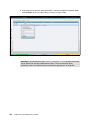
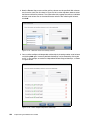
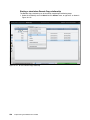
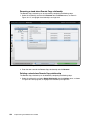
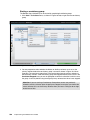
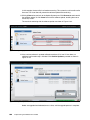
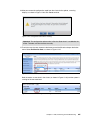
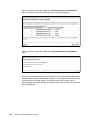
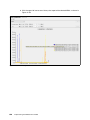
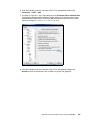
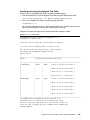
7. Non-configuration nodes are updated first, leaving the configuration node until last.
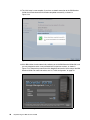
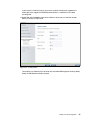
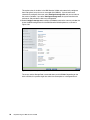
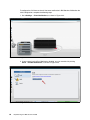
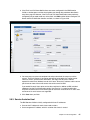
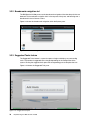
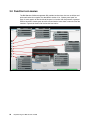
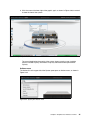
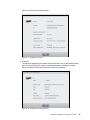
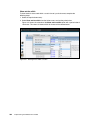
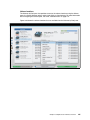
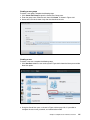
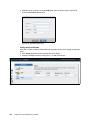
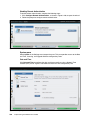
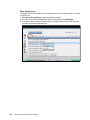
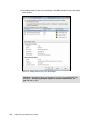
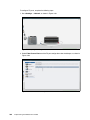
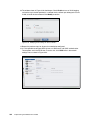
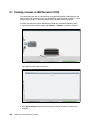
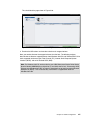
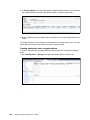
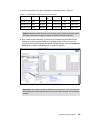
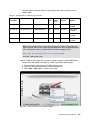
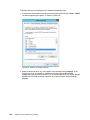
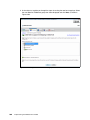
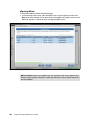
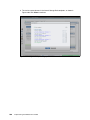
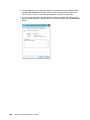
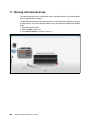
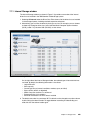
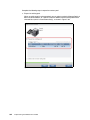
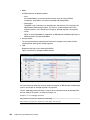
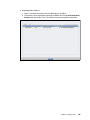
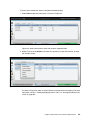
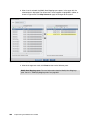
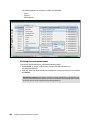
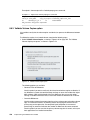
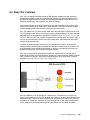
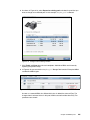
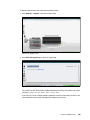
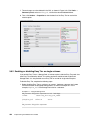
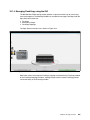
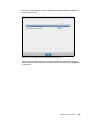
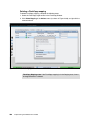
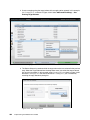
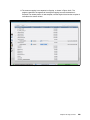
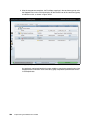
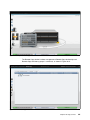
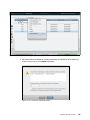
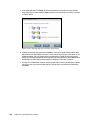
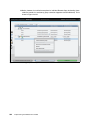
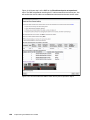
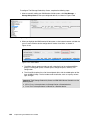
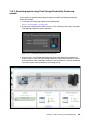
In the management GUI, select Monitoring → System and hover over the canisters to
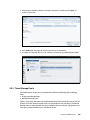
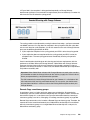
confirm which is or are the non-configuration node or nodes, as shown in Figure 11-39.
Figure 11-39 Checking the Configuration node status
Chapter 11. RAS, monitoring, and troubleshooting
603