1
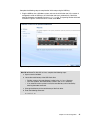
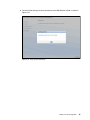
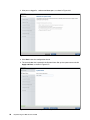
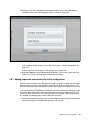
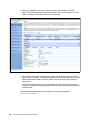
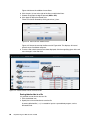
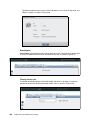
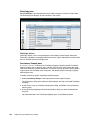
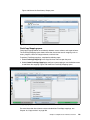
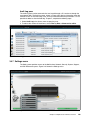
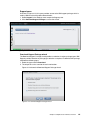
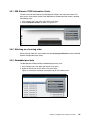
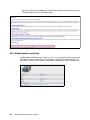
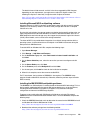
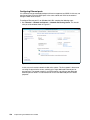
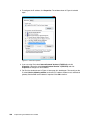
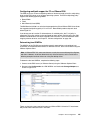
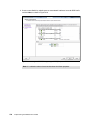
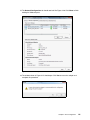
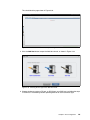
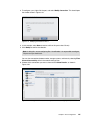
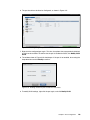
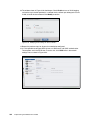
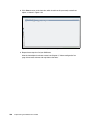
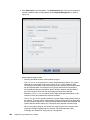
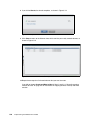
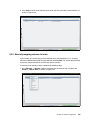
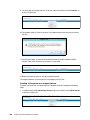
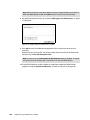
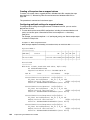
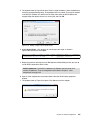
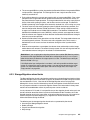
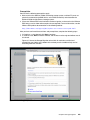
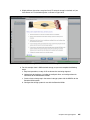
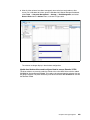
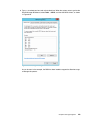
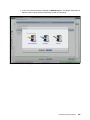
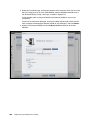
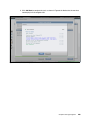
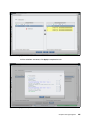
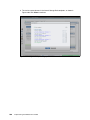
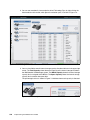
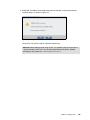
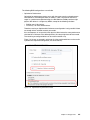
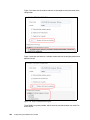
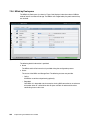
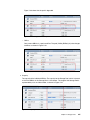
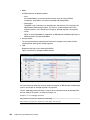
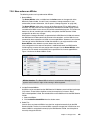
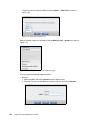
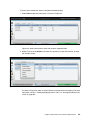
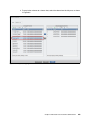
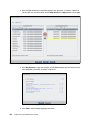
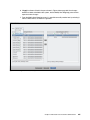
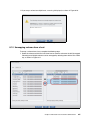
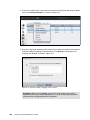
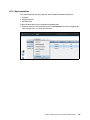
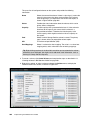
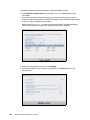
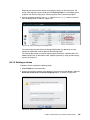
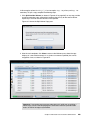
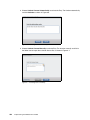
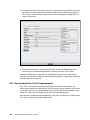
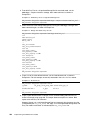
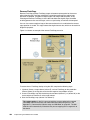
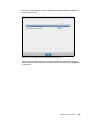
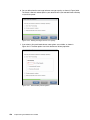
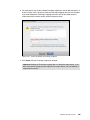
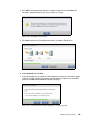
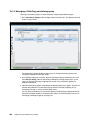
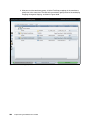
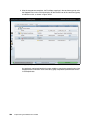
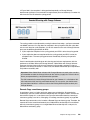
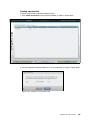
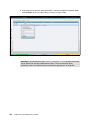
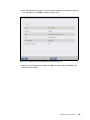
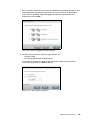
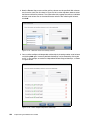
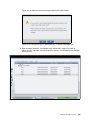
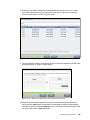
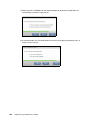
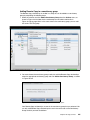
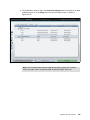
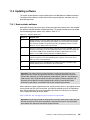
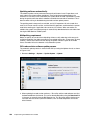
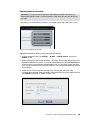
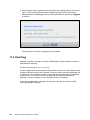
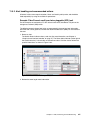
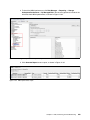
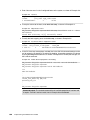
18.If the canister software is updated to Storwize software V7.4 from V7.3 or lower, an extra
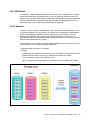
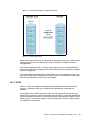
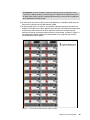
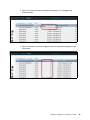
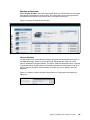
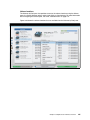
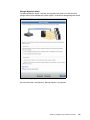
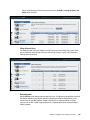
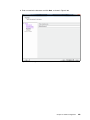
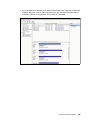
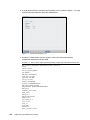
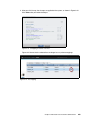
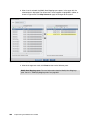
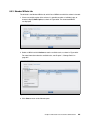
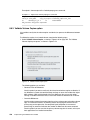
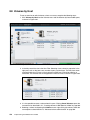
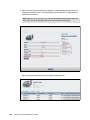
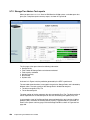
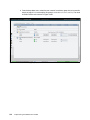
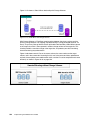
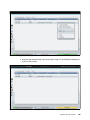
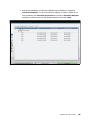
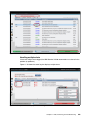
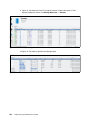
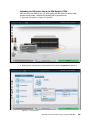
confirmation step is included. Click Confirm Update to proceed as shown in Figure 11-49.
Figure 11-49 Update System: Confirm Update
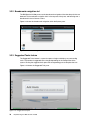
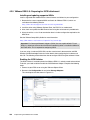
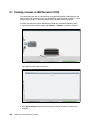
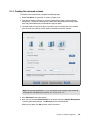
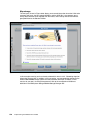
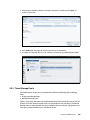
11.4.2 Upgrading drive firmware
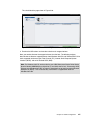
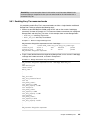
In previous versions of IBM Storwize code, it was only possible to upgrade the drive firmware
from the CLI using the applydrivesoftware command, after manually uploading the firmware
files to the /home/admin/upgrade directory of the IBM Storwize V3700. This process is
detailed in Appendix A, “Command-line interface setup and SAN Boot” on page 647.
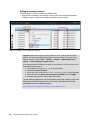
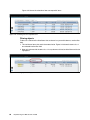
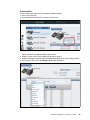
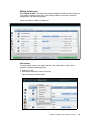
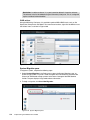
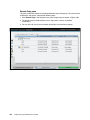
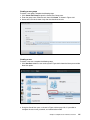
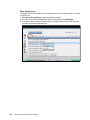
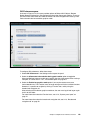
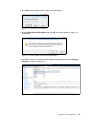
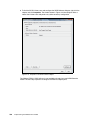
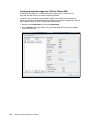
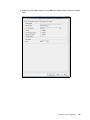
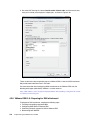
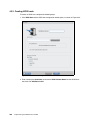
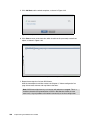
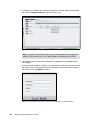
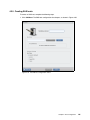
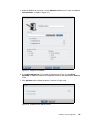
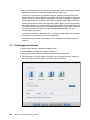
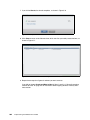
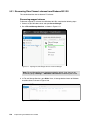
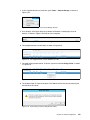
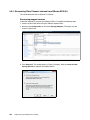
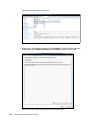
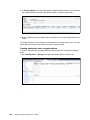
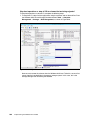
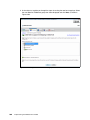
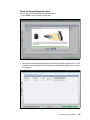
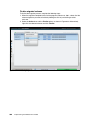
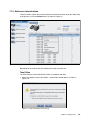
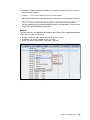
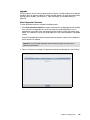
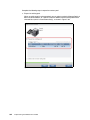
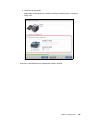
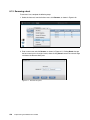
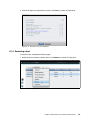
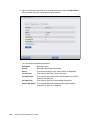
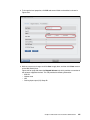
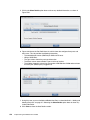
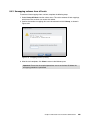
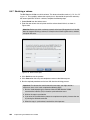
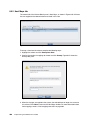
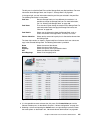
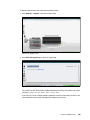
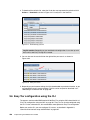
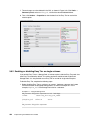
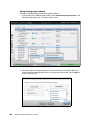
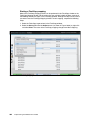
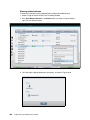
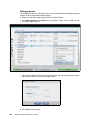
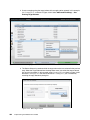
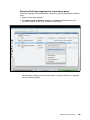
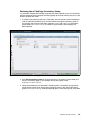
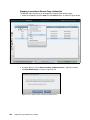
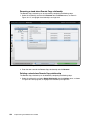
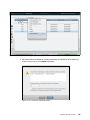
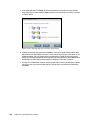
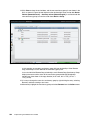
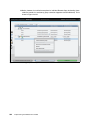
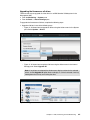
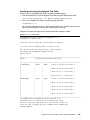
As of Storwize software V7.4, the drive firmware can be upgraded using the GUI. The user
can choose to upgrade all drives or select an individual drive.
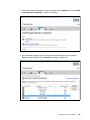
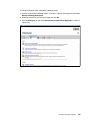
Download the latest Drive Upgrade package from the IBM Support site:
http://www.ibm.com/support/entry/portal/support
608
Implementing the IBM Storwize V3700