1
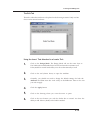
Design Tutorial: Part I
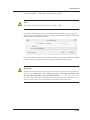
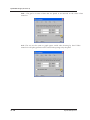
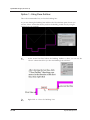
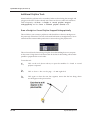
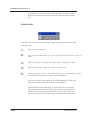
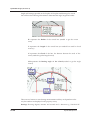
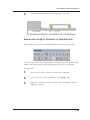
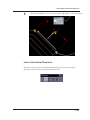
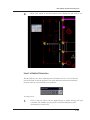
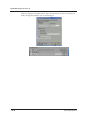
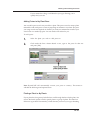
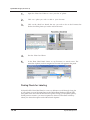
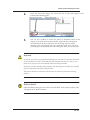
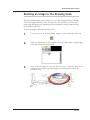
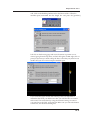
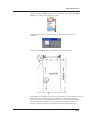
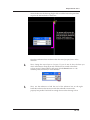
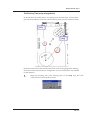
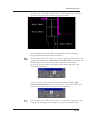
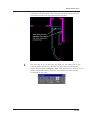
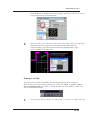
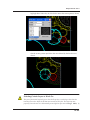
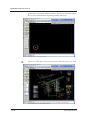
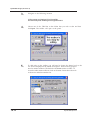
connect the planting bed to and left-click. Right-click to finish drawing the
planting bed and press [Esc].
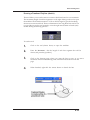
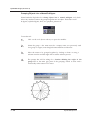
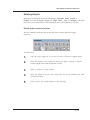
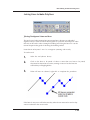
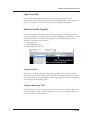
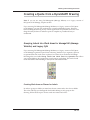
Altering the Plantbed Shape
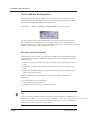
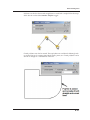
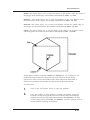
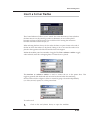
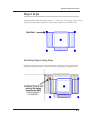
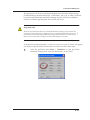
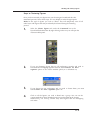
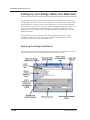
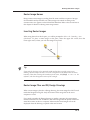
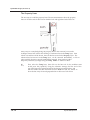
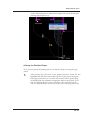
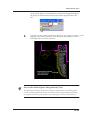
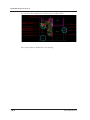
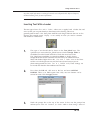
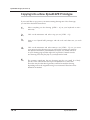
Once you have placed the planting bed you can alter the shape of it using the ‘grip
points’.
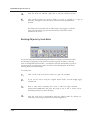
1.
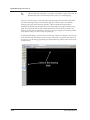
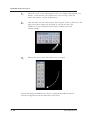
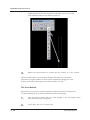
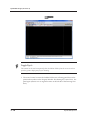
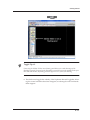
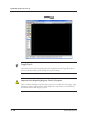
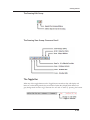
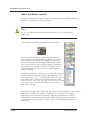
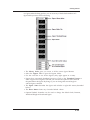
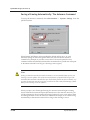
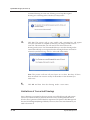
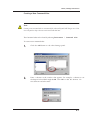
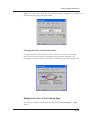
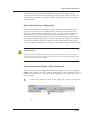
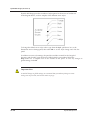
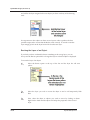
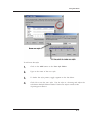
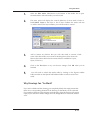
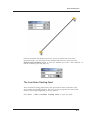
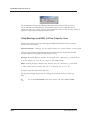
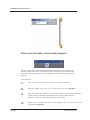
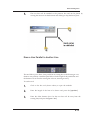
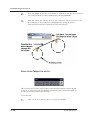
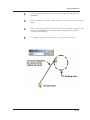
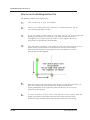
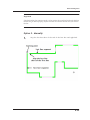
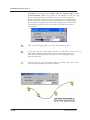
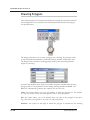
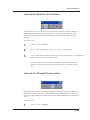
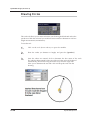
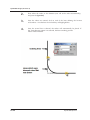
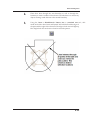
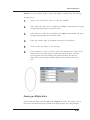
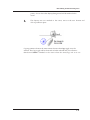
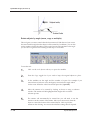
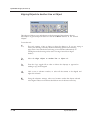
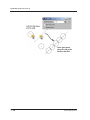
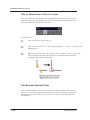
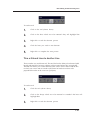
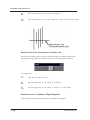
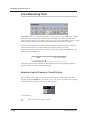
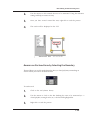
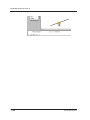
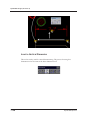
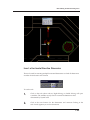
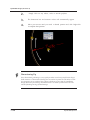
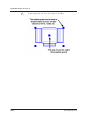
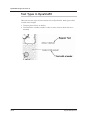
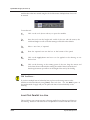
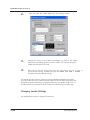
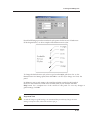
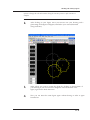
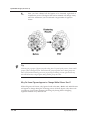
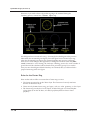
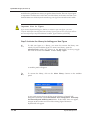
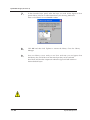
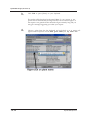
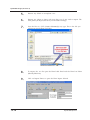
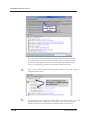
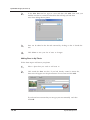
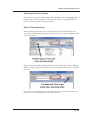
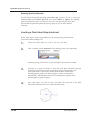
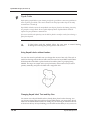
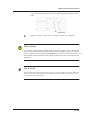
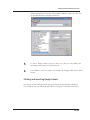
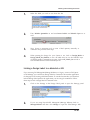
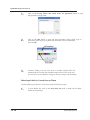
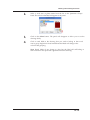
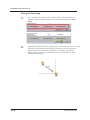
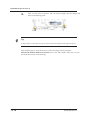
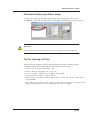
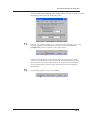
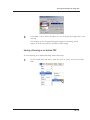
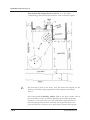
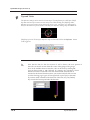
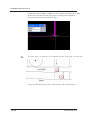
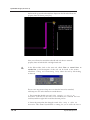
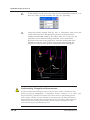
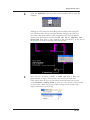
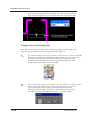
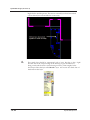
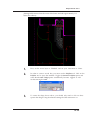
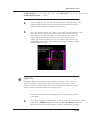
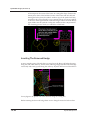
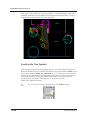
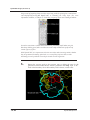
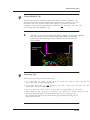
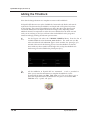
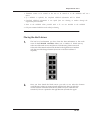
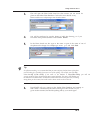
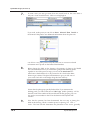
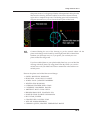
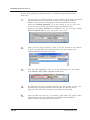
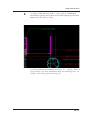
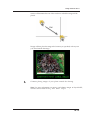
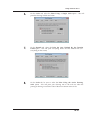
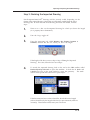
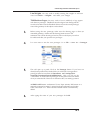
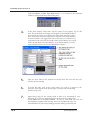
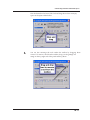
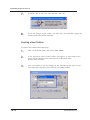
After pressing [Esc], left-click on the planting bed line. Notice the line
highlights blue and that a series of blue squares, or grip points, also appear.
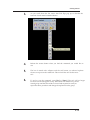
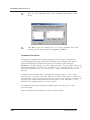
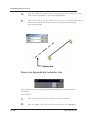
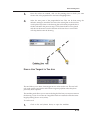
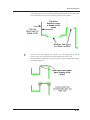
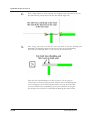
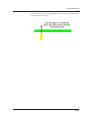
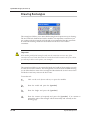
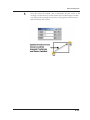
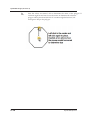
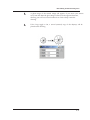
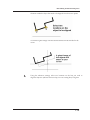
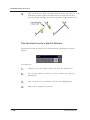
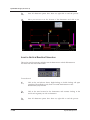
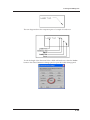
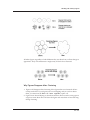
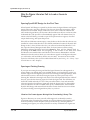
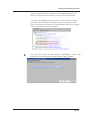
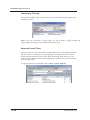
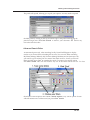
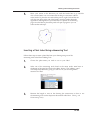
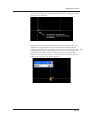
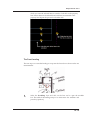
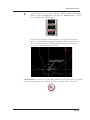
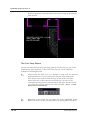
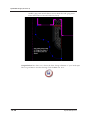
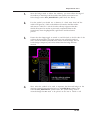
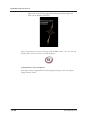
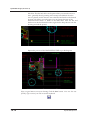
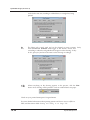
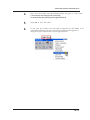
These grip points allow you to stretch and move the various points along
the planting bed line, ultimately changing the shape of the polyline. If you
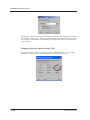
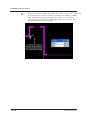
find your planting bed has ‘kinks’ or the flow is not consistent and you
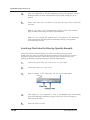
wish to change the shape, left-click on the line and use the grip points. The
15.37