1
Customizing and Other Advanced Topics
4.
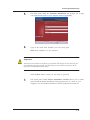
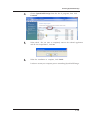
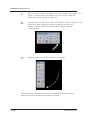
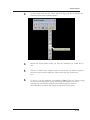
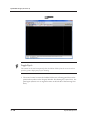
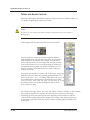
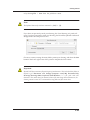
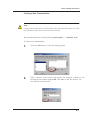
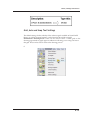
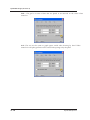
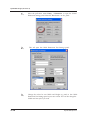
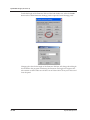
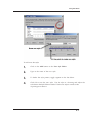
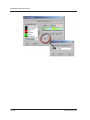
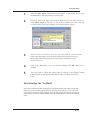
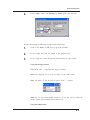
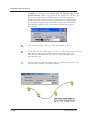
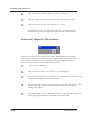
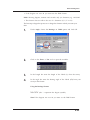
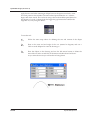
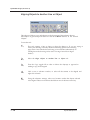
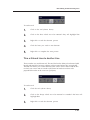
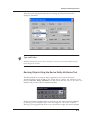
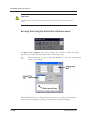
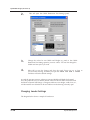
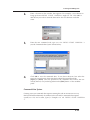
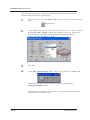
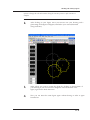
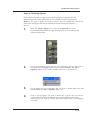
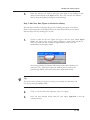
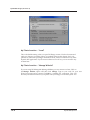
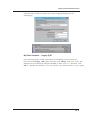
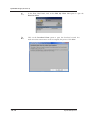
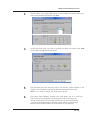
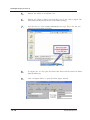
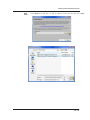
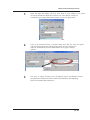
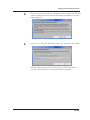
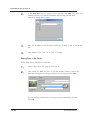
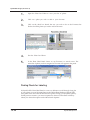
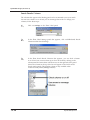
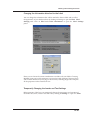
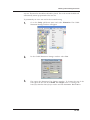
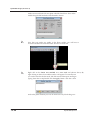
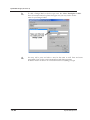
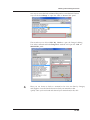
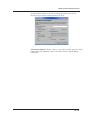
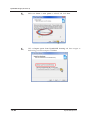
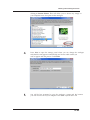
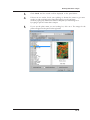
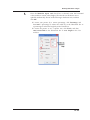
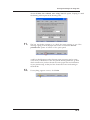
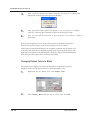
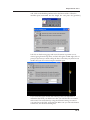
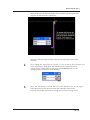
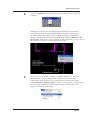
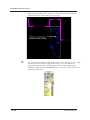
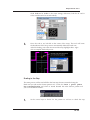
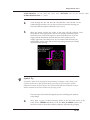
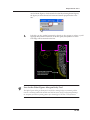
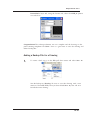
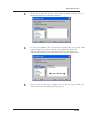
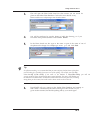
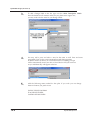
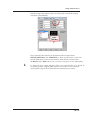
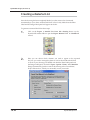
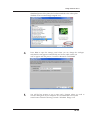
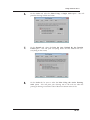
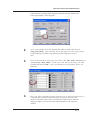
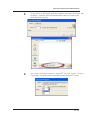
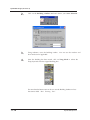
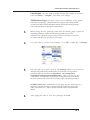
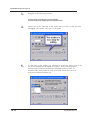
Next, save the toolbox into the following folder and give it a new name:
C:\Documents and Settings\(User Name)\My
Documents\DynaSCAPEDS\panels\english\TOOLSS
5.
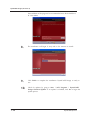
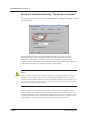
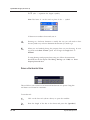
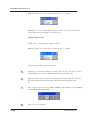
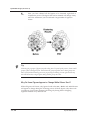
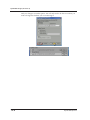
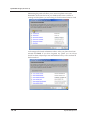
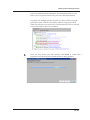
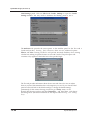
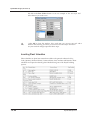
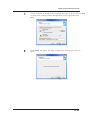
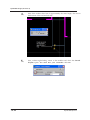
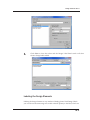
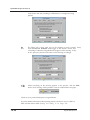
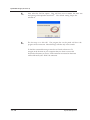
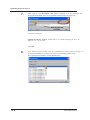
Click OK to close the editor.
6.
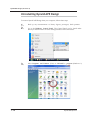
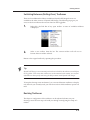
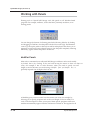
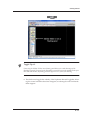
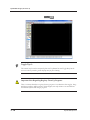
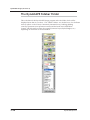
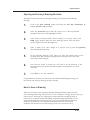
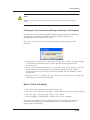
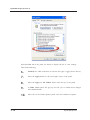
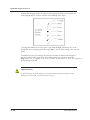
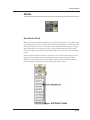
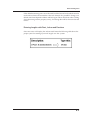
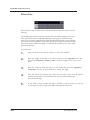
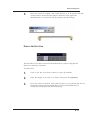
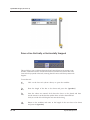
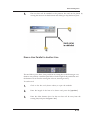
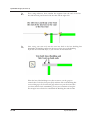
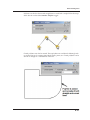
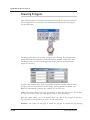
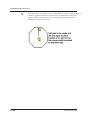
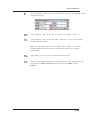
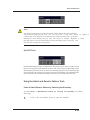
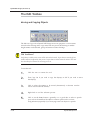
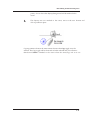
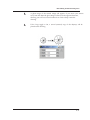
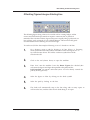
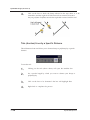
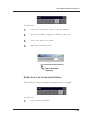
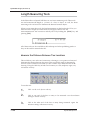
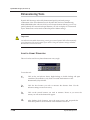
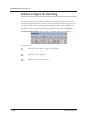
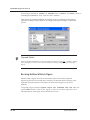
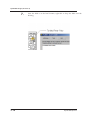
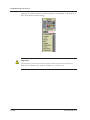
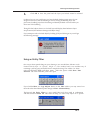
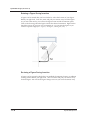
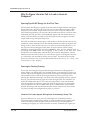
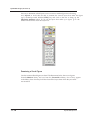
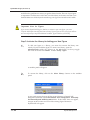
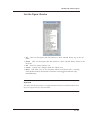
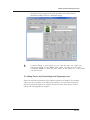
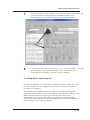
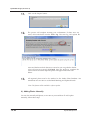
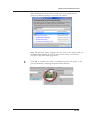
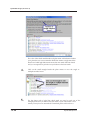
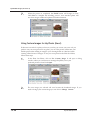
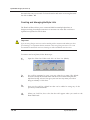
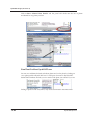
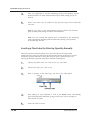
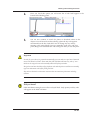
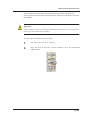
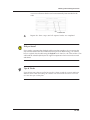
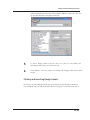
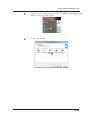
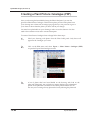
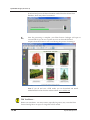
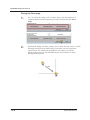
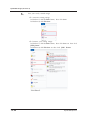
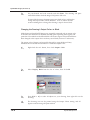
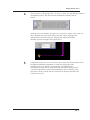
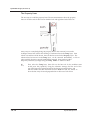
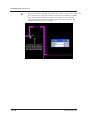
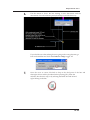
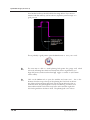
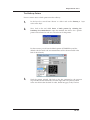
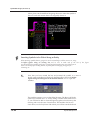
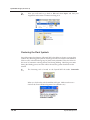
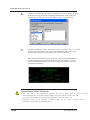
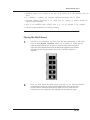
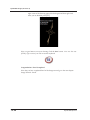
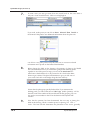
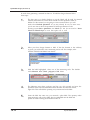
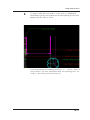
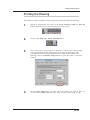
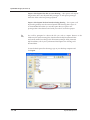
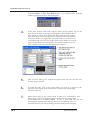
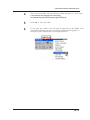
To use your new toolbox you will need to right-click on the titlebar of an
open toolbox and then pick your new toolbox from the list that appears. It
will open in place of the toolbox you just right-clicked on.
18.13