1
DynaSCAPE Design (version 6.4)
3.
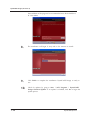
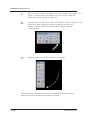
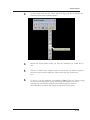
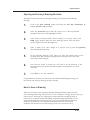
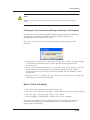
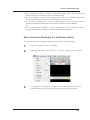
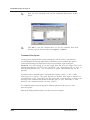
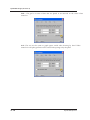
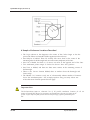
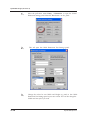
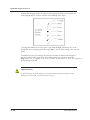
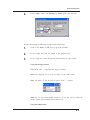
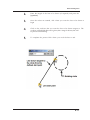
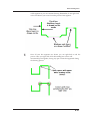
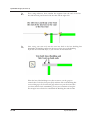
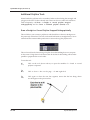
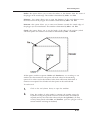
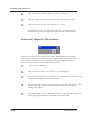
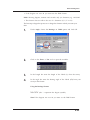
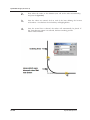
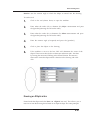
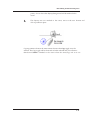
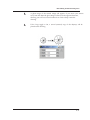
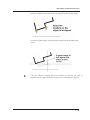
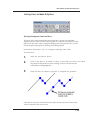
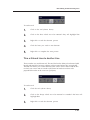
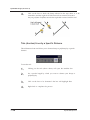
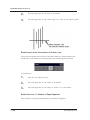
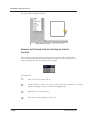
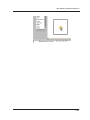
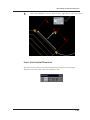
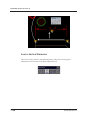
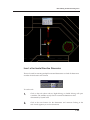
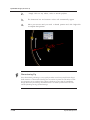
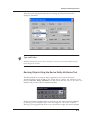
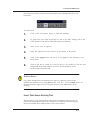
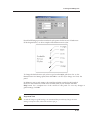
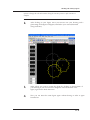
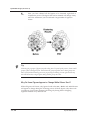
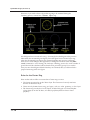
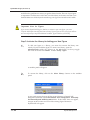
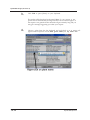
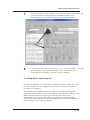
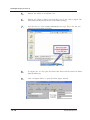
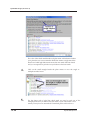
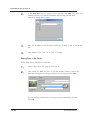
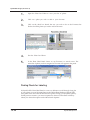
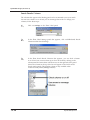
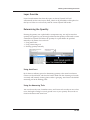
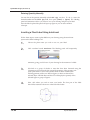
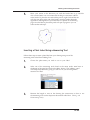
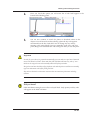
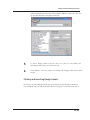
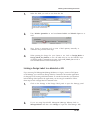
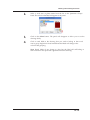
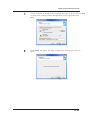
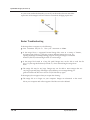
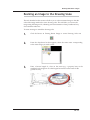
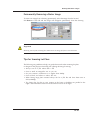
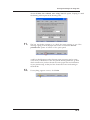
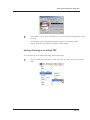
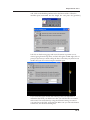
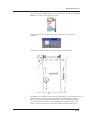
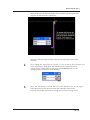
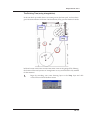
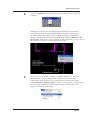
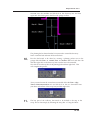
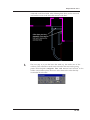
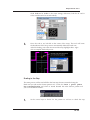
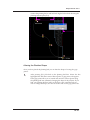
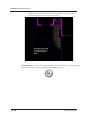
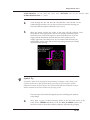
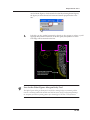
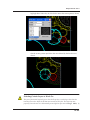
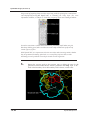
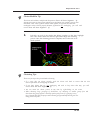
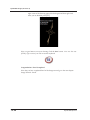
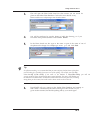
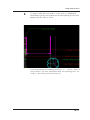
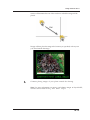
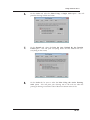
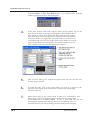
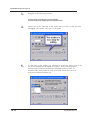
Once all dimension points have been set, right-click to end the process.
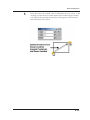
4.
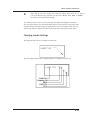
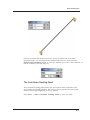
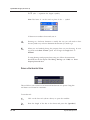
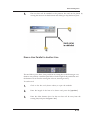
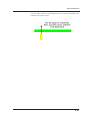
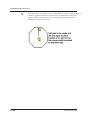
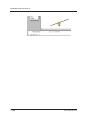
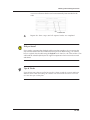
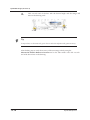
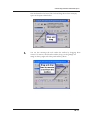
Move your mouse to set the location of the dimensions and click to set
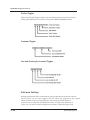
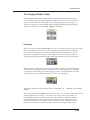
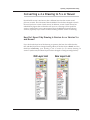
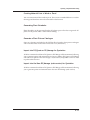
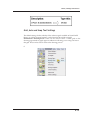
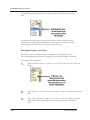
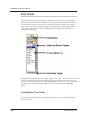
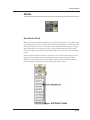
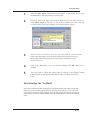
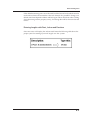
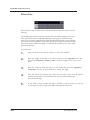
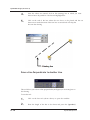
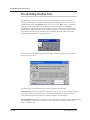
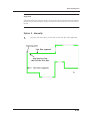
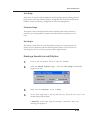
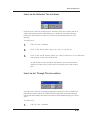
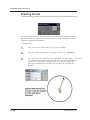
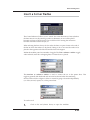
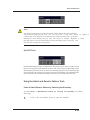
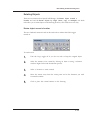
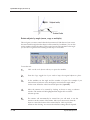
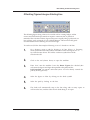
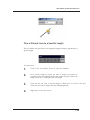
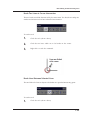
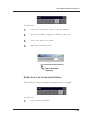
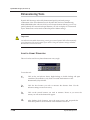
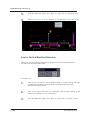
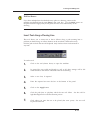
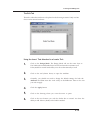
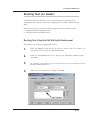
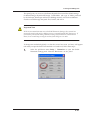
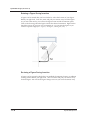
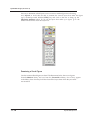
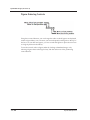
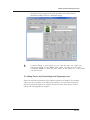
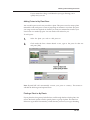
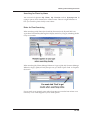
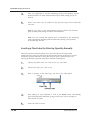
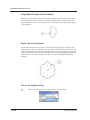
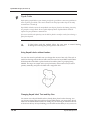
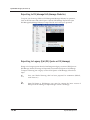
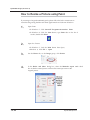
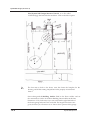
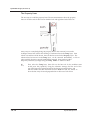
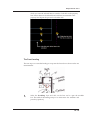
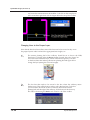
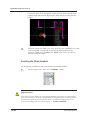
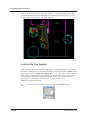
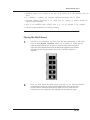
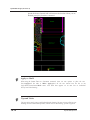
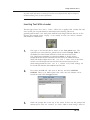
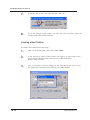
Insert a Vertical Baseline Dimension
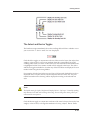
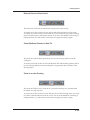
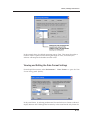
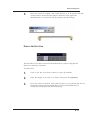
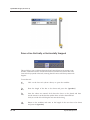
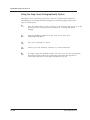
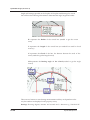
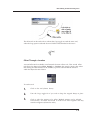
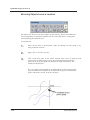
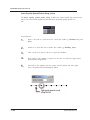
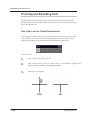
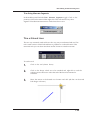
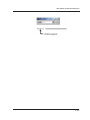
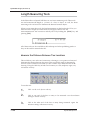
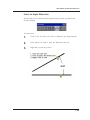
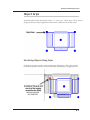
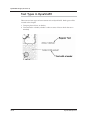
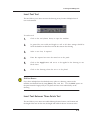
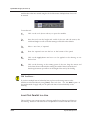
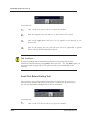
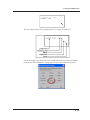
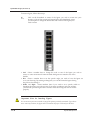
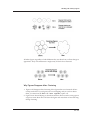
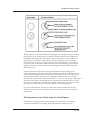
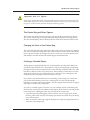
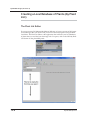
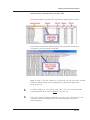
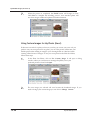
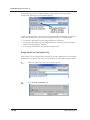
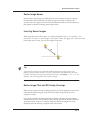
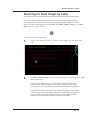
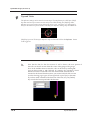
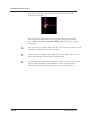
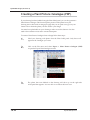
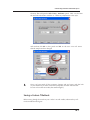
This tool is used for inserting multiple vertical dimensions in which all dimensions
are taken from the same start location
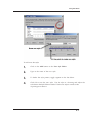
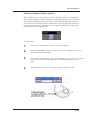
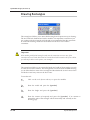
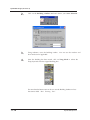
To use the tool:
7.50
1.
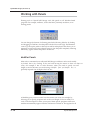
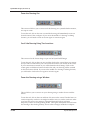
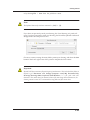
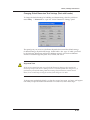
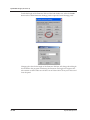
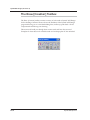
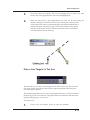
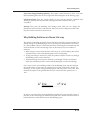
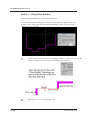
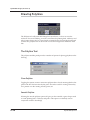
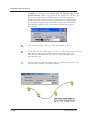
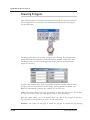
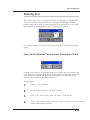
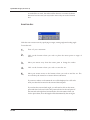
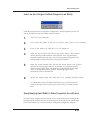
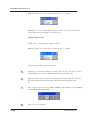
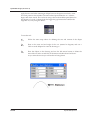
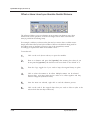
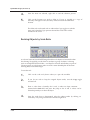
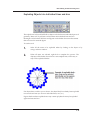
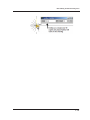
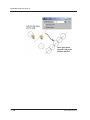
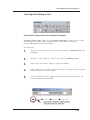
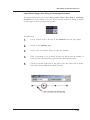
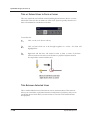
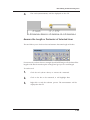
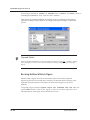
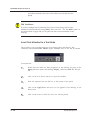
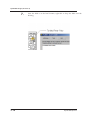
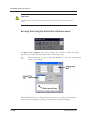
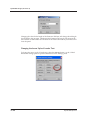
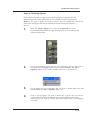
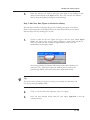
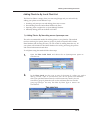
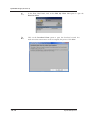
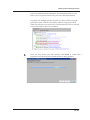
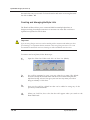
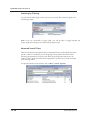
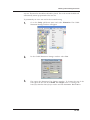
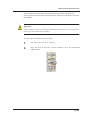
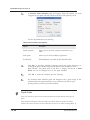
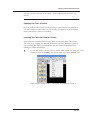
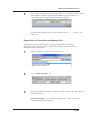
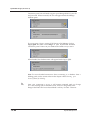
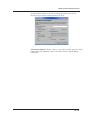
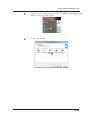
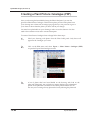
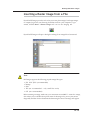
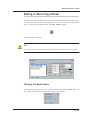
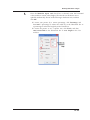
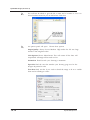
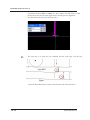
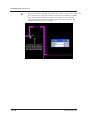
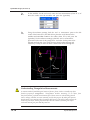
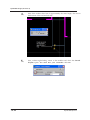
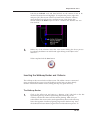
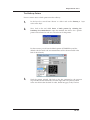
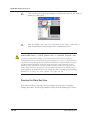
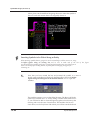
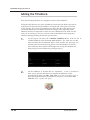
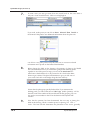
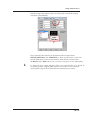
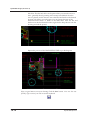
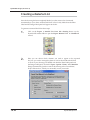
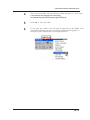
Click on the tool (shown above). Right-clicking or double clicking will open
a modifier. The modifier is only used to override the dimension value
determined by DynaSCAPE
2.
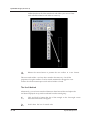
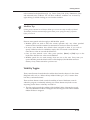
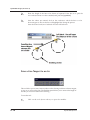
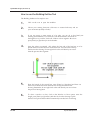
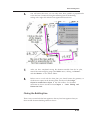
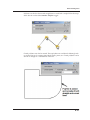
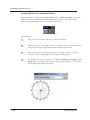
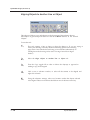
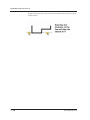
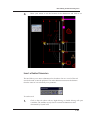
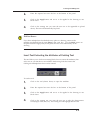
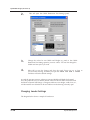
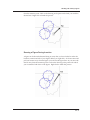
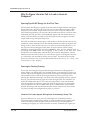
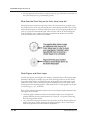
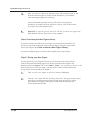
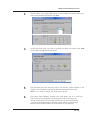
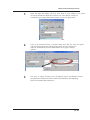
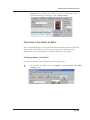
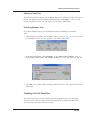
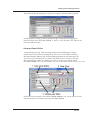
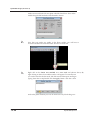
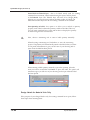
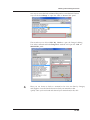
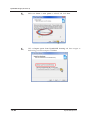
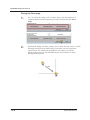
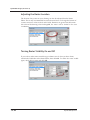
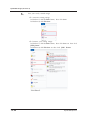
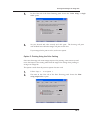
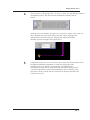
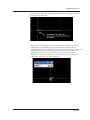
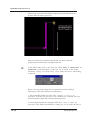
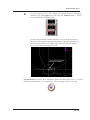
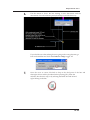
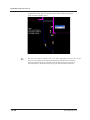
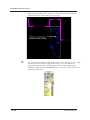
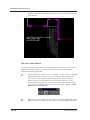
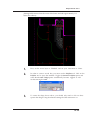
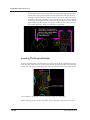
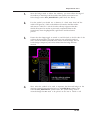
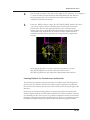
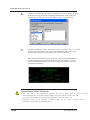
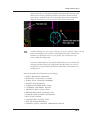
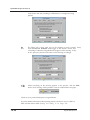
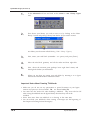
Click at the start location for the dimensions and continue clicking at the
end of each segment you wish to dimension.
3.
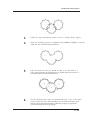
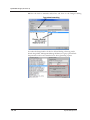
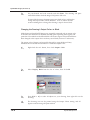
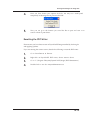
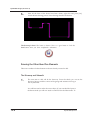
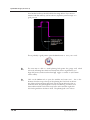
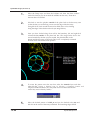
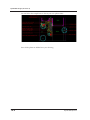
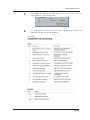
Once all dimension points have been set, right-click to end the process.
DynaSCAPE Software