1
CoPilot User’s Manual
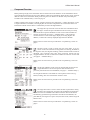
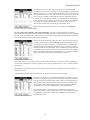
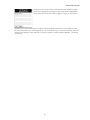
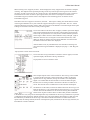
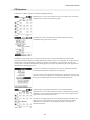
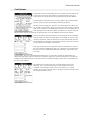
Tapping on a segment bar opens a window that displays a summary of the
data for that segment. If an alternate destination is defined, a summary of the
route to the alternate is also displayed (see “IFR Operations” on page “16”).
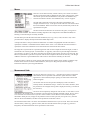
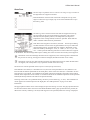
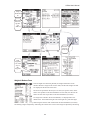
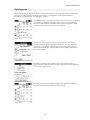
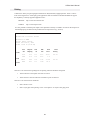
The Weight & Balance and Flight Plan forms display separate subforms for
each segment.
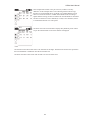
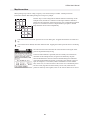
Display the next segment.
Display the previous segment.
Copy data from the previous segment.
Copy data from the next segment.
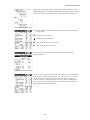
The Fuel Summary form displays the fuel summary for the currently
displayed segment.
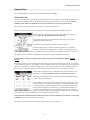
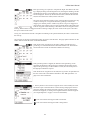
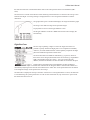
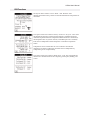
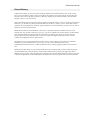
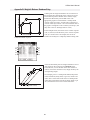
There is a button on the top left of the Weight & Balance form that specifies
if the aircraft is refueled for this segment. If the button is set to “no refuel”
(as shown here), the fuel stations are set to the fuel remaining from the
previous segment(s). Tapping the button sets it to “refuel", and the fuel for
the segment is entered. Setting the button to “refuel” will set the fuel to the
default value from the aircraft database.
18