1
CoPilot User’s Manual
External Memory
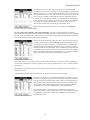
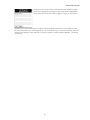
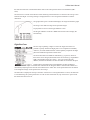
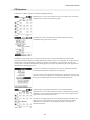
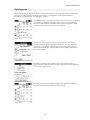
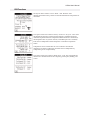
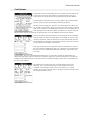
CoPilot has the ability to move the system waypoint database to an external memory card. There is a new
Move to External Memory button on the System Waypoint Database form (open with the System Waypoint
Database menu item on the Options menu). If there is a database on the external memory card, the button
changes to Move to Internal Memory.
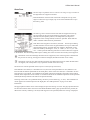
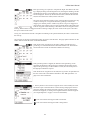
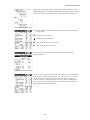
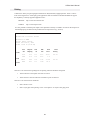
Most operations should work properly with the database in external memory. The two exceptions are the Find
buttons (e.g. on the Edit Leg form), and the Mid button on the Delete, Change or Insert form. Both of these
operations are exceedingly slow when the waypoint database is in external memory. In both cases, the Cancel
button can be used to stop the search.
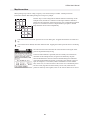
Rather than transfer an internal database to the card, it is possible to HotSync a database directly to the
external card. Any file with a file type of .way (e.g. xyz.way) is placed in the correct directory on the memory
card. The Palm Install Tool must be used to select the file. In order for this facility to work, at least one
HotSync must have been performed with a version of CoPilot that supports this feature. This is so that
CoPilot can tell HotSync where to place the file.
The third way to get a waypoint database onto the card is to write it directly to the card via a card reader
attached to a pc. The file should be a .way file (e.g. xyz.way), and it should be placed in the
/Palm/Programs/CoPilot directory. CoPilot renames the file to CoPilot_Waypoint.pdb the next time that it
runs.
Rather than use this facility, it may be more beneficial to use an external utility to place CoPilot and/or the
waypoint database into external memory. Most of these utilities work by copying the application and/or
database to main memory when the application is launched. This has the disadvantage that it takes a long time
to launch the application, but the advantage that the application runs at full speed once it has been launched.
23