1
Reports and Printing
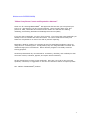
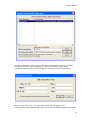
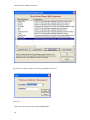
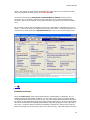
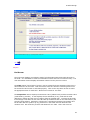
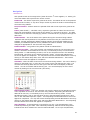
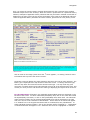
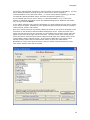
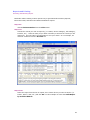
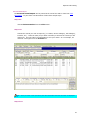
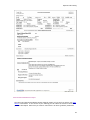
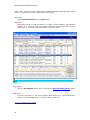
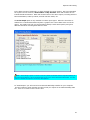
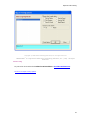
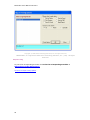
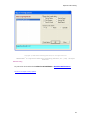
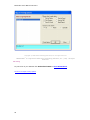
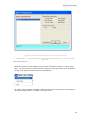
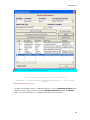
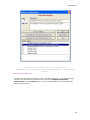
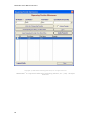
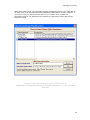
In the latest version of Intelicode, we have changed the report options. We have separated
the reports into two sections, All Providers and By Provider. Each tab contains its own
individual Audit Summaries. Both tabs contain some of the same reports, including Issues &
Recommendations, Audit by Patient, Provider Net Fee Totals, etc.
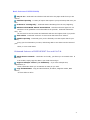
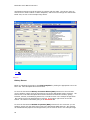
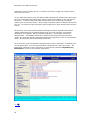
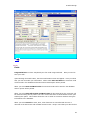
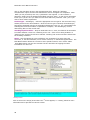
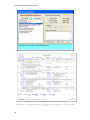
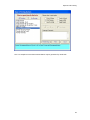
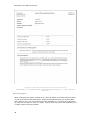
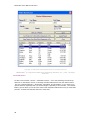
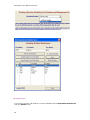
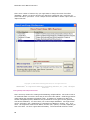
The Print Graph option is only available on select report types. When the check box is
enabled if it is selected Intelicode will place a graph of the current data at the end of the
report. The graphs can help you and providers identify trouble areas quickly and give a
different format for returning data after an audit.
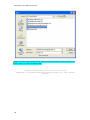
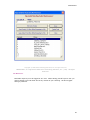
NOTE: when saving a report in Word™ or Excel™ please be advised that the original formatting of
the report will be altered. This is something that is out of our control and cannot be helped. You will
need to re-format the report to correct any discrepancies.
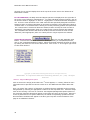
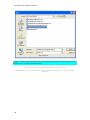
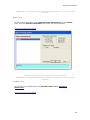
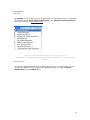
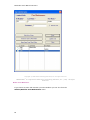
To "Email Report" you will need to have Microsoft Outlook® installed on your computer.
This will create an email message and will include your report as an Adobe Acrobat® PDF
file. There is no need to save it as one first.
47