1
IDEP for Windows
IDEP User Manual
13.6 Repair
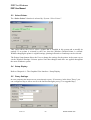
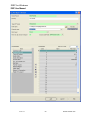
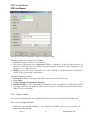
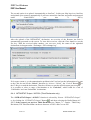
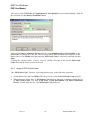
The tool for registering DLLs is available on most Windows versions: REGSVR32.
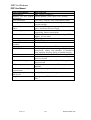
For every DLL that IDEP/CN8 requires IdepTest checks if the required DLL is available and
has the required version. If the DLL is not correctly registered it is possible to correct
(repair) this by using the built-in repair feature of IdepTest. This will execute an operation
similar to REGSVR32.
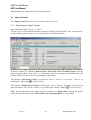
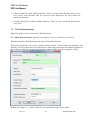
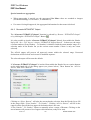
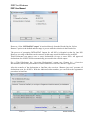
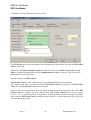
If the tool did not encounter any repairable problems with the DLLs the repair feature is not
available.
13.7 Uninstall
A complete de-installation of IDEP, including any system files that may have been installed
is normally done by the Windows Installer via the Control Panel/Add and Remove
Programs. If this fails for some reason it is considered extremely dangerous to try
uninstalling with another tool as this could render the system useless if shared system files
are removed (it is very difficult, if not impossible, to detect if a system file is shared on a
system where the Windows Installer based de-installation failed in the first place).
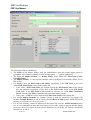
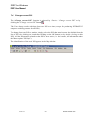
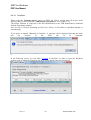
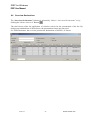
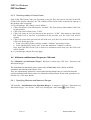
If IdepTest detected IDEP uninstallation information the uninstall feature will be enabled. If
this feature is invoked only the uninstallation information and DLLs installed by IDEP’s
Install program will be removed. Any user data and shortcuts that may be available will not
be deleted.
13.8 IDEP Helpdesk
+32 2 221 44 11 (NL - EN)
+32 2 221 44 33 (FR)
email: [email protected]
9-Jan-15
-102-
IDNet15manE.doc