1
IDEP for Windows
IDEP User Manual
Special remarks on aggregation:
When aggregation is carried out, the aggregated Net Mass values are rounded to integers
(scientific rounding: 0.5 becomes 1, 0.4 becomes 0).
If a return is being disapproved, the aggregated information for that return is deleted.
8.4.3 Generate INTRASTAT Output.
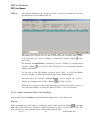
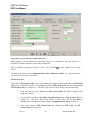
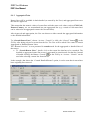
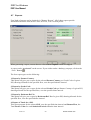
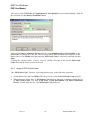
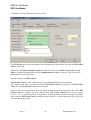
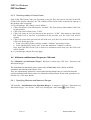
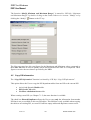
The “Generate INTRASTAT Output” function is selected by “Return / INTRASTAT Output”
or by clicking the “INTRASTAT Output” Button
.
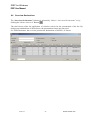
It is also possible to invoke “Generate INTRASTAT Output” directly from within the Header
list by the “Alt + F10” key or “Actions / INTRASTAT Output Returns”. In that case, the range
of return numbers (From Number – To Number) is initialised with the return number range of a
selection made in the Header list (or the current return number if there is only one return
selected).
The official output will process all approved returns within the selected range. Processed
declarations will be locked and can not be modified anymore.
The selected output will become the default.
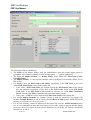
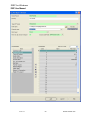
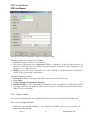
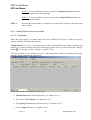
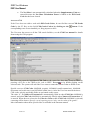
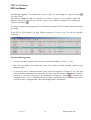
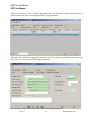
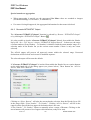
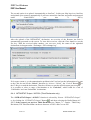
If “Generate INTRASTAT Output” is invoked from within the Header list, two option buttons
on the right hand side of the dialog appear (see picture below). These buttons are “All List
Entries” and “Select Returns”.
Clicking on “Select Returns” will take the current header selection from the Header list to fill
in the range fields “From Number” “To Number”. Clicking “All List Entries” will fill in the
range from the first till the last approved declaration that is not sent.
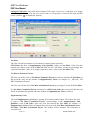
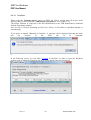
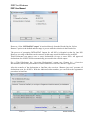
“From Number” “To Number” allows to manually select a range of Returns. Clicking on the
arrow buttons will present a list of approved declarations (ready to be sent).
9-Jan-15
-65-
IDNet15manE.doc