1
EOAP
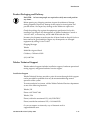
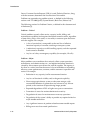
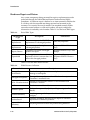
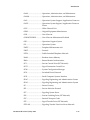
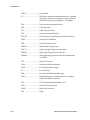
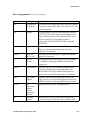
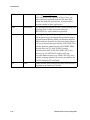
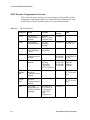
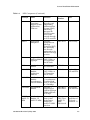
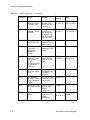
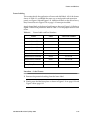
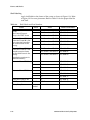
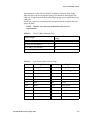
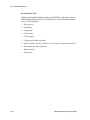
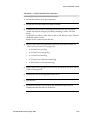
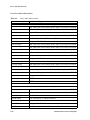
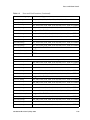
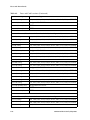
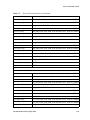
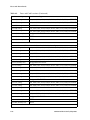
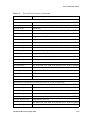
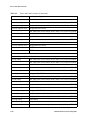
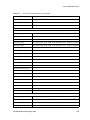
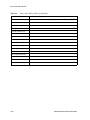
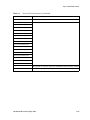
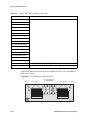
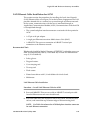
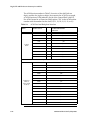
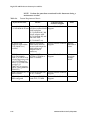
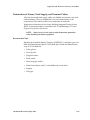
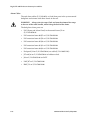
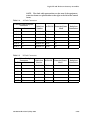
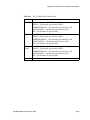
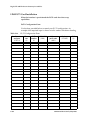
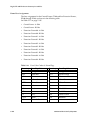
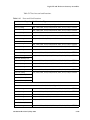
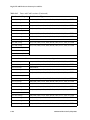
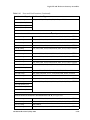
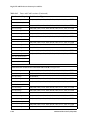
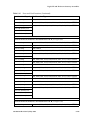
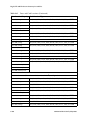
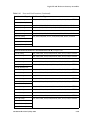
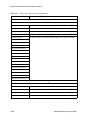
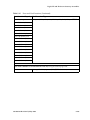
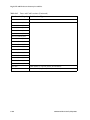
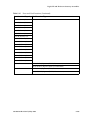
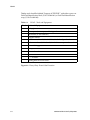
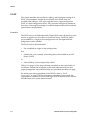
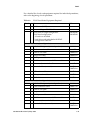
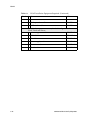
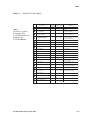
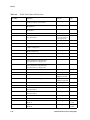
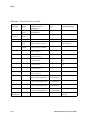
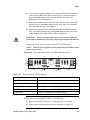
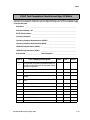
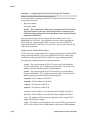
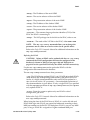
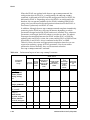
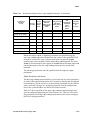
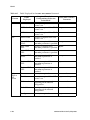
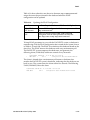
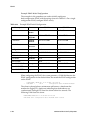
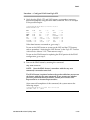
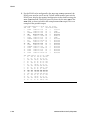
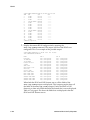
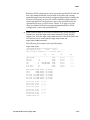
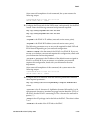
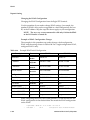
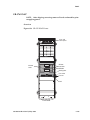
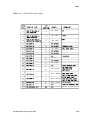
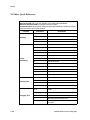
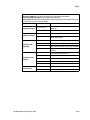
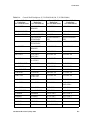
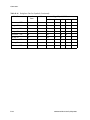
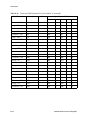
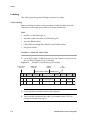
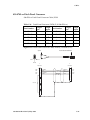
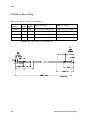
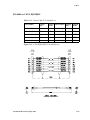
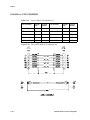
Table 6-3 list the equipment required for an initial installation of the EOAP.
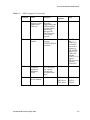
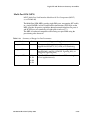
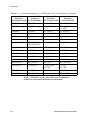
Table 6-2.
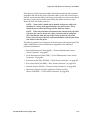
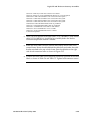
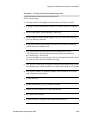
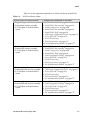
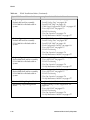
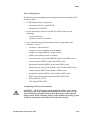
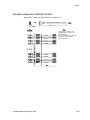
EOAP Installation Order
If your EOAP was delivered with...
...complete the installation in this order
• Single configuration
• Packed shelf and fan assembly
• P/N 830-0398-xx B clock cable in
system
1. “Install B Clock Cable” on page 5-99
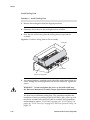
2. “Install EOAP Fan Assembly” on page 6-16
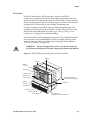
3. “Install Cooling Duct” on page 6-20
4. “Install EOAP Fan Assembly” on page 6-16
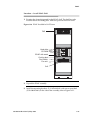
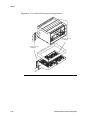
5. “Install EOAP Shelf” on page 6-23
6. “Cable Single-Configuration EOAP” on page 6-35
7. “Power Up EOAP” on page 6-73
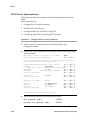
8. “EOAP Provisioning
9. “Test Fan Operation” on page 6-74
10.“Set Up Maintenance Modem” on page 6-77
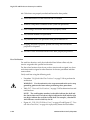
• Dual configuration
• Packed shelf and fan assembly
• P/N 830-0398-xx B clock cable in
system
1. “Install B Clock Cable” on page 5-99
2. “Install EOAP Fan Assembly” on page 6-16
3. “Install Cooling Duct” on page 6-20
4. “Install EOAP Shelf” on page 6-23
5. “Dual-Configuration Cabling” on page 6-38
6. “Power Up EOAP” on page 6-73
7. “EOAP Provisioning
8. “Test Fan Operation” on page 6-74
9. “Set Up Maintenance Modem” on page 6-77
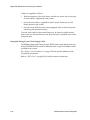
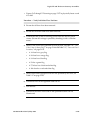
• Single configuration
• Preinstalled shelf and fan assembly
• P/N 830-0398-xx B clock cable in
system
1. “Install B Clock Cable” on page 5-99
2. “Cable Single-Configuration EOAP” on page 6-35
3. “Power Up EOAP” on page 6-73
4. “EOAP Provisioning
5. “Test Fan Operation” on page 6-74
6. “Set Up Maintenance Modem” on page 6-77
• Dual configuration
• Preinstalled shelf and fan assembly
• P/N 830-0398-xx B clock cable in
system
1. “Install B Clock Cable” on page 5-99
2. “Dual-Configuration Cabling” on page 6-38
3. “Power Up EOAP” on page 6-73
4. “EOAP Provisioning
5. “Test Fan Operation” on page 6-74
6. “Set Up Maintenance Modem” on page 6-77
910-4601-01 Revision D, May 2005
6-9