1
EOAP
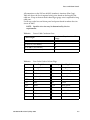
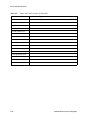
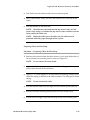
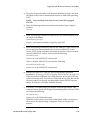
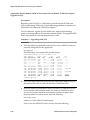
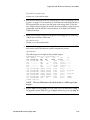
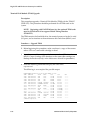
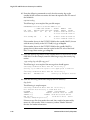
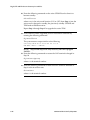
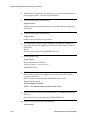
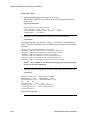
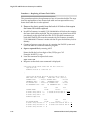
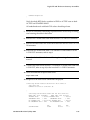
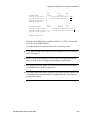
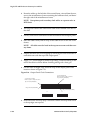
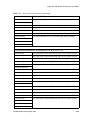
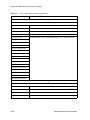
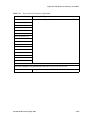
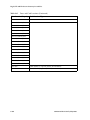
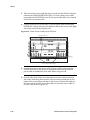
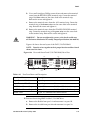
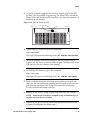
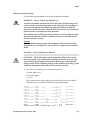
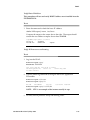
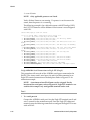
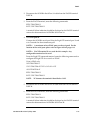
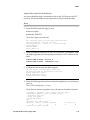
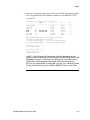
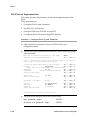
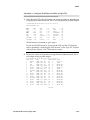
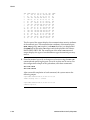
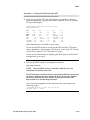
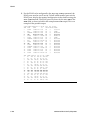
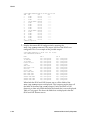
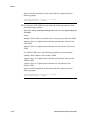
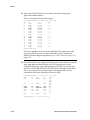
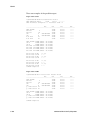
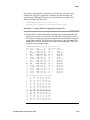
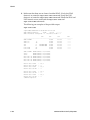
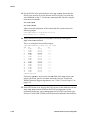
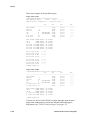
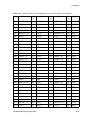
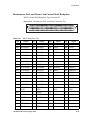
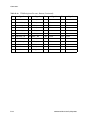
4. Verify the status of the EOAP ports displayed in step 3.. An out-of-service
EOAP port is shown by the entry OOS-MT-DSBLD in the PST field. This is an
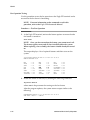
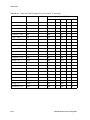
example of the possible output:
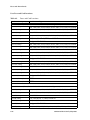
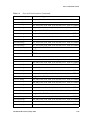
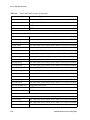
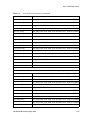
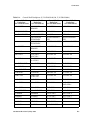
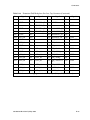
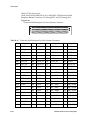
rlghncxa03w 00-06-07 11:34:04
TRM
PST
SST
1
IS-NR
Active
2
IS-NR
Active
3
IS-NR
Active
4
IS-NR
Active
5
IS-NR
Active
6
IS-NR
Active
7
IS-NR
Active
8
IS-NR
Active
9
IS-NR
Active
10
IS-NR
Active
11
IS-NR
Active
12
IS-NR
Active
13
IS-NR
Active
14
IS-NR
Active
15
IS-NR
Active
16
IS-NR
Active
Command Completed.
EST
Rel 26.0.0
AST
-----------------------------------------------------------------
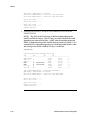
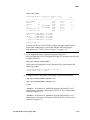
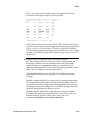
If either EOAP terminal is not out-of-service, go to step 5.. If both EOAP
terminals are out-of-service, go to step 7..
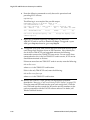
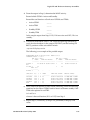
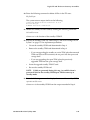
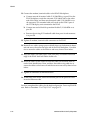
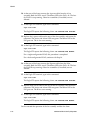
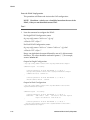
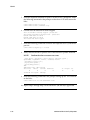
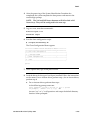
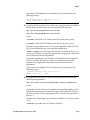
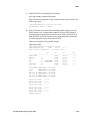
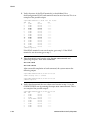
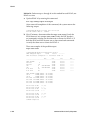
5. Take the terminal out of service using the rmv-trm command and
specifying the ports. Enter these commands:
rmv-trm:trm=4
rmv-trm:trm=10
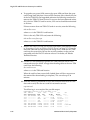
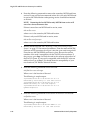
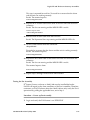
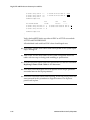
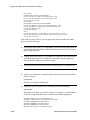
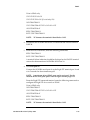
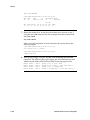
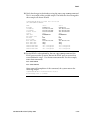
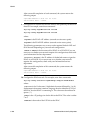
After successful completion of each command, the system returns the
following output:
rlghncxa03w 00-06-07 00:57:31 EST Rel 26.0.0
Inhibit message sent to terminal
rlghncxa03w 00-06-07 00:57:31 EST Rel 26.0.0
Command Completed.
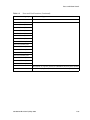
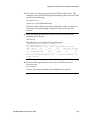
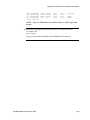
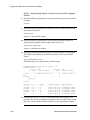
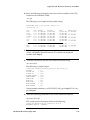
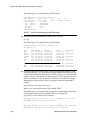
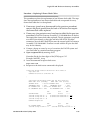
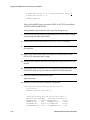
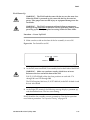
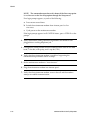
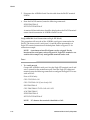
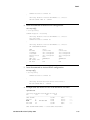
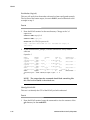
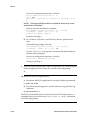
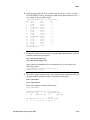
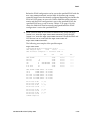
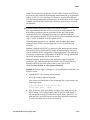
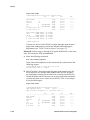
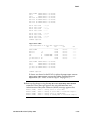
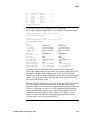
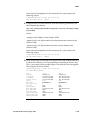
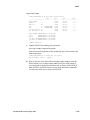
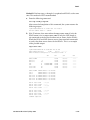
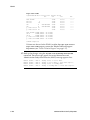
6. Verify that the terminal that was placed out of service in step 5. is in the
OOS-MT-DSBLD state by entering the rept-stat-trm command. This is
an example of the possible output:
910-4601-01 Revision D, May 2005
6-121