Download User Manual

Transcript
User Manual
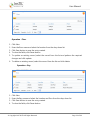
7.
8.
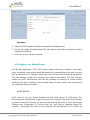
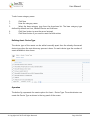
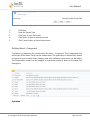
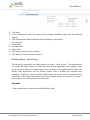
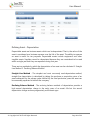
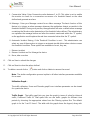
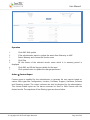
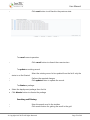
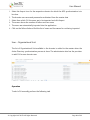
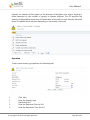
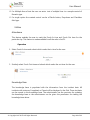
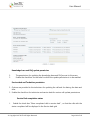
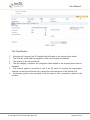
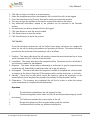
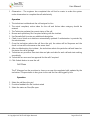
Click Reset button to reset the entries.
Click Cancel button to cancel the process
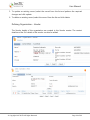
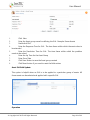
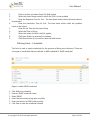
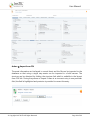
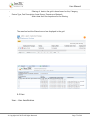
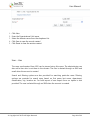
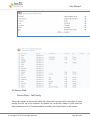
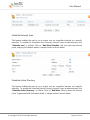
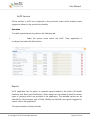
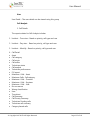
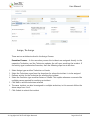
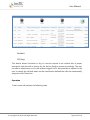
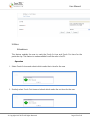
Service Desk – Action Taken
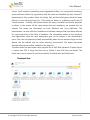
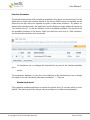
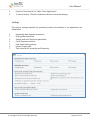
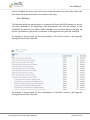
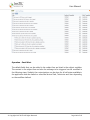
The technician updates the call by describing the action taken for the problem. The
technician can also choose the pre-defined Action taken from the Action taken master. By
default the application comes with a set of default call Action Taken
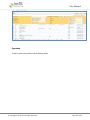
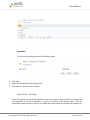
Operation
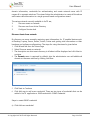
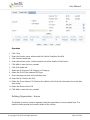
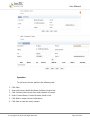
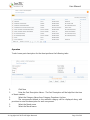
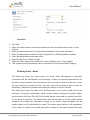
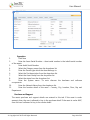
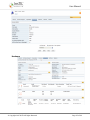
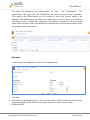
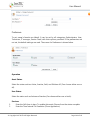
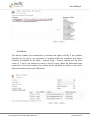
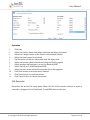
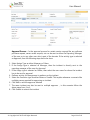
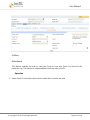
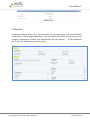
To add a new Action Taken perform the following task
1.
2.
3.
4.
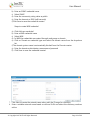
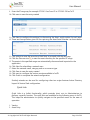
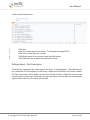
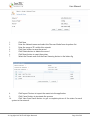
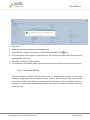
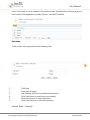
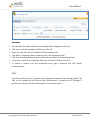
Click New
Enter the description of the Action taken
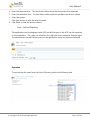
Click Save button to save the record created
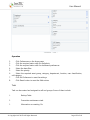
Click Reset button to reset the entries.
© Copyright 2007 InsTIL. All Rights Reserved
Page 94 of 166