Download User Manual

Transcript
User Manual
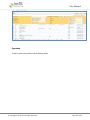
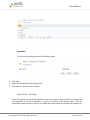
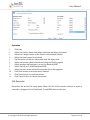
Operation
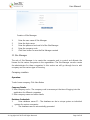
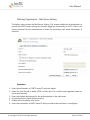
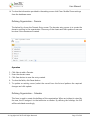
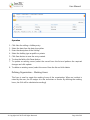
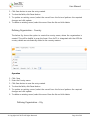
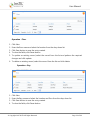
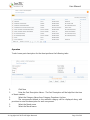
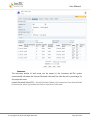
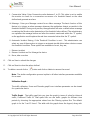
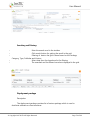
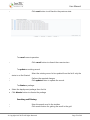
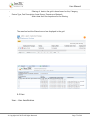
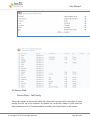
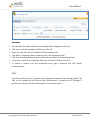
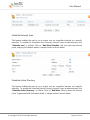
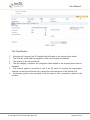
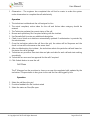
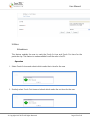
1. The calls with the status closed and completed will be displayed in the grid.
2. Click view to see the complete call history of the call.
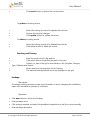
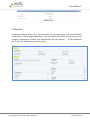
3. Select the calls that has to be added to the knowledge base
4. Click Add to Knowledge base to add the call to the knowledge base.
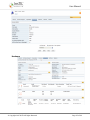
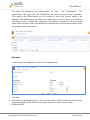
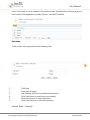
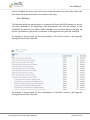
5. Click View Knowledge base to see the calls that are added in the knowledge base
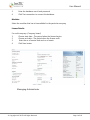
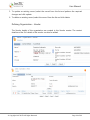
6. To remove a call from the database, select the call and click Remove button.
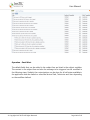
7. To search a content from the knowledge base, type a keyword and click Search
knowledge base
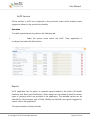
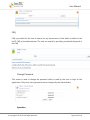
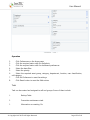
FAQ
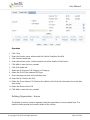
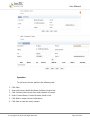
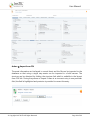
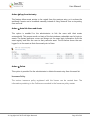
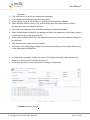
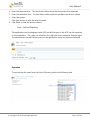
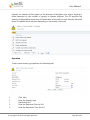
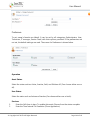
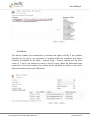
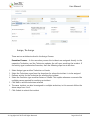
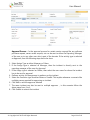
The FAQ module is to use to gather some information related to the queries posted .The
FAQ can be updated by the Service desk, Administrator, Technician and IT Manager if
permissions are given by the Administrator in the settings menu.
© Copyright 2007 InsTIL. All Rights Reserved
Page 99 of 166