Download User Manual
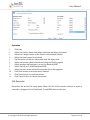
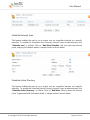
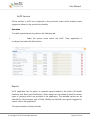
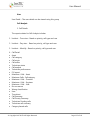
Transcript
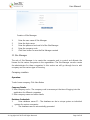
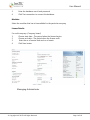
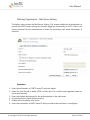
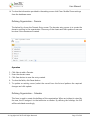
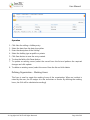
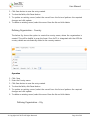
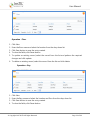
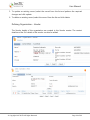
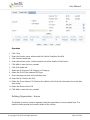
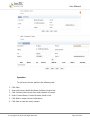
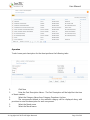
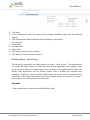
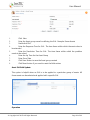
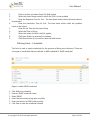
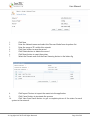
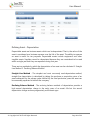
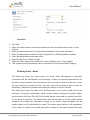
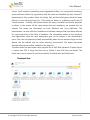
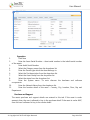
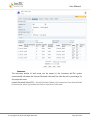
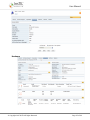
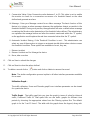
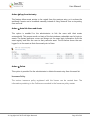
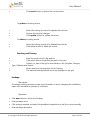
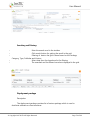
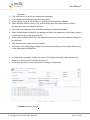
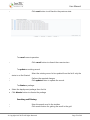
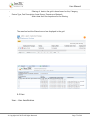
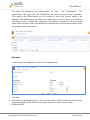
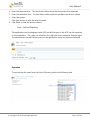
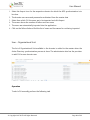
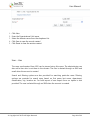
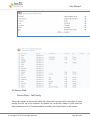
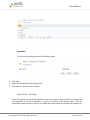
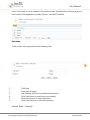
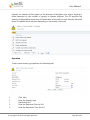
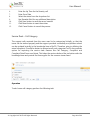
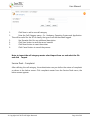
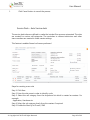
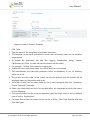
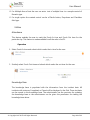
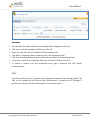
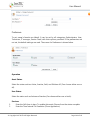
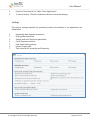
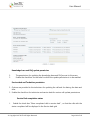
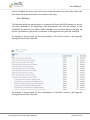
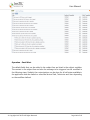
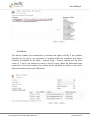
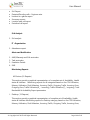
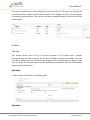
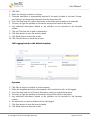
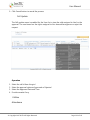
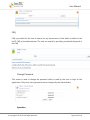
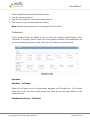
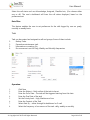
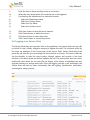
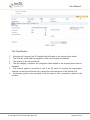
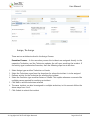
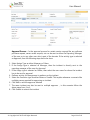
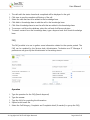
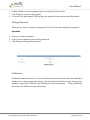
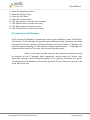
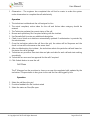
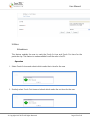
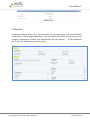
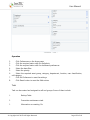
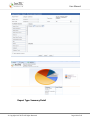
User Manual Operation Click New Select the SLA type – There are four SLA type – Asset Internal (Asset group), Asset External (Vendor), Severity and User SLA. 3. If SLA type is selected as Asset External a. Select vendor name from the dropdown list b. Select the Vendor SLA type as Device or Call Category for which the SLA is fixed in the vendor master 4. Select SLA name from the dropdown list 5. Select the Escalation trigger – Example – Before and After - The SLA can be triggered before the response and resolution type and after the response and resolution time 6. Enable the checkbox and define the time interval at which the alert is to be triggered. 7. Enter the Email id and Mobile number information in the respective column. 8. Click Save button to save the record created 9. Click Reset button to reset the entries. 10. Click Cancel button to cancel the process 1. 2. Warranty / AMC Reminder Reminders are set for whom, when and where the application should remind for Warrant/AMC expiry dates. © Copyright 2007 InsTIL. All Rights Reserved Page 109 of 166