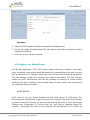
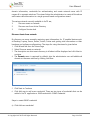
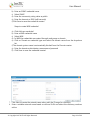
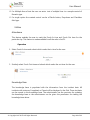
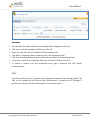
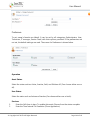
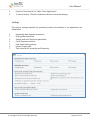
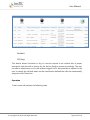
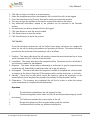
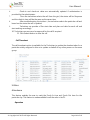
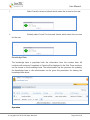
User Manual
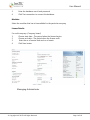
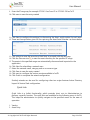
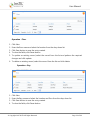
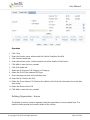
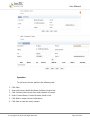
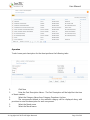
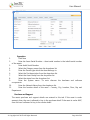
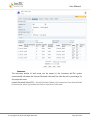
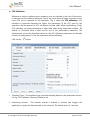
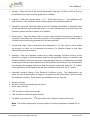
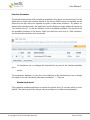
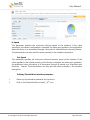
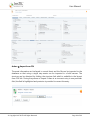
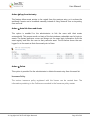
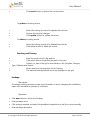
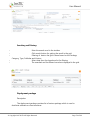
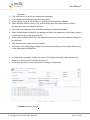
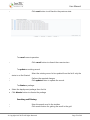
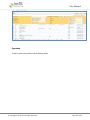
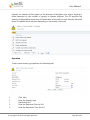
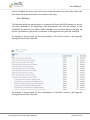
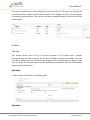
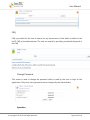
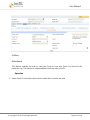
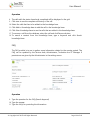
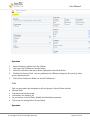
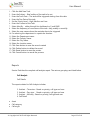
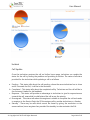
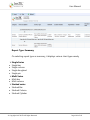
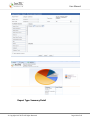
The results are displayed as per the selection criteria made in row, column
and count.
© Copyright 2007 InsTIL. All Rights Reserved
Page 166 of 166