1
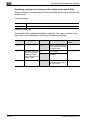
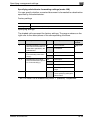
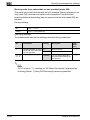
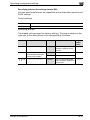
Specifying settings using PageScope Web Connection
9
Logging on to Administrator mode
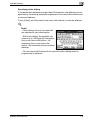
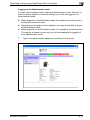
You can switch between User mode and Administrator mode. However, in
order to specify system or network settings, you must be logged on to
Administrator mode.
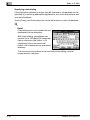
0 When logged on to Administrator mode, the machine’s control panel is
locked and cannot be used.
0 Depending on the status of the machine, you may not be able to log on
to Administrator mode.
0 When logged on to Administrator mode, if no operation is performed for
10 minutes, a timeout occurs and you will automatically be logged off
from Administrator mode.
1
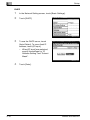
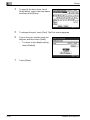
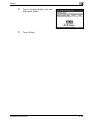
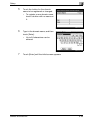
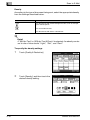
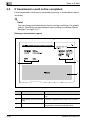
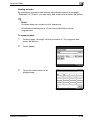
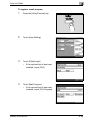
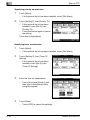
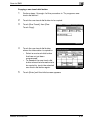
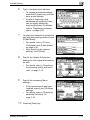
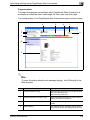
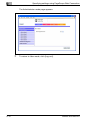
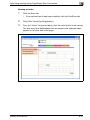
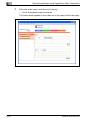
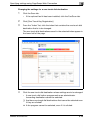
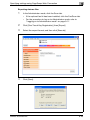
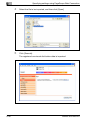
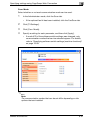
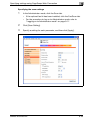
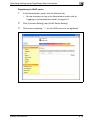
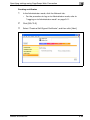
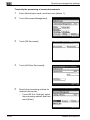
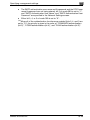
Type in the administrator password, and then click [Log-in].
bizhub 362/282/222
9-11